11. Cue and Cuelists 233
11.9 Understanding Cuelists
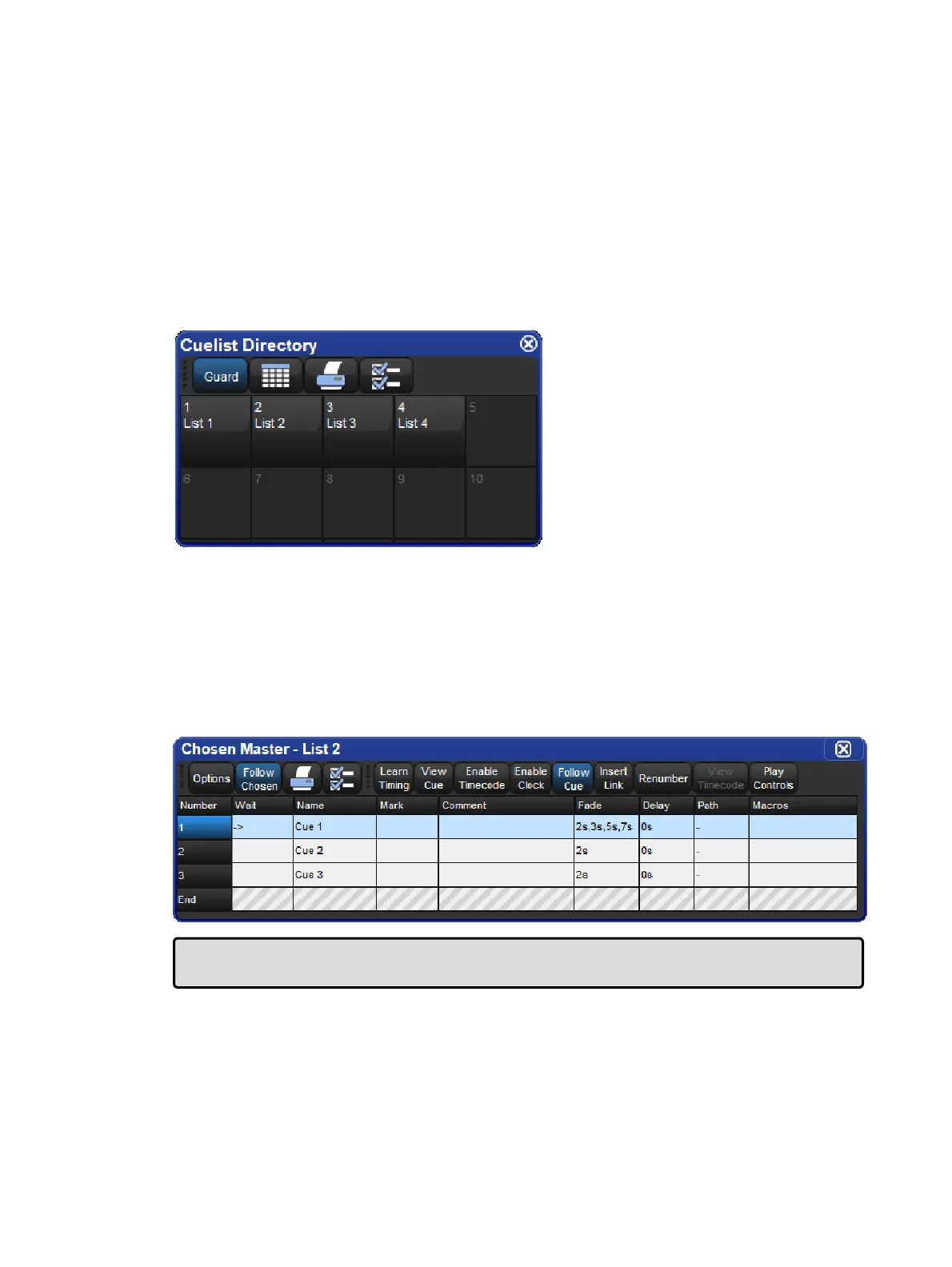
Cuelists are lists of cues, usually used to play back the cues in a defined order. A cue
number is specific to each cuelist, not the entire console, so there can be a cue 1 for cuelists
1, 2 and 3. Cuelists are held in the Cuelist Director y and it is possible to copy or move cues
between cuelists; see Copying and Moving Cues.
To open the Cuelist Directory:
Open + List
Alternatively:
List, List
To open a cuelist
Open + [Cu elist 1] : select a cuelist from the Cuelist Directory.
Or with the command line:
List 1 Open
Or:
Open + Choo se : select the master with the cuelist.
Tip: Cuelist windows can be set to always show the same cuelist or to follow the currently
chosen master: see Cuelist Feedback.











 To Next Page