94 Hog 4 Operations Manual
4.6 Managing Show Data
All show data is stored on the internal hard disk of the console. Show files and folders are
stored in the Shows folder while libraries are stored in the Libraries folder.
As you edit your show file all of your changes are immediately saved to the console's internal
hard disk. In the event of power failure the Hog 4 OS will have already saved the show data to
disk so that none of your work is lost.
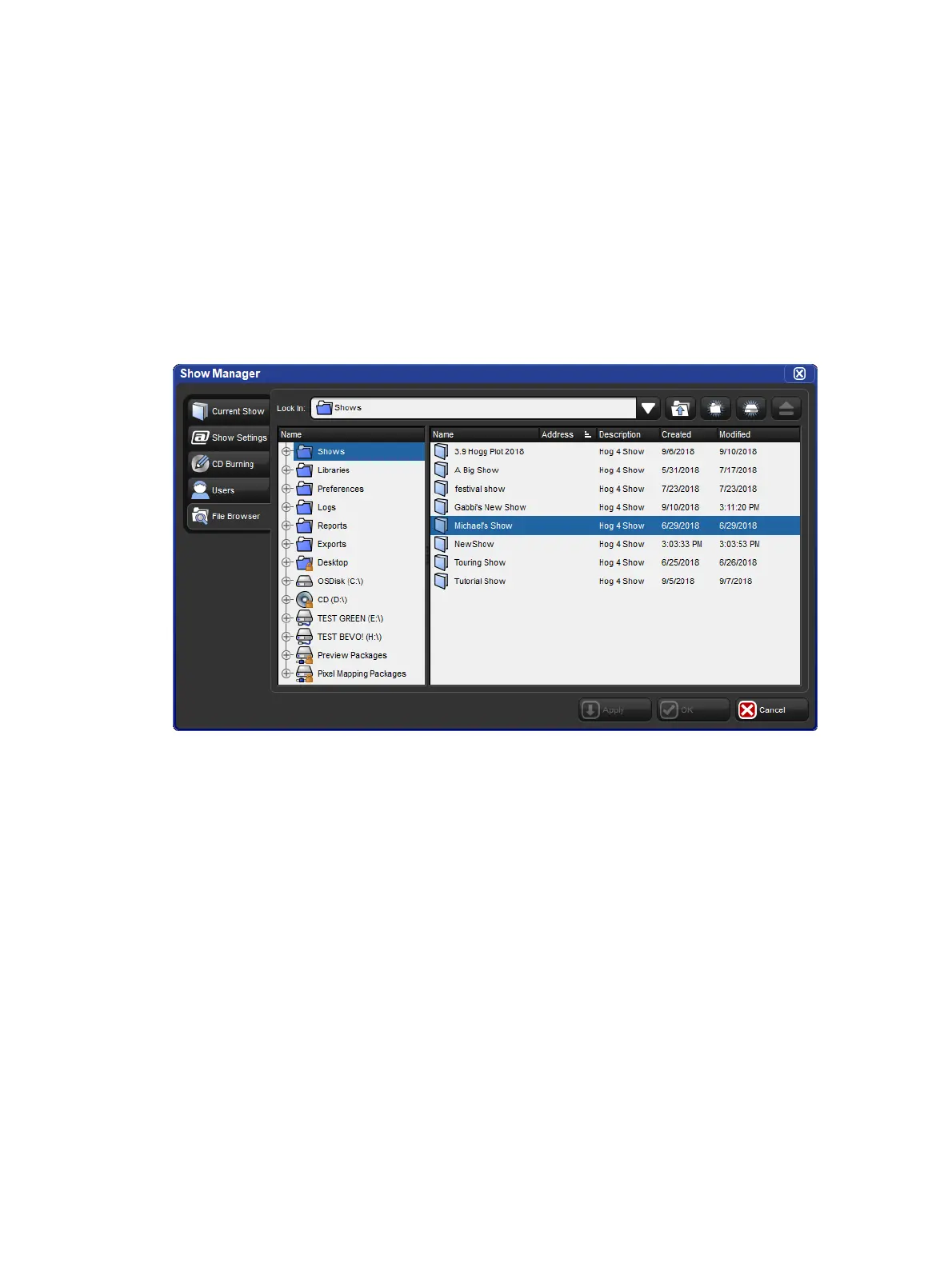
You can use the Sho w Manage r to backup your current show file, check the integrity of
your current show file's data, or to move, copy, and delete existing shows files. Please note
that the currently loaded show file cannot be deleted or renamed.
To open the Show Manager:
Setup → Shows
4.6.1 Recovering Show Files from a console that won't boot
In the rare even that the console will not boot into the Hog 4 OS, the show files stored on the
console's hard drive can be recovered and copied to an external USB flash drive using the
following procedure:
1. Power off the console.
2. Connect an external USBkeyboard to the console. (Use internal for Hog 4)
3. Power on the console.
4. Press the ESC key on the keyboard once the BIOSsplash screen (High End Systems
Logo) has passed.
5. Select Show Recovery using the arrow keys on the keyboard and press enter.
6. Follow the on screen instructions.











 To Next Page