16. Advanced Programming 291
16.2 Bringing Parameter Values into the Programmer
Sometimes you will end up with a look onstage or in a cue, scene or palette that you want to
reuse in further programming. There are various ways in which you can bring those fixtures
and parameter values into the Programmer or editor.
16.2.1 Suck
You can use Suck to assign fixture parameters to the values that they currently have ‘on
stage’. It doesn't assign parameters that are at their default value which helps to prevent
redundant values which can cause problems by blocking values that should track through.
The Suck button is located on the Main Toolbar.
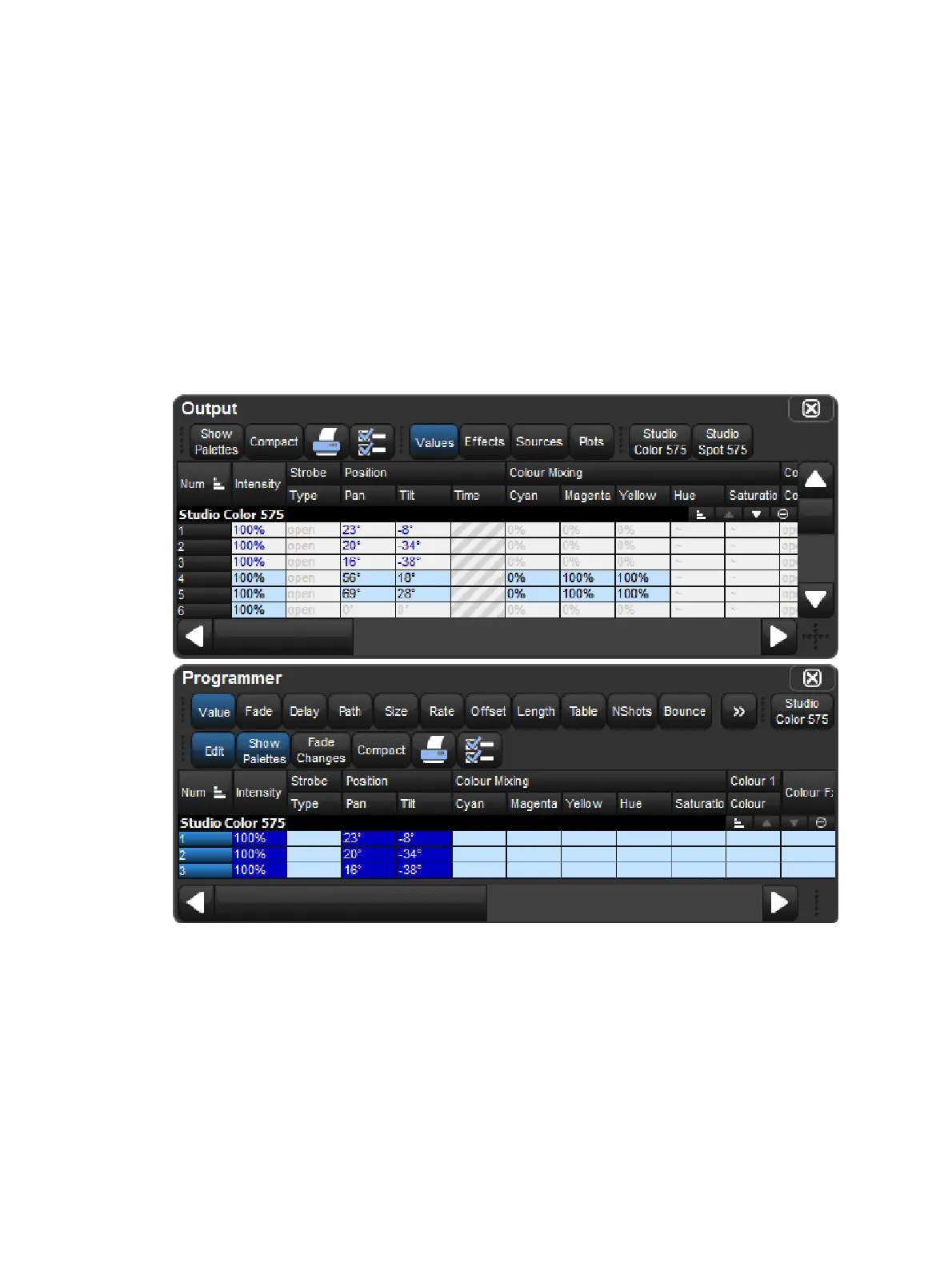
You need to have fixtures selected before using the Su ck command. For example, if Group 3
contains Studio Color 575s 1 to 3:
Group 3 Su ck : assigns the fixtures in Group 3 to their current on stage values:











 To Next Page