326 Hog 4 Operations Manual
17.7 Highest Takes Precedence (HTP)
You can switch a cuelist's precedence from LTP to HTP, allowing intensity parameters that
have programming to be output at their highest level rather than the most recently activated
level. For example, you may have a series of intensity chases that you wish to fade in and
out over a stage look without overriding the intensity information of the original look, or when
touring with smoke machines you may wish to manually boost the level of smoke
programmed into the main cuelist to combat changes in air conditioning or venue size at
specific points in the show.
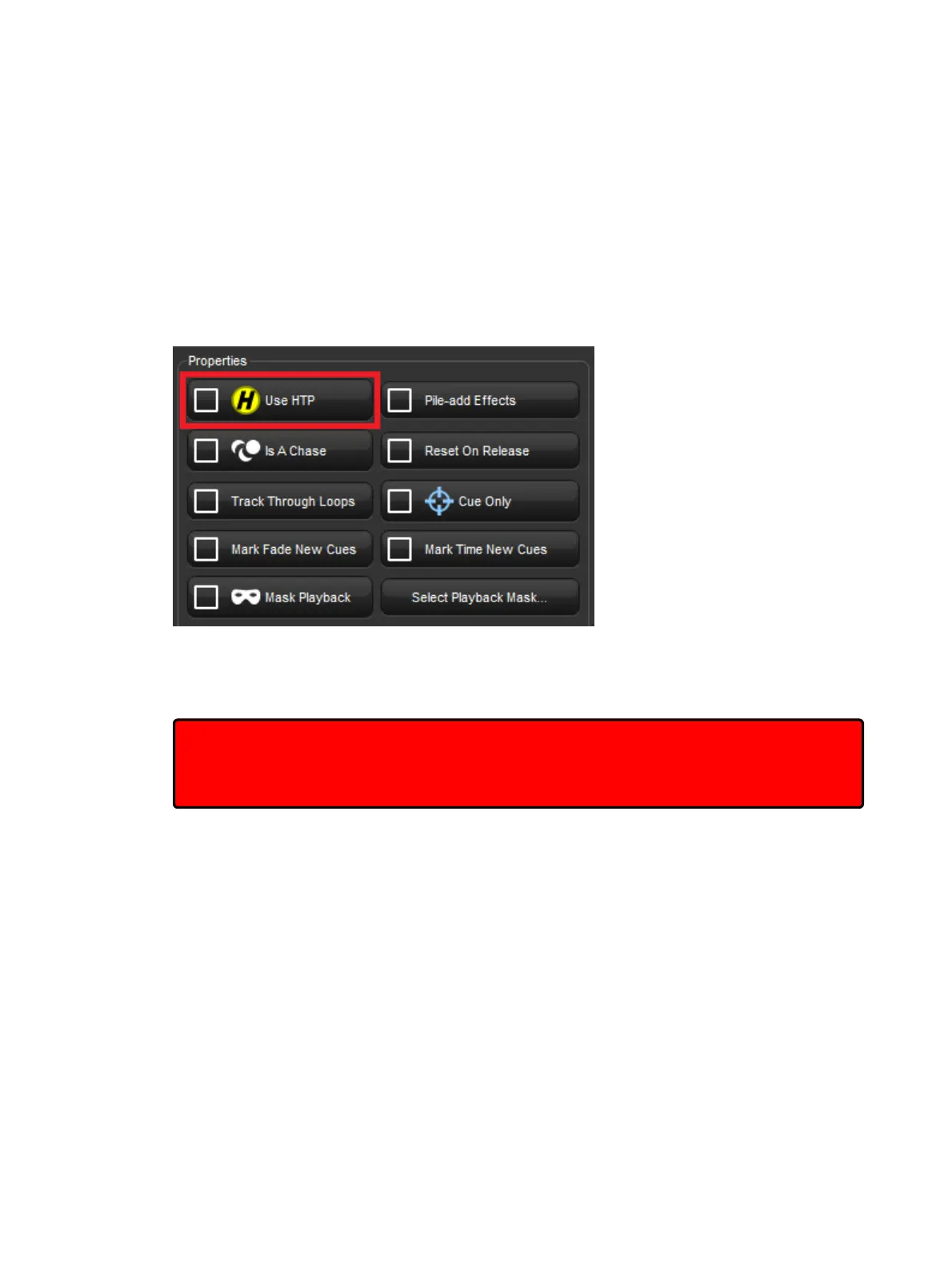
To assign a cuelist's precedence to HTP:
1. Open + Choo se → O ptio ns → Cuelist
2. Select Use HTP:
Alternatively, you can turn on Use HTP for all new cuelists in the Cuelist pane of the Use r
Prefe ren ces window:
Setup → Preferences → Cuelist
Important: If you have an HTP master with the fader up (i.e. intensities above zero), then
using Re lease or Pig + Release has no effect on the intensity parameters. To release
the intensities of HTP masters, bring the fader to zero. For more on releasing cuelists, see
Releasing Masters.











 To Next Page