22. Open Sound Control 399
22.3 Configuring OSC Output
To send OSC messages from the Console:
1. Connect your OSC controller to a physical network port that is attached to the same
local area network as the console's HogNet port.
2. Setu p → Ne twork: opens the network window
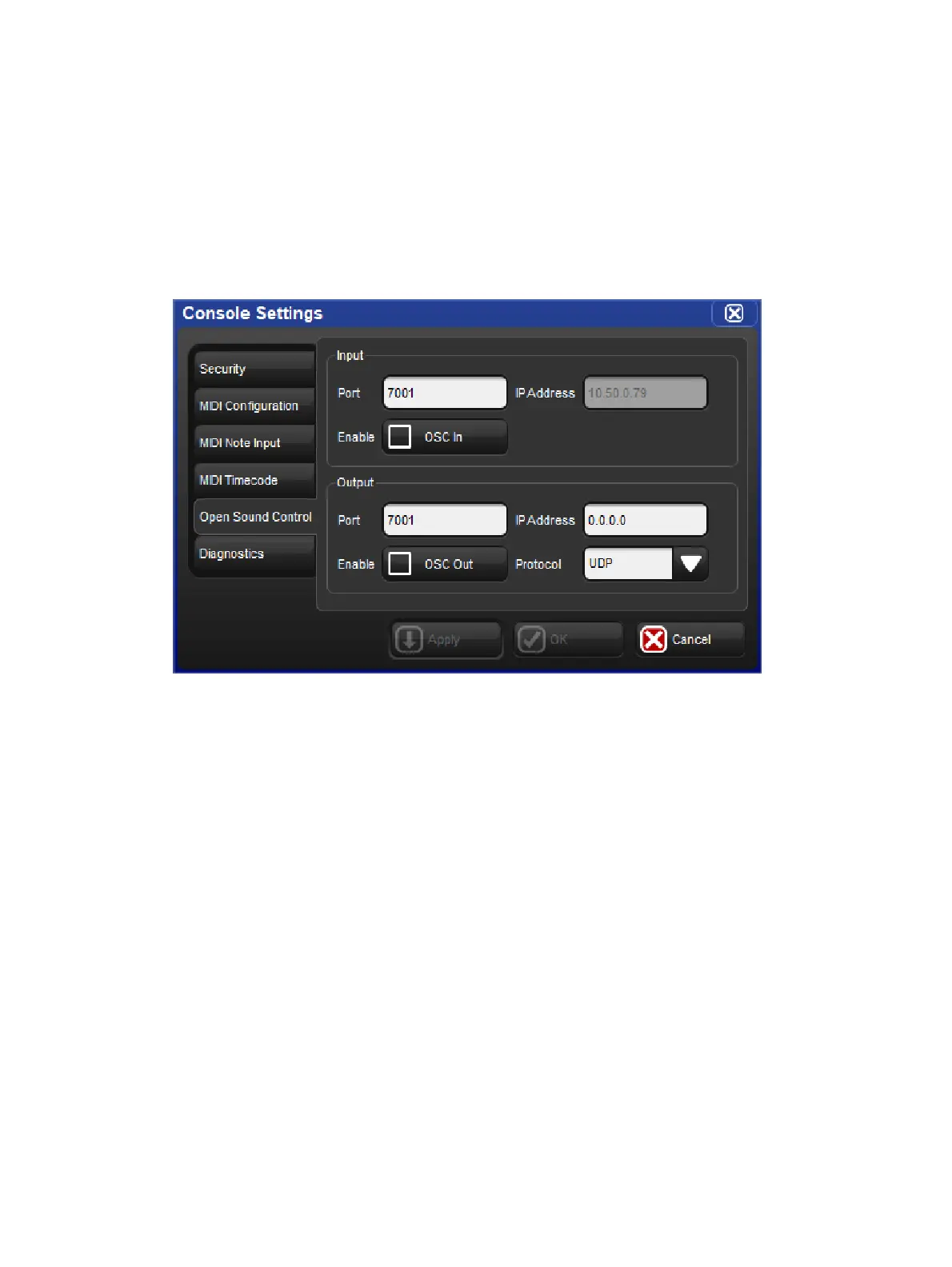
3. Right click on the console number and select Settings: opens the Se ttings window
4. In the Open Sound Control pane, enable OSC O ut and assign the output port to match
the input port of your OSC output device. You must specify the IP address you wish to
output to as well as which protocol you wish to use for OSC output.











 To Next Page