134 Hog 4 Operations Manual
5.7 Replicating Fixtures
You can expand your show to accommodate a larger rig using the Replicate Fixture function.
This will create copies of fixtures, including all their programming. To replicate fixtures:
1. Setu p → Patch : open the Fixture window.
2. Select one or more fixtures in the Fixture window by clicking on its numbered button in
the left hand column.
3. Press Replicate Fixtur e, located in the toolbar at the top of the Fixture window.
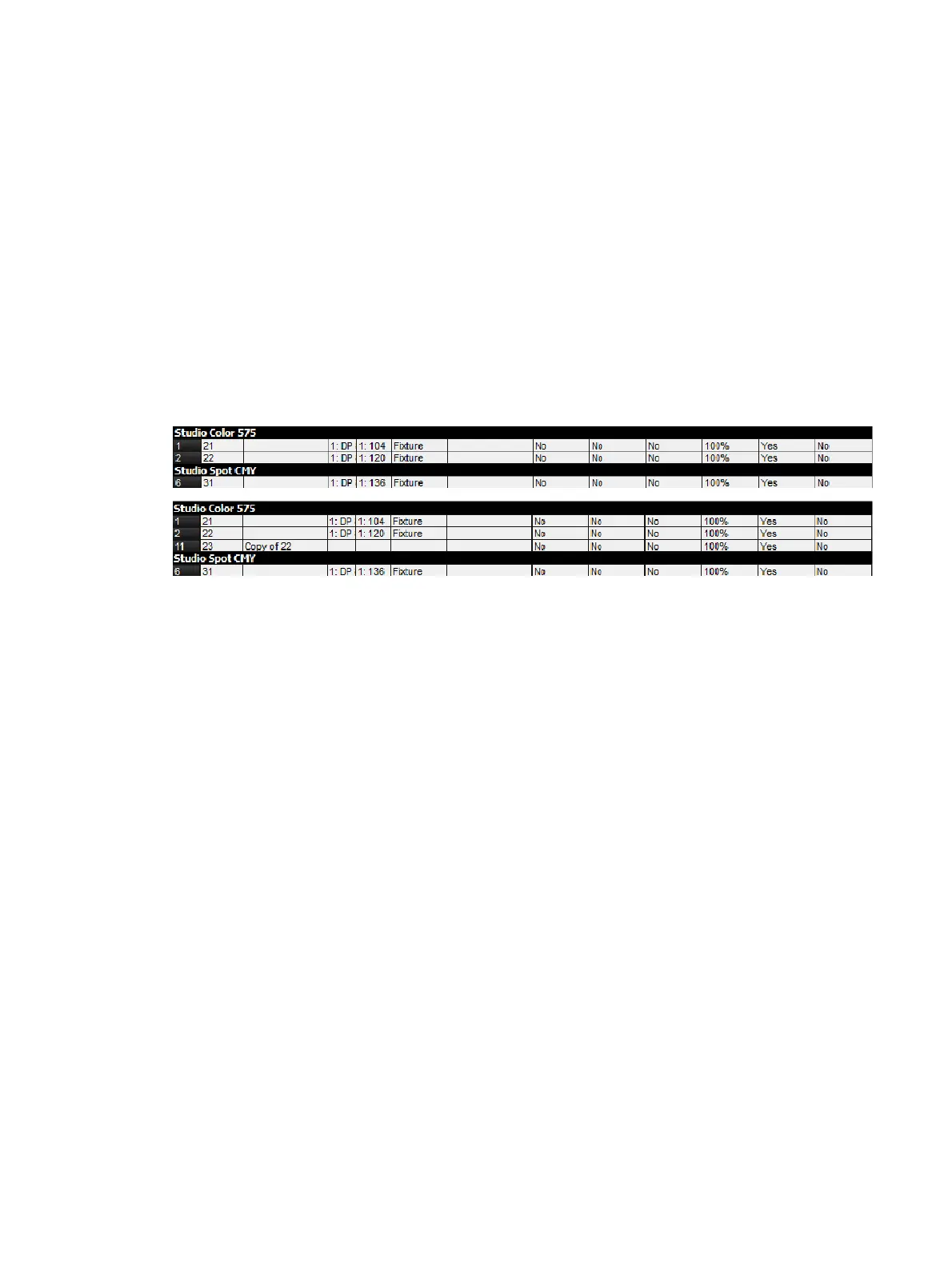
The new fixtures are an exact copy of the originals, and will be added to every palette, cue
and scene that contains programming for the original fixture. The comment cell shows you
which fixture it is a copy of. New fixtures are given User Numbers that follow on sequentially
from the original fixtures' numbers, but they are not patched or added to any groups. An
asterisk will appear next to User Numbers that may now conflict with existing ones.
Fixture window, before and after replicating











 To Next Page