104 Hog 4 Operations Manual
4.11.1 Merging Fixture Types
Once you have selected a source show, Hog 4 OS compares the fixture types contained
within each show file and creates a list of fixture types which have changed.
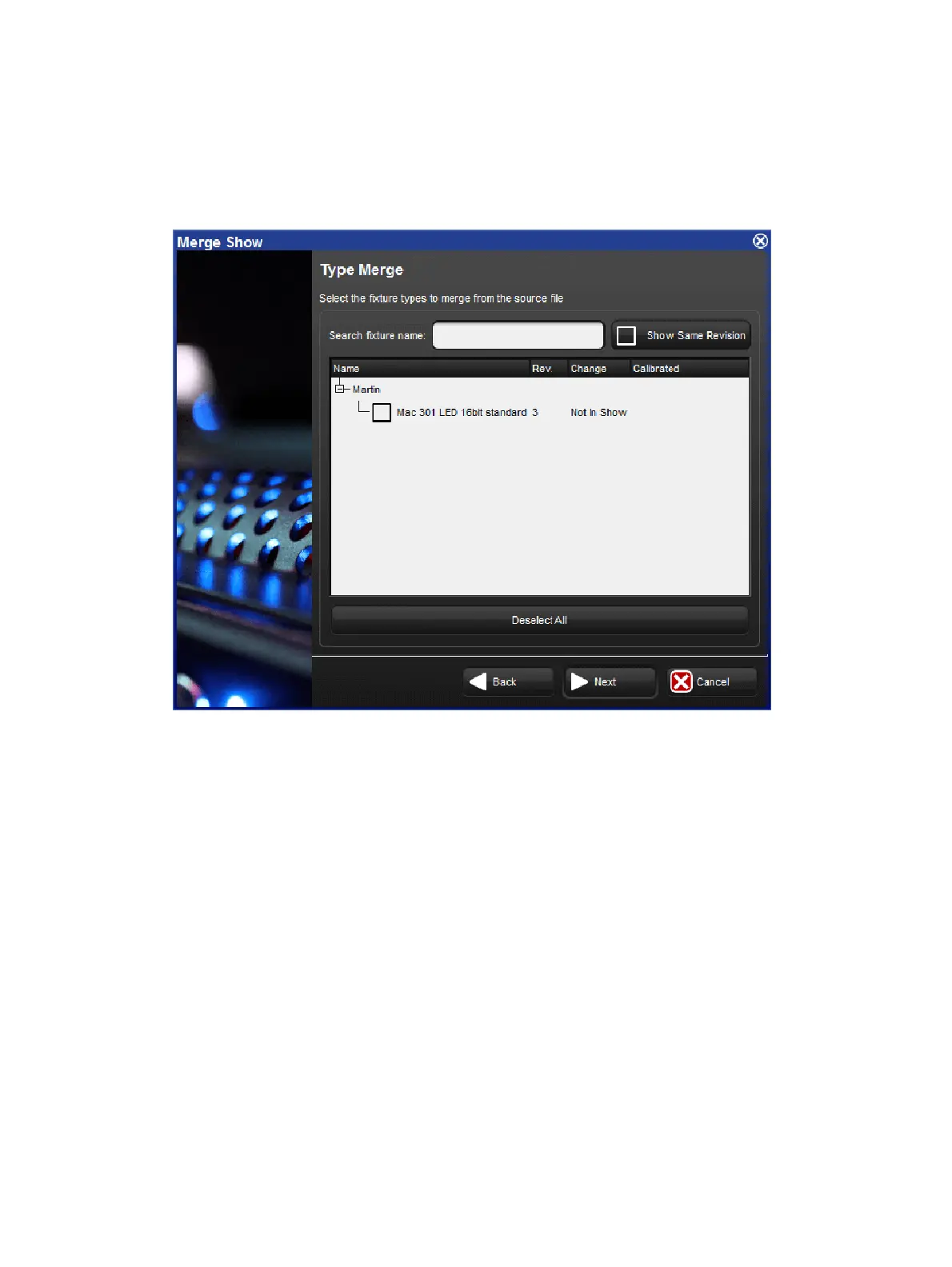
The Type Merge page of the Merge Show window
An expanding tree shows the fixture types that do not match exactly and will explain what
their differences are:
Newer: the fixture type in the source show is a newer revision.
Older: the type in the source show is an older revision.
Not In Show: the type is in the source show but not the current show.
If you want to see all fixture types in the source show file even if they match the fixture types
destination show, press Show Same Re vision.
Select the fixture types to merge by clicking on their check boxes. The Dese lect All button
allows you to clear the current selection and start again. Press Ne xt to continue.











 To Next Page