4. Shows 105
4.11.2 Merging Fixtures
After choosing to merge fixture types, you can merge the fixtures used in the two shows. If
you choose not to merge fixtures, you will not be able to merge any programming other than
macros, views, and reports.
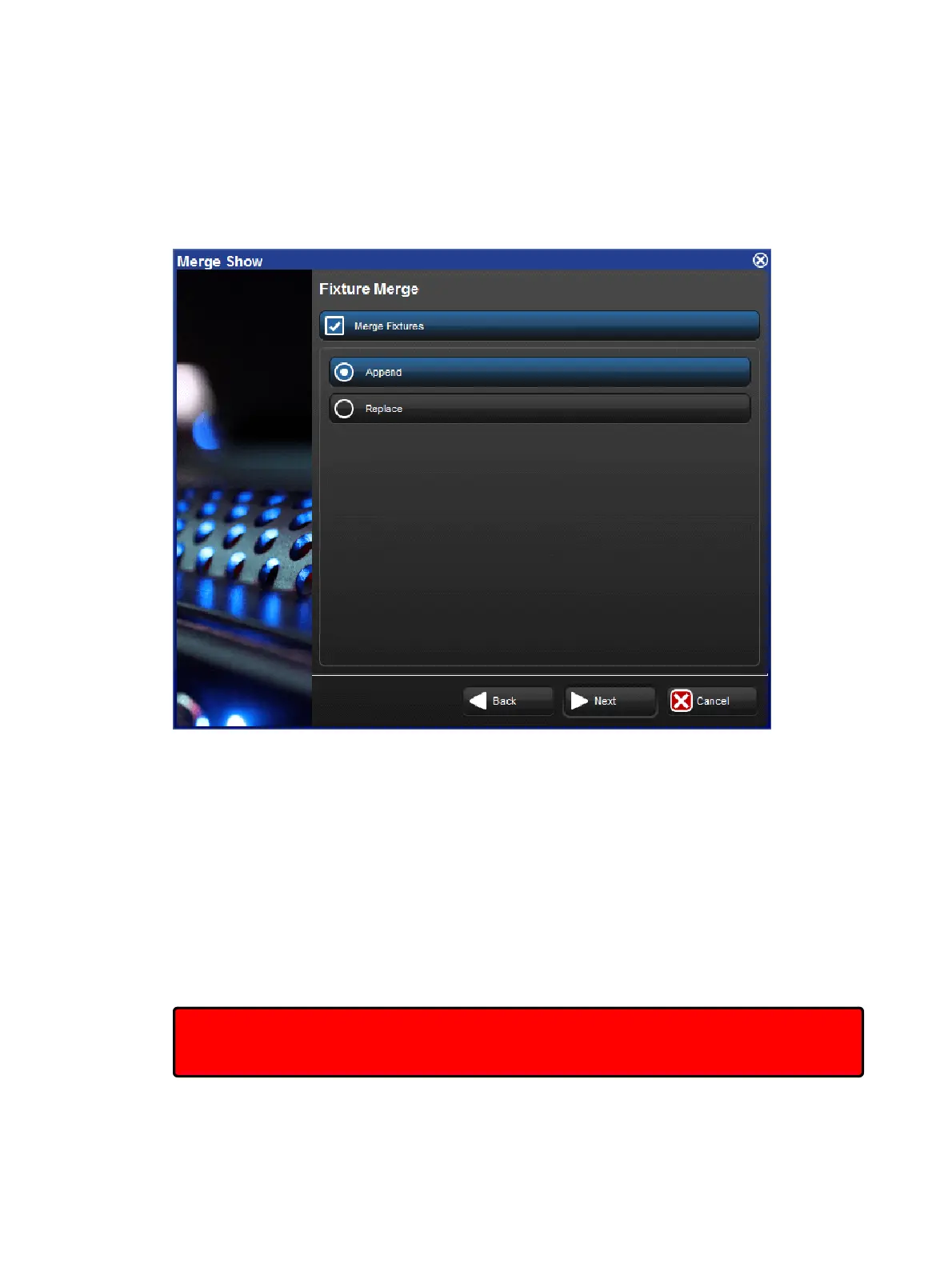
The Fixture Merge page of the Merge Show window
There are two options for merging fixtures:
Append: appending fixtures will add a copy of all of the fixtures from the source show
into the current show. Any programming that is merged from the source show will use
the appended fixtures and all programming in the current show will continue to use the
same fixtures as before.
Replace: replacing fixtures will match fixtures from the source show with fixtures in
the current show using a combination of the fixture type and user number. If a match is
made, the fixture in the current show is replaced with the one in the source show and all
programming in the source and current show that used that fixture will use the merged
fixture. If no match is made, the source fixture is appended to the current show as
above.
Important: If you merge fixtures and then merge programming, because both the source
show and the current show are using the same fixture, any programming from the source
show using that fixture will overwrite the programming in the current show.











 To Next Page