106 Hog 4 Operations Manual
4.11.3 Merging Programming
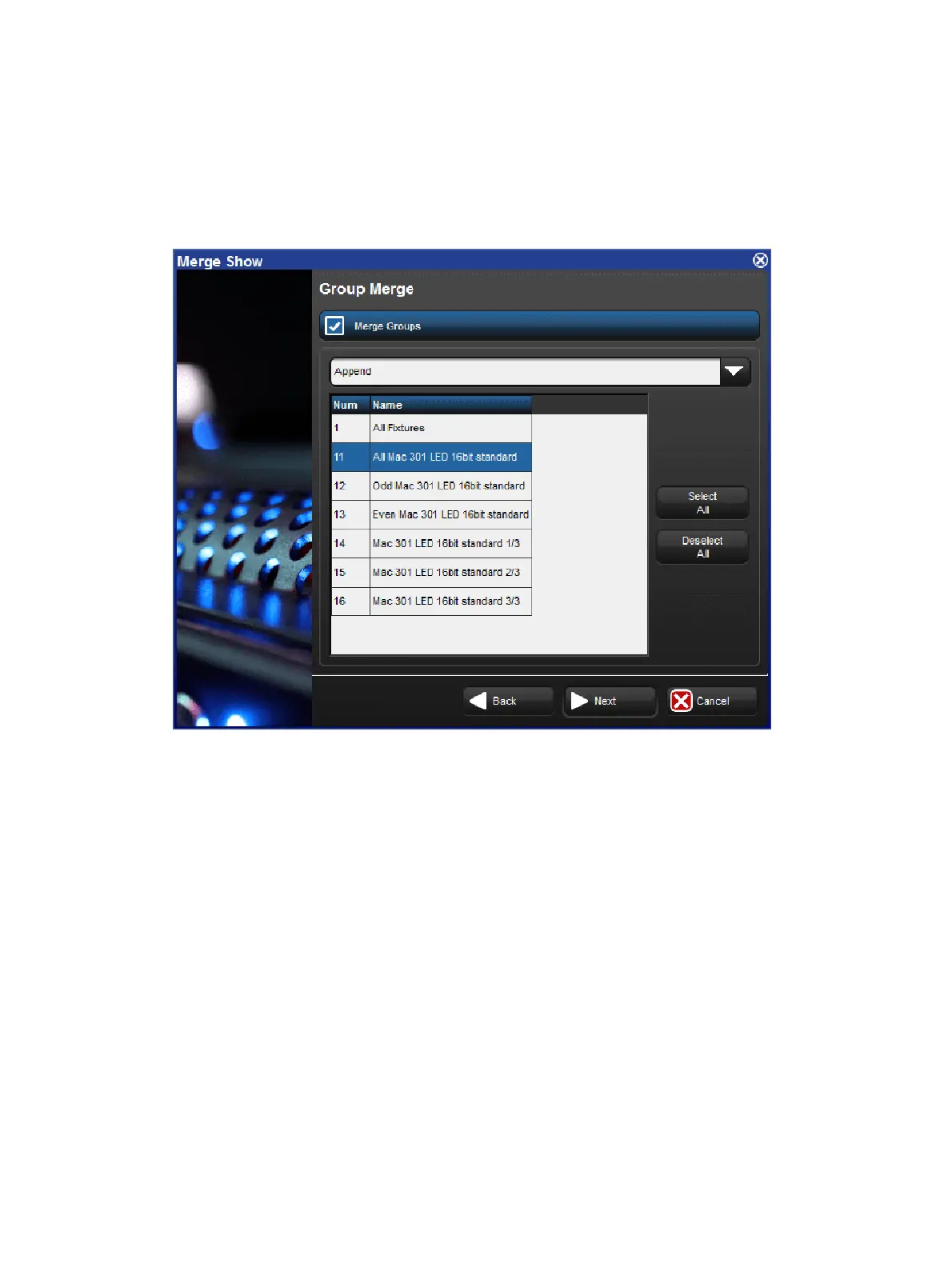
After merging fixtures, you can merge the programming (user kinds, groups, palettes, plots,
cuelists, scenes, pages, macros, views, and reports) from the source show. As shown
below.
The Group Merge page of the Merge Show window
When merging programming the following merge methods are available from the drop down
menu in the Merge field:
Append: appends all of the programming from the source show to the current show.
Append Different: appends programming from the source show if programming of the
same type and name cannot be found in the current show.
Merge By Name: merges source show programming into the current show when
programming objects of the same type and name cannot be found in the current show; if
programming objects of the same type and name already exists in the current show
then the source show programming is not merged in.
Merge By Number: merges source show programming into the current show when
programming objects of the same type and number cannot be found in the current show;
if programming objects of the same type and number already exists in the current show
then the source show programming is not merged in.
Replace: replaces current show programming with source show programming when
programming object numbers match; appends source show programming objects that
do match current show programming objects.











 To Next Page