350 Hog 4 Operations Manual
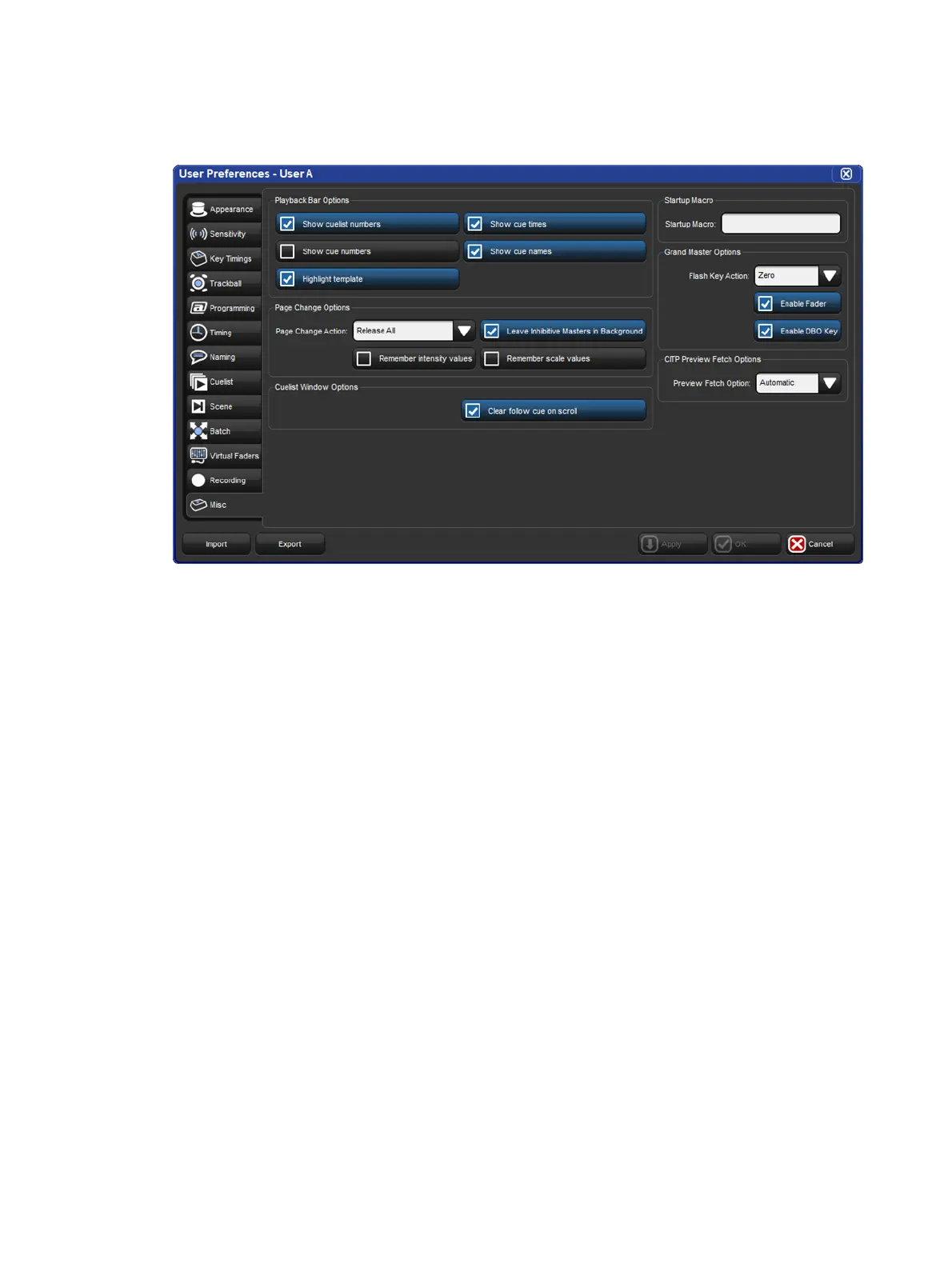
The default preferences for new shows files are Release All and Leave Inhibitive Masters in
Background on page changes. To change these settings in the User Prefe ren ces window:
Setup → Preferences → Misc : see image below
To manually hold over a cuelist, scene, or group assigned to a physical master when
changing pages, hold the physical master's Choose key when changing the page.
To remove a held over master simply release it.











 To Next Page