456 Hog 4 Operations Manual
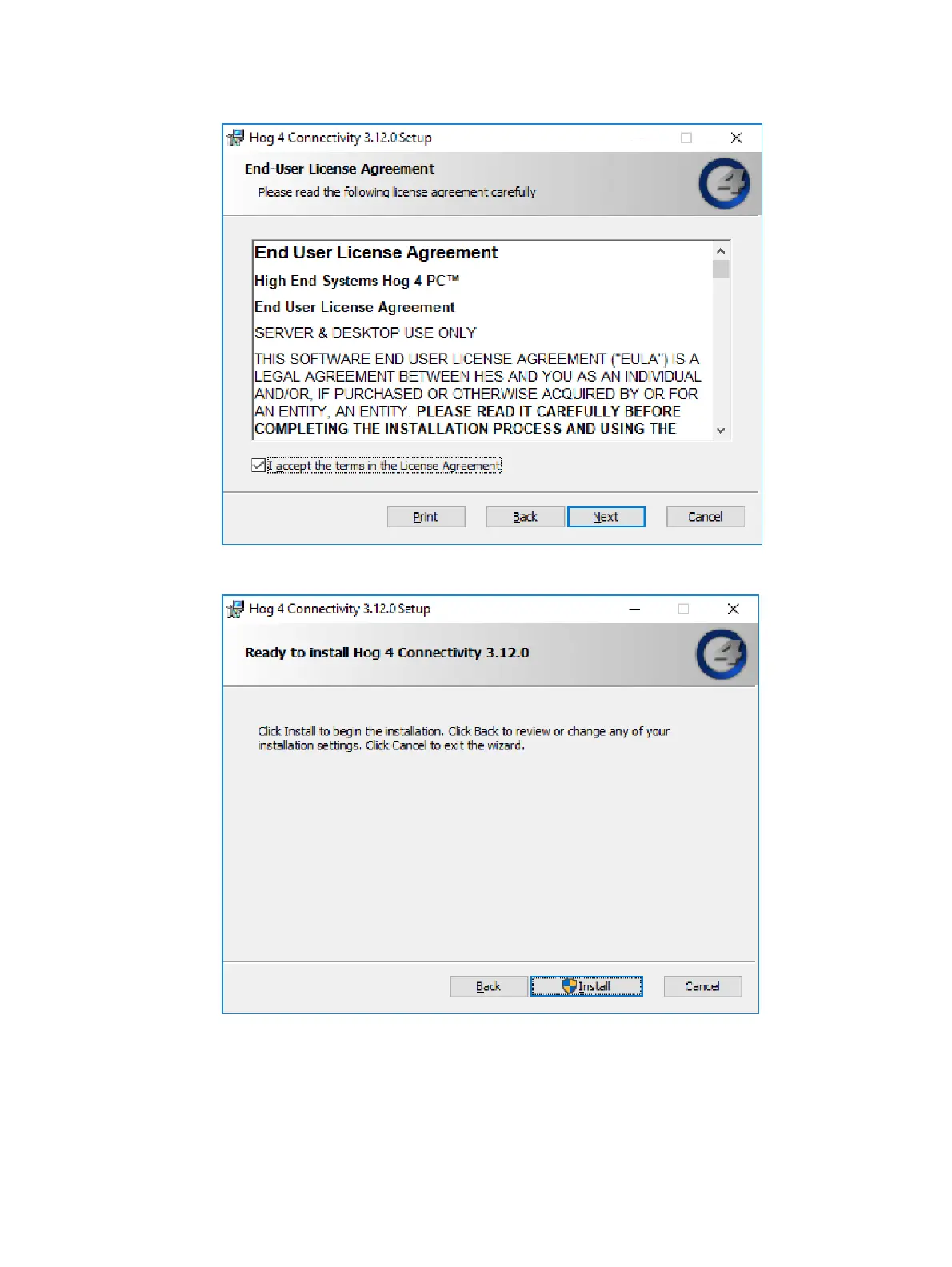
3. The wizard displays an End User License Agreement. Select
I accept the terms in the
License Agreement
and then press Next to continue.
4. A
Ready to Install
screen will appear with instructions on beginning or canceling the
installation. Press Install to begin installing.











 To Next Page