230 Hog 4 Operations Manual
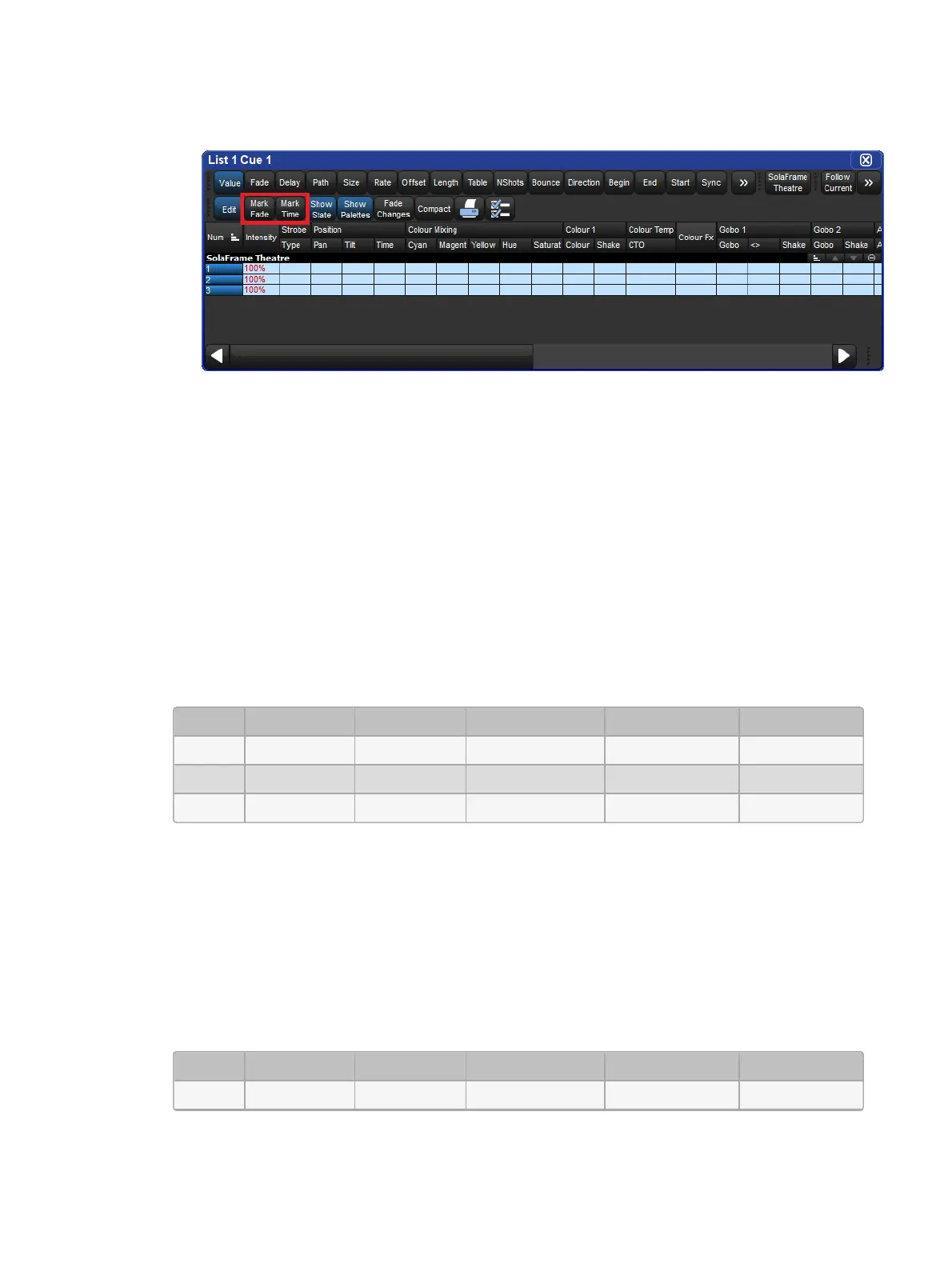
Toggle the Mark Fad e or Mar k Time button in a Cue Editor window of the cue you
wish to mark.
11.8.2 Fade Mark verses Time Marks
Cues can be marked with either a
Fade Mark
or a
Time Mark
. While the basic principles of
marking are the still the same, the timing in which the mark is executed varies between the
two methods.
A
Fade Mark
uses the fade and delay times assigned in the marked cue to mark fixtures.
Fade marking occurs on a fixture by fixture basis, so several fixtures could be marking at
different times and rates depending upon their individual cue data in the marked cue.
In the fade mark example below, when cue 2 completes its 2 second fade to 0% intensity,
cue 3 will automatically play all of its data except intensity in a 5 second fade. Then when
cue 3 is played only the intensity will cross-fade at 5 seconds. The fixtures will have moved
from center to left and changed from red to green automatically while in ‘black’.
Mark Fade Intensity Position Colour
Cue 1 2s 100% Centre Red
Cue 2 2s 0% Centre Red
Cue 3 Fade 5s 100% Left Green
A
Time Mark
uses the time you enter into the mark column to mark fixtures. Time marking
occurs at a single uniform rate so all fixture parameters will mark at the same rate regardless
of the data in the next cue.
In the time mark example below, when cue 2 completes its 2 second fade to 0% intensity,
cue 3 will automatically play all of its data except intensity in a 0s second fade. Then when
cue 3 is played only the intensity will cross-fade at 5 seconds. The fixtures will have moved
from center to left and changed from red to green automatically while in ‘black’.
Mark Fade Intensity Position Colour
Cue 1 2s 100% Centre Red











 To Next Page