228 Hog 4 Operations Manual
11.7.5 Unblocking
Unblocking removes redundant hard parameter values. A parameter value is redundant in a
cue if it is the same as the value for that parameter in the previous cue in the same cuelist.
For example:
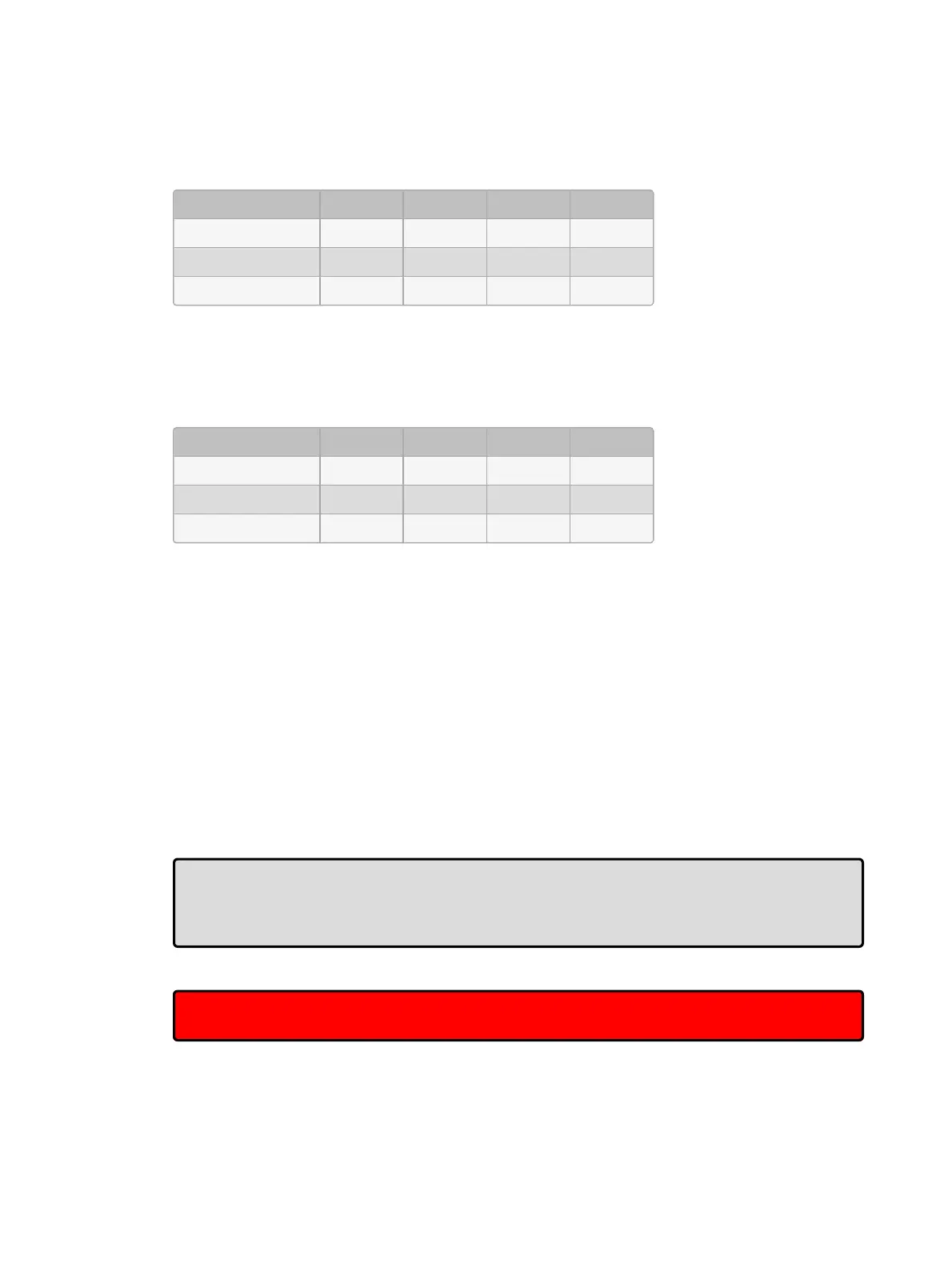
Channel: 1 2 3 4
Cue 1 100 0 50 50
Cue 2 50 100
Cue 3 50 100 100 50
In this cuelist, the values for channels 1, 3 and 4 are redundant in cue 3. After unblocking, the
values in the cuelist would be:
Channel: 1 2 3 4
Cue 1 100 0 50 50
Cue 2 50 100
Cue 3 100
To unblock cues, use the Un block button in the Main Toolbar:
Cue 3 Unblock, Enter : unblock cue 3 on the currently chosen master.
List 1 Cue 3 Unblock, Enter : unblock cue 3 of cuelist 1.
Cue 1 Thru 1 0 Colour Unblock, Enter : unblock only colour parameters in cues 1
through 10 of the cuelist on the currently chosen master.
List 1 Cue 3 Gro up 1 0 Colo ur Unb lock, Ente r : unblock only the colour
parameters of fixtures in Group 3, in cue 3 of cuelist 1.
To unblock complete cuelists:
List 1 Unblock, Enter
Or on a master:
Unb lock Choo se
Tip: Unblocking obeys the linked parameter preferences assigned in Setup →
Prefe ren ces → Progra mming. For example, if position parameters are not separated
and Pan is blocking but Tilt is not, Pan will not be unblocked. For more on linked functions,
see Separating Parameters
Important: Unblocking will remove parameter values from blocking cues, so any future
changes to subsequent cues will be tracked through the whole cuelist.











 To Next Page