198 Hog 4 Operations Manual
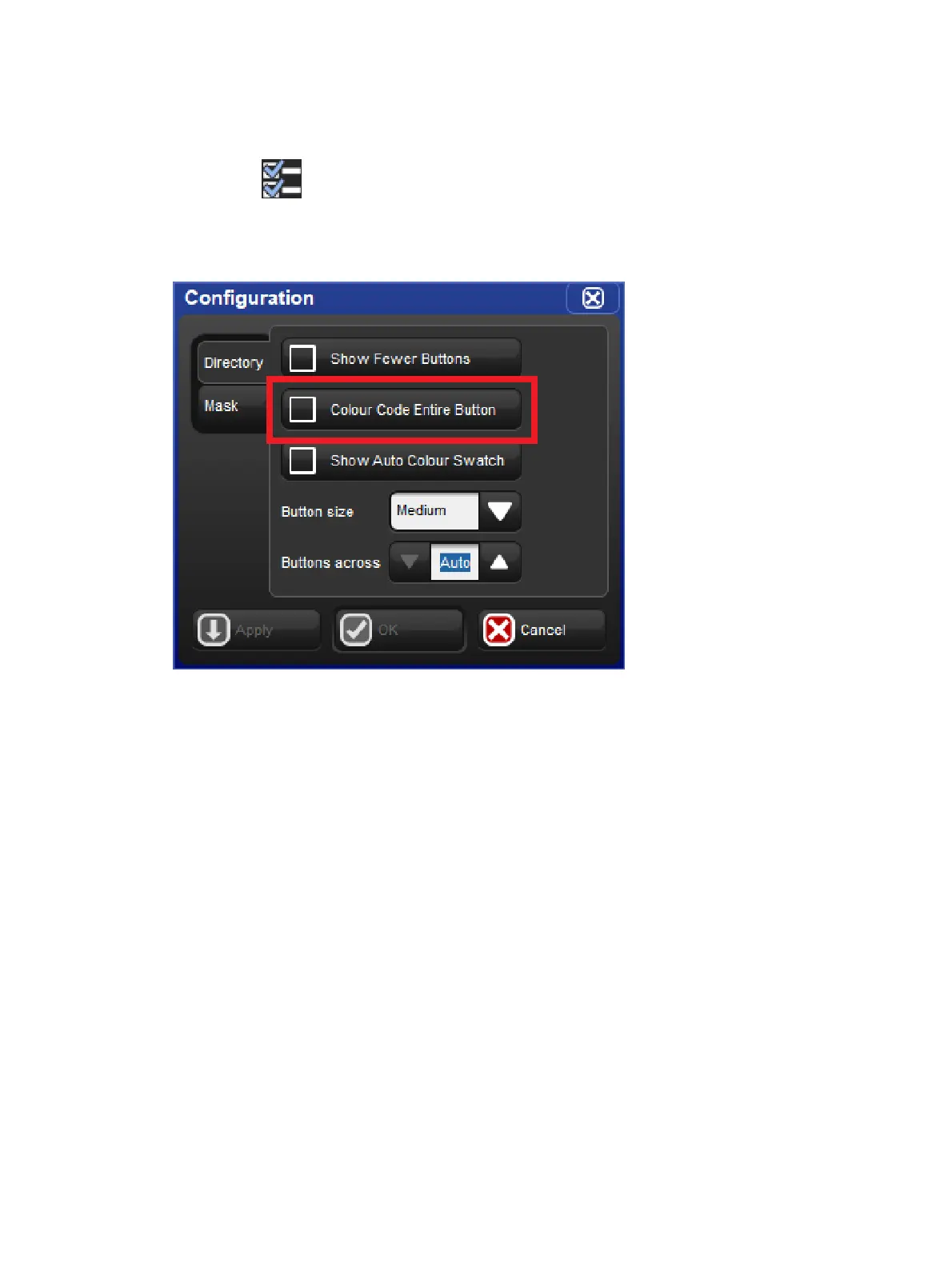
9.3.1 Colouring the entire button
By default each directory window displays colour coding using an outline around the directory
buttons. If you prefer that the console colour the entire background of the directory buttons
click on the icon to open the window configuration menu and enable the "Colour Code
Entire Button" option. The option to colour code the entire button is unique for each directory
and is also stored when you record a directory window into a view.











 To Next Page