6. Selecting and Modifying Fixture Parameters 171
6.4.1 Using the Fan Key
To fan a parameter:
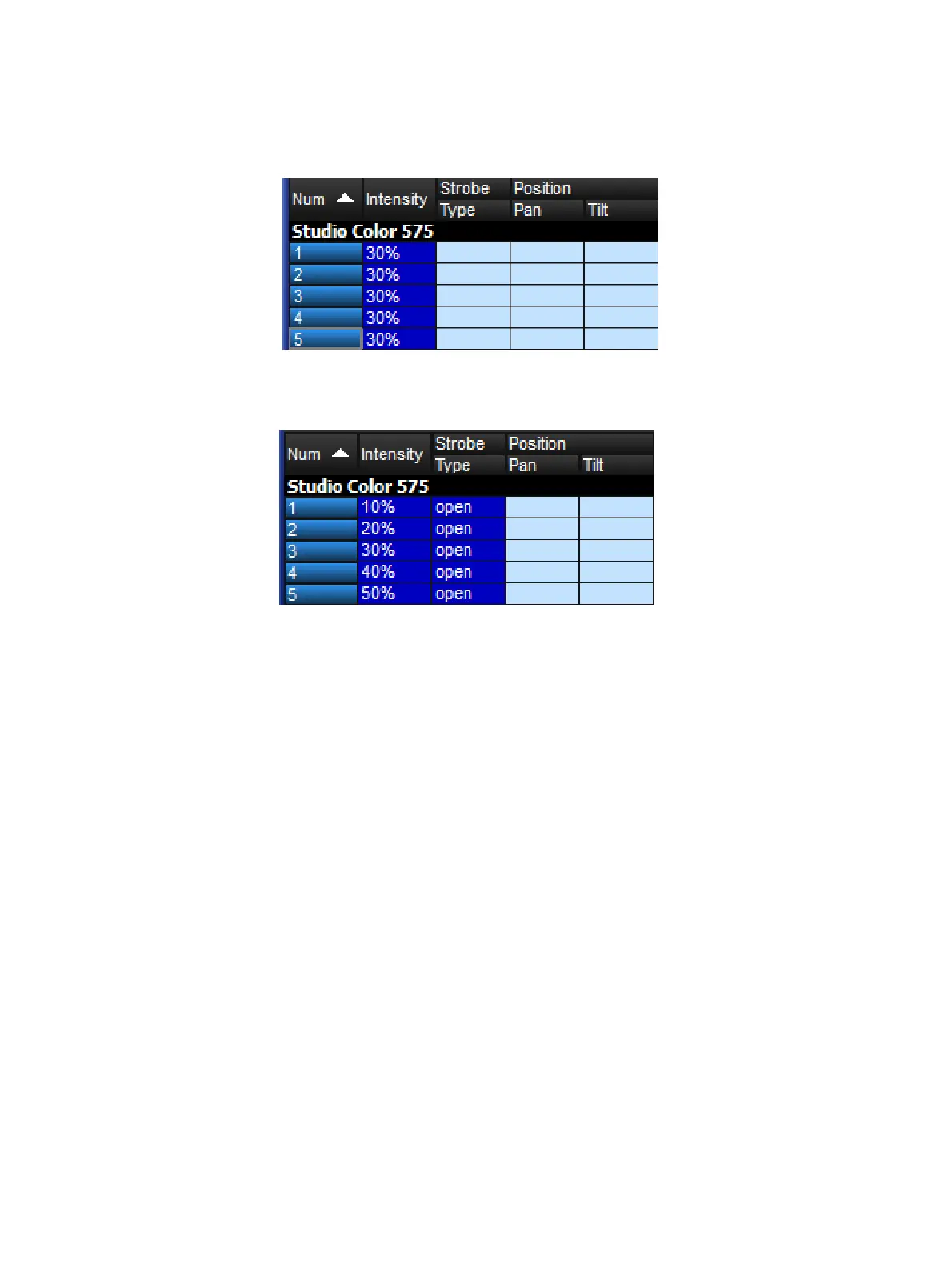
1. 1 Thru 5 @ 3 0 , Enter : select the fixtures and assign the intensities to 30%:
2. Press and hold the Fan key, whilst slowly moving the I-Whe el. The fixtures at either
end of the range take the values 10% and 50%, with those in between evenly spread
across the intervening range:











 To Next Page