9. Directory Windows 203
9.4.5 Spreadsheet View
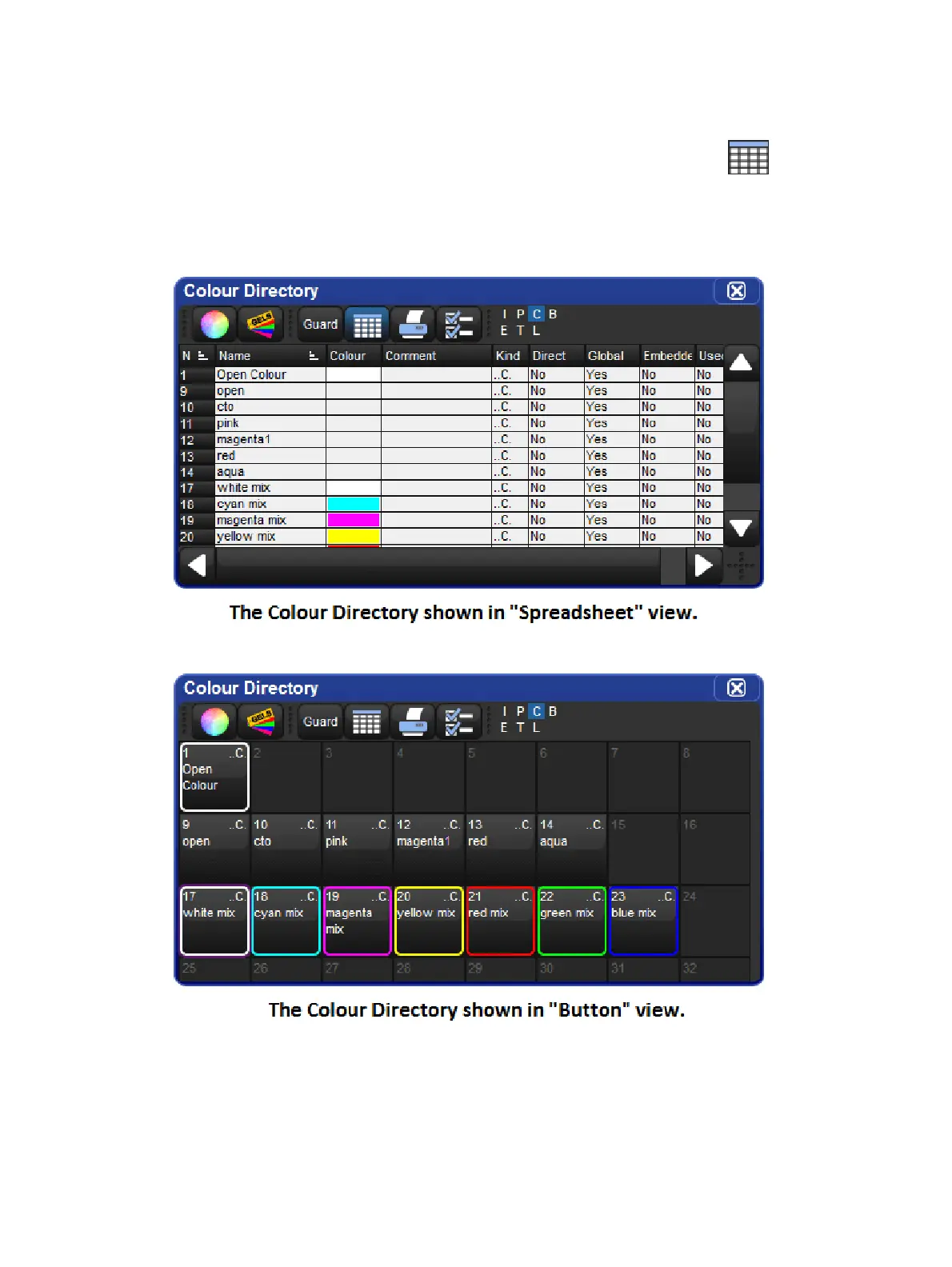
By default directory windows are displayed as a grid of touch-sized buttons, however you can
also view the contents of any directory as a spreadsheet by clicking on the button.
When in list view the directory buttons can be selected and / or applied by pressing on it's
number in the num. column. The option to display a directory in list view is unique to each
directory and is also stored when you record a directory window into a view.











 To Next Page