16. Advanced Programming 293
16.2.2 Using Live and Touch
Using Live and To uch together touches all parameters that belong to fixtures that are at
non-zero intensity on stage, including parameters at their default values. This is similar to
suck, except that it will bring
all
values into the Programmer or editor, including those that are
at their default values. The Touch button is located on the Main Toolbar.
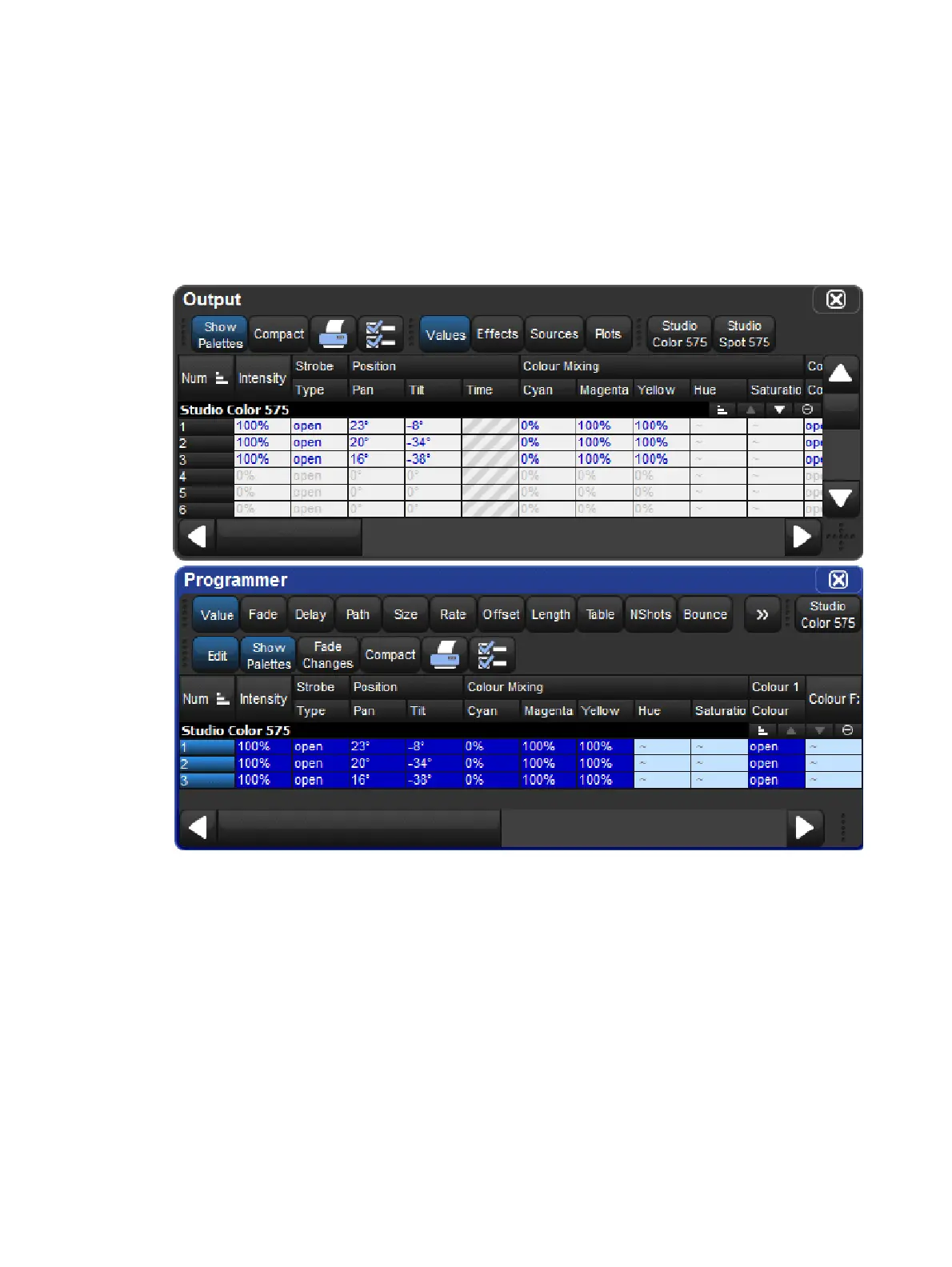
For example, if Studio Color 575s 1 to 3 are in the output with an intensity of 100%:
Live Touch : brings all the parameters of Studio Color 575s 1 to 3 into the
Programmer, not just the intensity values (as suck would):











 To Next Page