17. Playback 313
17.2.2 Using the Play Controls Toolbar to Play a Cuelist, Scene, or
Batch
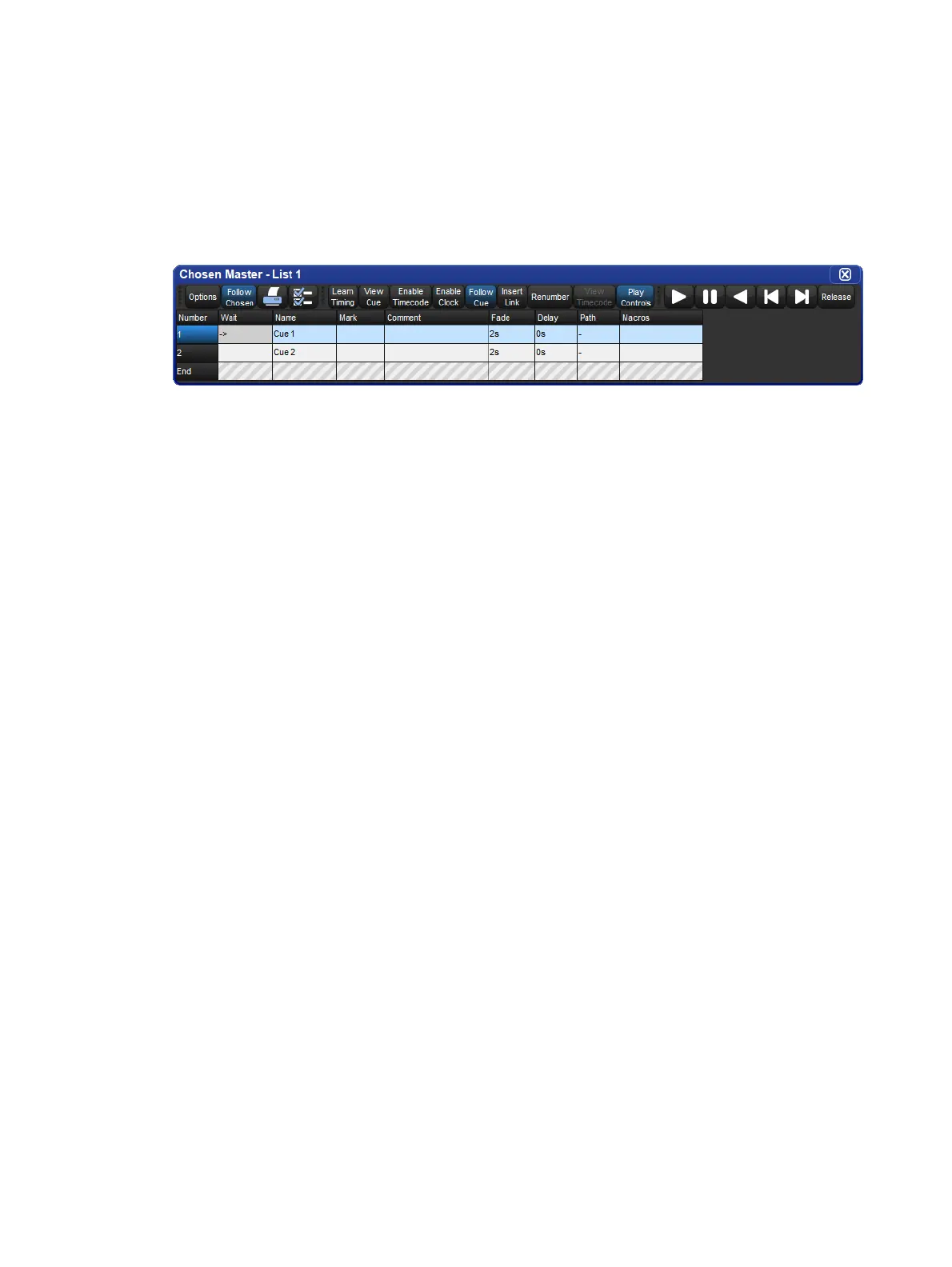
To run a cuelist, scene, or batch from the master window:
1. Open the master window for the cuelist, scene, or batch.
2. For example: [List 1], Open
3. Press the Pla y Controls button at the top of the master window. The on-screen
playback controls will appear:
The controls are, from left to right, the G o, Halt/Back, Skip Ba ck, Skip Forward, and
Release buttons. These controls function independently from their front panel equivalents
and always execute based on how they are labeled.
17.2.3 Running Virtual Masters from the Command Line
To run a virtual master from the command line type in the object's name, followed by its
number, followed by enter. For example, to send a go command to cuelist 1 you would type
List 1 , Ente r . So send a go command to scene 1 you would type Scen e 1 , Enter .











 To Next Page