346 Hog 4 Operations Manual
17.12.5 Batch Master LED Feedback
The led feedback for a batch assigned to a physical master is exactly the same as if any
single list or scene was assigned to the master, however, the batch will account for the
highest running state of all the lists / scenes assigned to it. For example, if 1 out of 4 of the
lists assigned to a batch are cross-fading then the green play LED will illuminate on the
batch. The play LED will not turn off until all lists within the batch are finished cross-fading.
17.12.6 Batch Master Playback Bar Feedback
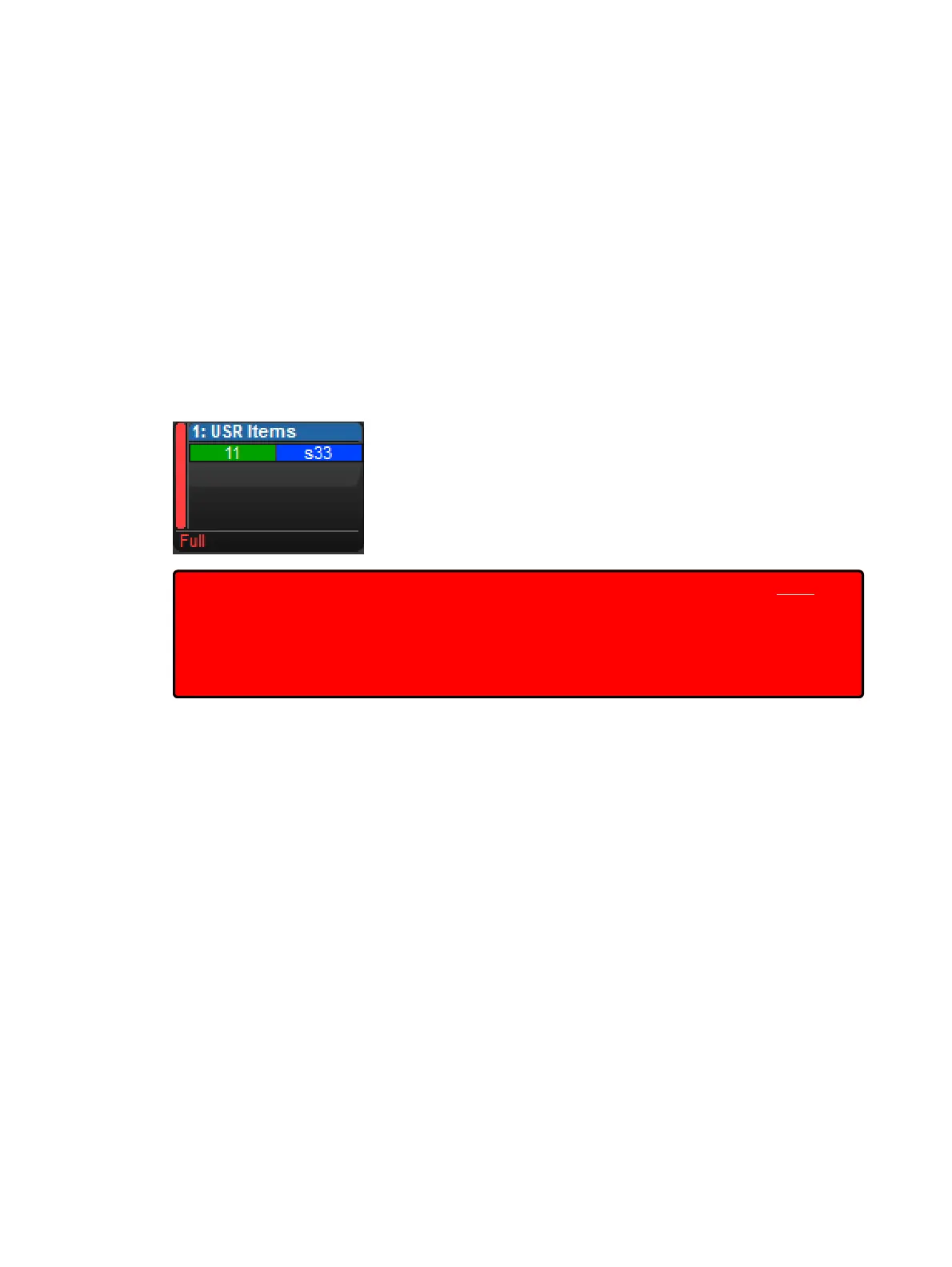
When a batch is assigned to a physical master the batch's number and name are displayed at
the top of the master. The lists and scenes assigned to the batch are displayed inside the
master. Scenes are indicated by a lowercase "s" preceding the scene number. The state of
each list / scene is indicated by the background colour of its cell.
In the figure shown below Batch 1 is displayed on the playback bar. List 11 and scene 33 are
assigned to the batch as they are shown inside the master. Based on the background of each
cell we can see that list 11 is running and scene 33 is onstage but not cross-fading.
Important: Lists and scenes are displayed inside batch masters according to the order in
which they were added to the batch. This is also the order in which the lists and scenes are
internally executed by batch. Latest takes precedence rules will apply. This means that if
List 2 is assigned to a batch after List 1, and both are of equal priority, then List 2 will stomp
any overlapping fixture parameters also being controlled by List 1.This order is determined
by typing List 1 + List 2, note that List 2 is the second item encountered.











 To Next Page