20. Plots 371
20.3.7 Aligning Plot Objects using the Background Grid
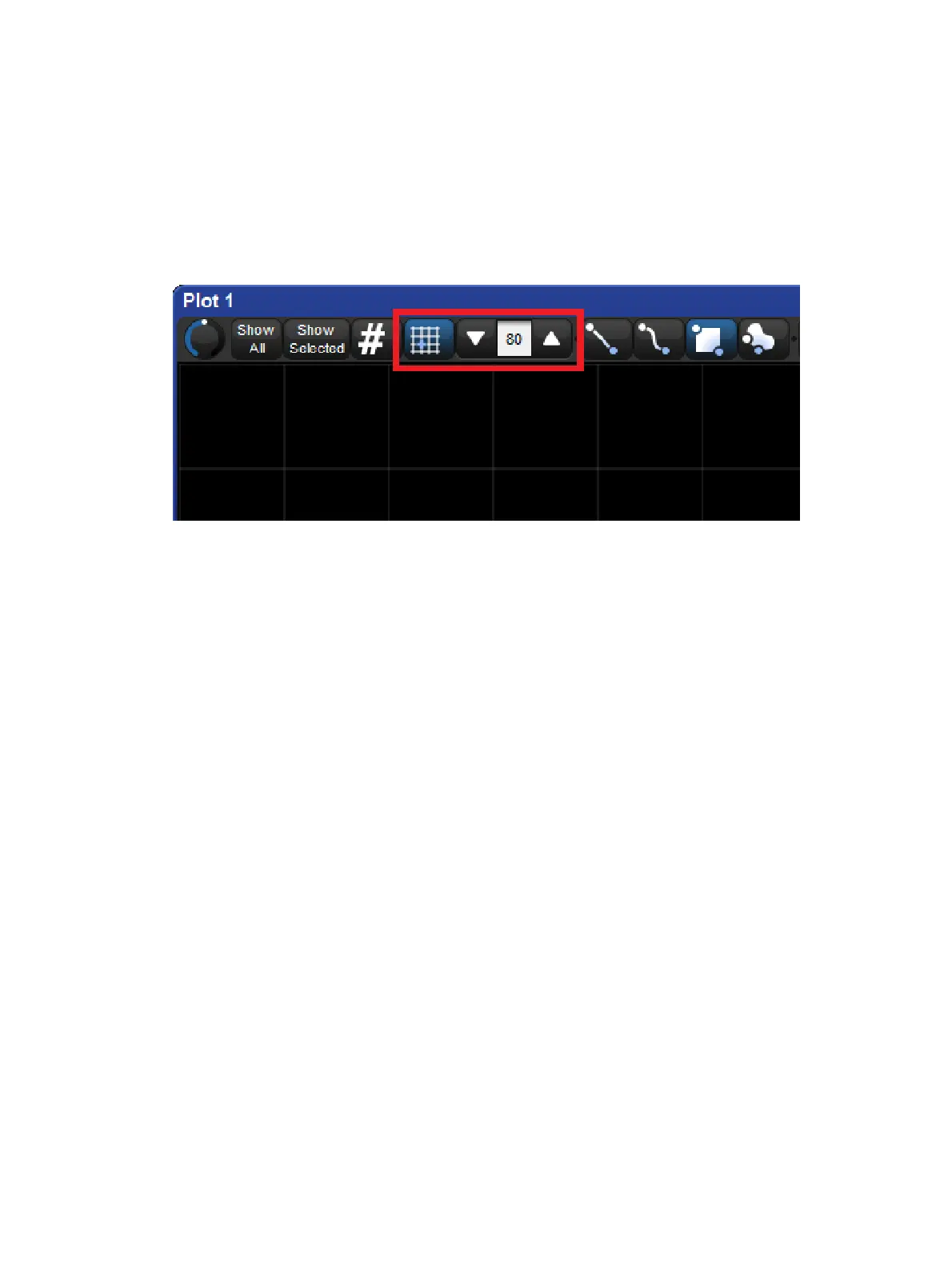
To view the grid in a plot window toggle on the “grid” button. The horizontal and vertical center
lines are thicker and colored blue to assist with window orientation. To adjust the grid size
change the numeric value in the scroll box located directly to the right of the grid button.
When the alignment grid is enabled the center of plot objects will snap to the vertices of the
plot grid when they are moved via click-n-drag. To override the snap-to-grid feature hold the
Pig key when moving objects in the plot window. The position of objects does not change
when the grid is toggled on/off or resized. The snap-to-grid feature only affects an object
when the object is being moved.











 To Next Page