30. Hog 4 PC 487
Displaying Four Hog 4 PC Windows
By default, only two Hog 4 PC windows are shown. However, the Hog 4 PC software
supports the display of three or four windows if desired. To open these windows:
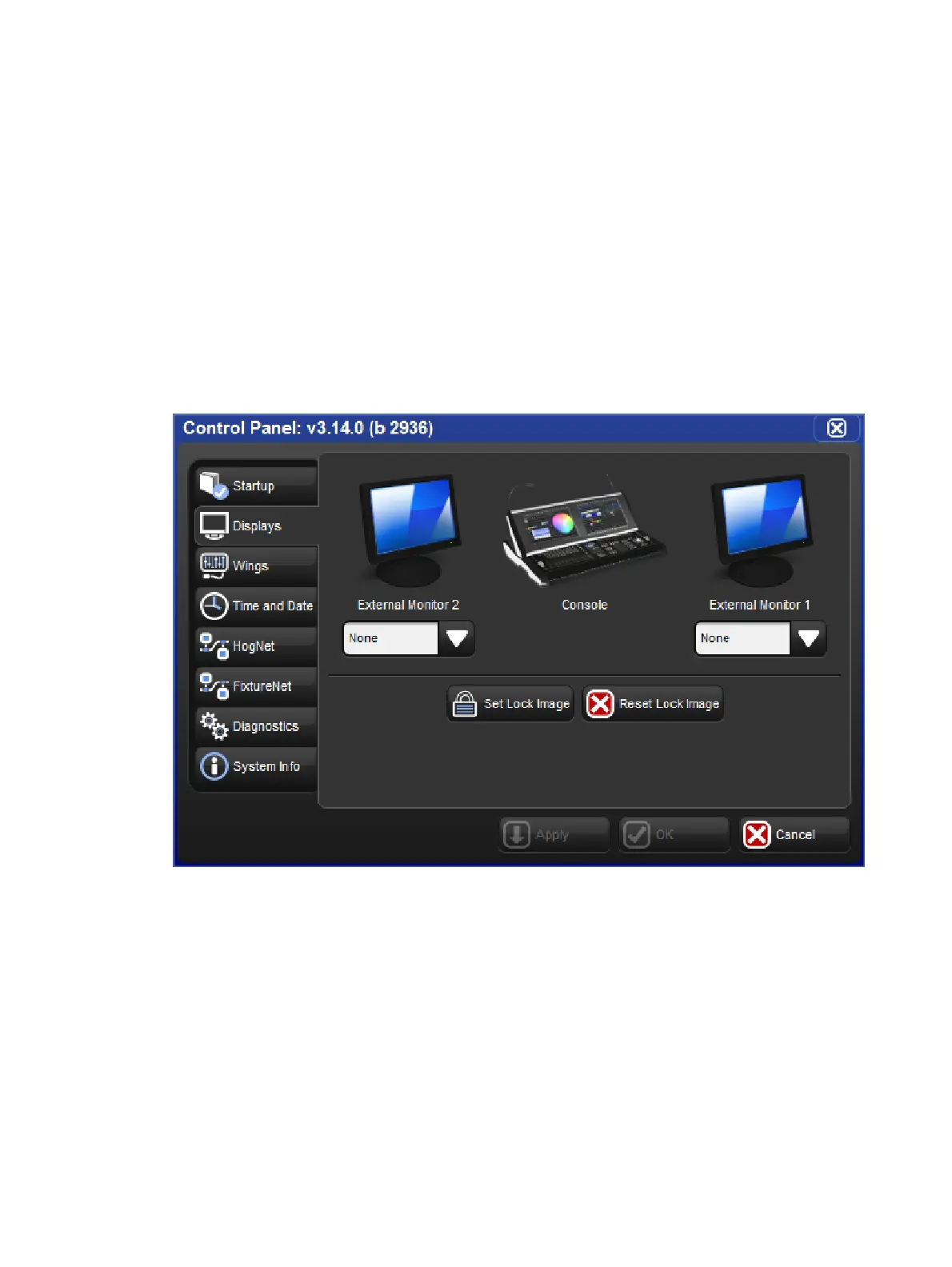
1. Setu p → Co ntrol Pan el → Displays: open the Displays pane of the Control Panel;
see image below.
2. Set the resolutions for External Monitor 1 and External Monitor 2 (which correspond to
the two external displays on the Hog 4 console).
3. Select O K.
Note that the control panel settings are system specific, so the number of screens will be
retained regardless of the show file that is launched.
The Displays pane of the Control Panel











 To Next Page