3. Setting up the System 75
To enable console fail over:
1. Connect two consoles via an Ethernet switch.
2. Enable the Run Se rver option in the StartUp tab of the control panel on each console.
3. Configure the primary console as Net number 1 and the secondary console as Net
number 2.
4. Log on primary console and then connect secondary console.
After configuring the network for fail over, each console connected to the show will monitor
the status of the primary console (the console that first loaded the show on the network) for
any failures or forced log offs.
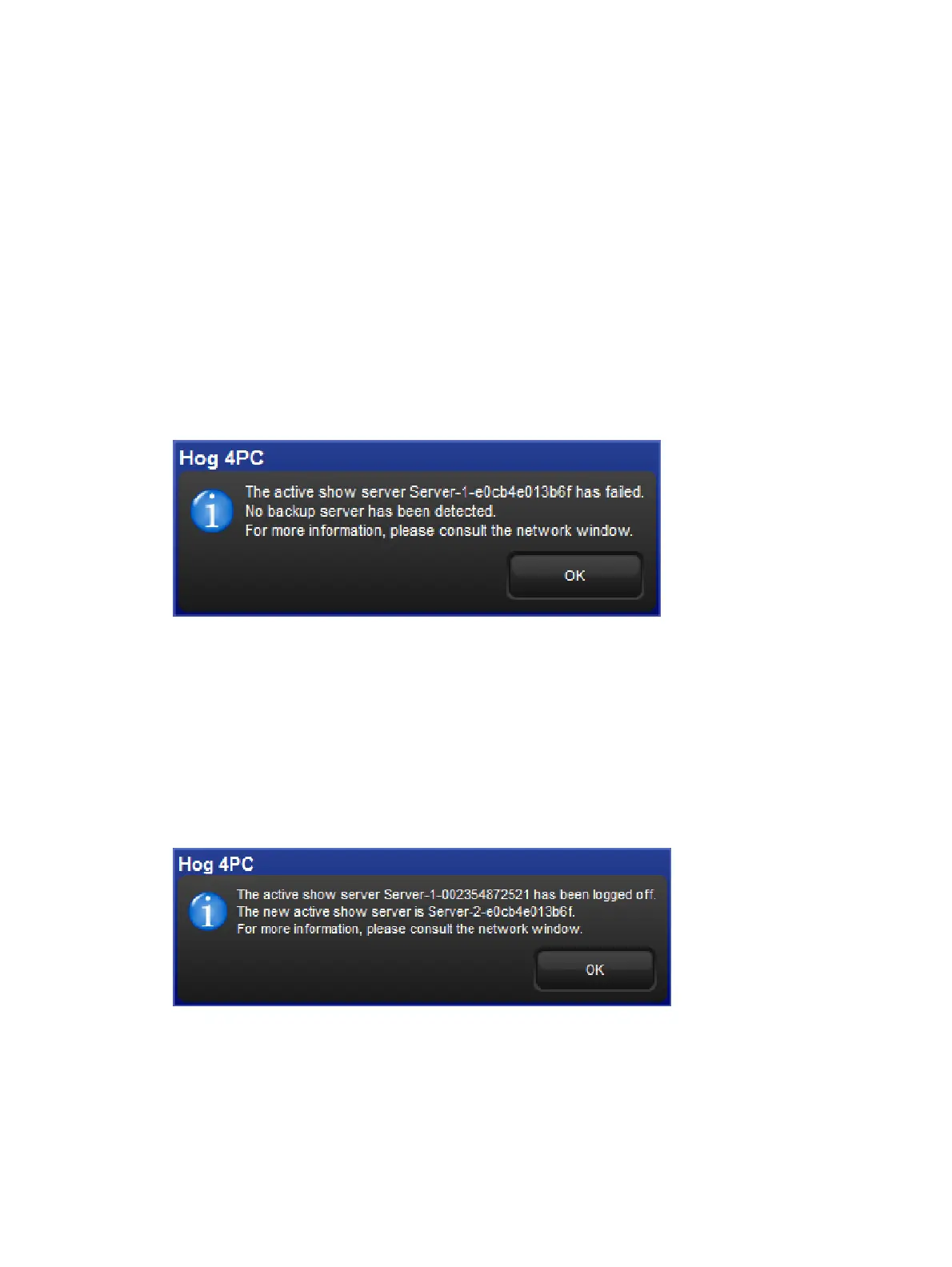
In the event that the primary console suffers a critical error or is disconnected from the
network, all other consoles connected to the show will post the message shown below,
notifying the user that a fail over has occurred and indicated which of the other server
consoles has taken over as the active show server (primary console).
Fail over message
If you see this message, first check to see if the original primary console is still physically
connected to the network, then power cycle the original primary console and reconnect it to
the show.
In the event that the console operator intentionally logged off the primary console, all other
consoles connected to the show will post the fail over message shown below to indicate that
the primary server console has logged off and another server console has assumed the role
as the active show server (primary console).
Fail over message logged off
Since this message is the direct result of the primary console being willfully logged off from
the show there is no need to perform any troubleshooting. Simply reconnect the logged off
console to the show and it will once again participate as a show server console on the
network.











 To Next Page