88 Hog 4 Operations Manual
Mapping a High End Systems USB DMX widget to a universe provides two benefits:
1. Physical 5-pin DMX output for the universe
2. Unlocks Art-Net & sACN output for the universe (Hog 4 PC Only)
To connect and map a High End Systems Widget:
1. Connect the DMX widget via USB to a Hog Console, Windows PC, or Processor.
2. Start a new show or launch an existing show on the console.
3. Setu p → Ne twor k; opens the Network window.
4. Click on the processor to which the DMX widget is attached. (this is most likely DMX
Processor #1)
5. Press the Settings button at the top of the network window to open the processor
settings window.
6. Select the Output pane of the processor Settings window.
7. Press the Add Mapping(s) button to create a new universe mapping on the processor.
8. Use pop up window to specify a universe range and enable the Widget option. Click
OK.
9. A new widget mapping will be added to the processor. The destination cell displays the
DMX widget type and ID. The port cell displays the widget's physical DMX port.
10. Click OK or APPLY to confirm the mapping. All of the widget's status LEDs except for
"RX Mode" should now be illuminated and the widget should be outputting DMX.
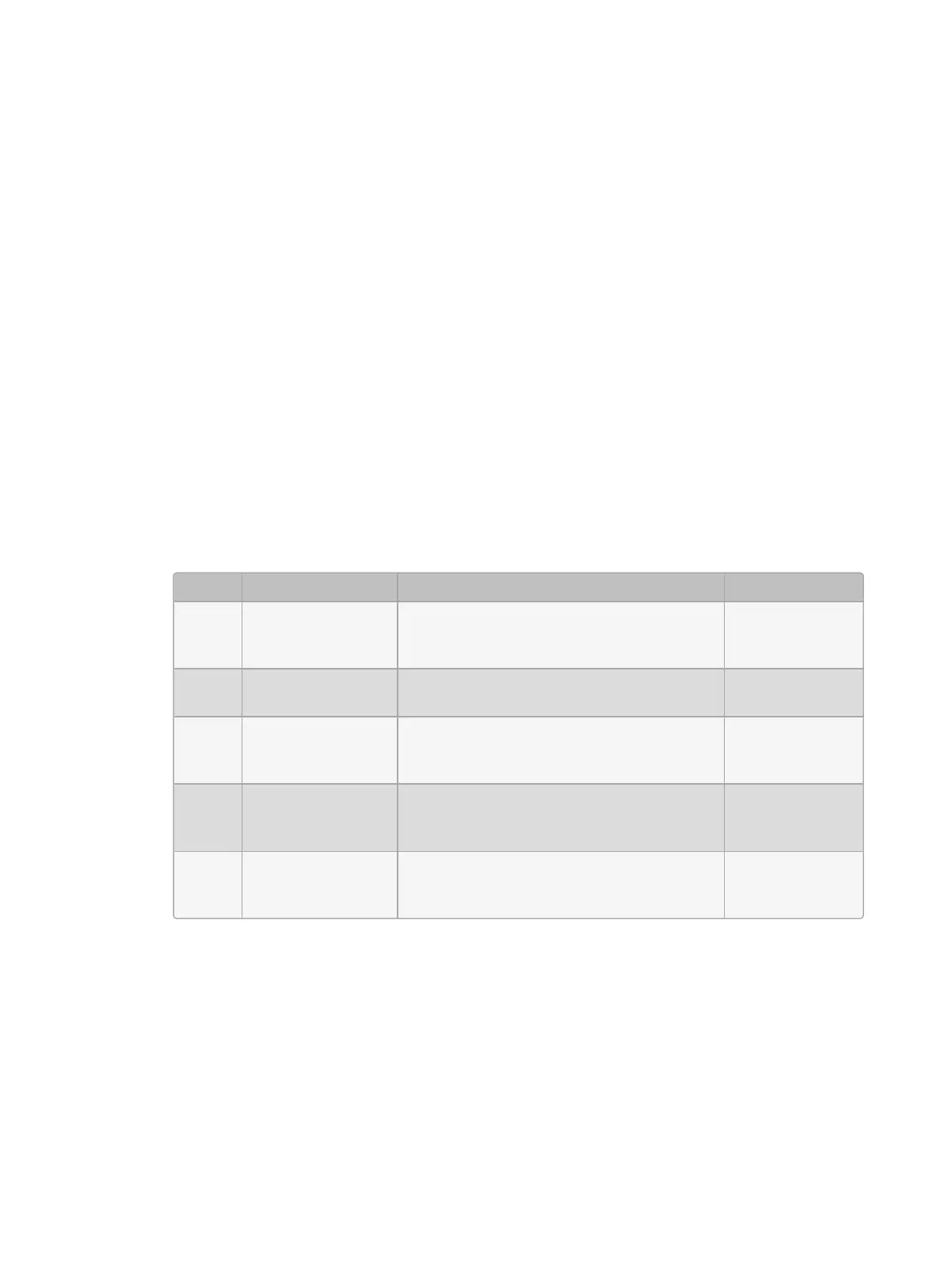
3.7.1 High End Systems DMX Widget Status LEDs
LED On Slow Blinking Off
TX
Mode
widget is
transmitting DMX
not implemented
widget is not
transmitting
DMX
RX
Mode
not implemented not implemented not implemented
DMX
OK
widget is outputting
DMX
widget has lost connection to active DP
and widget is transmitting DMX at a 2HZ
keep alive refresh rate
widget is not
outputting DMX
Active
widget is mapped
and connected to
an active DP
not implement
DMX widget is
not mapped to an
active DP
Link
widget has loaded
its firmware
not implemented
widget has not
loaded its
firmware











 To Next Page