Model 1001 DFB Programming and operating manual
FICEP S.p.A. 55
Quantity of piece to be produced
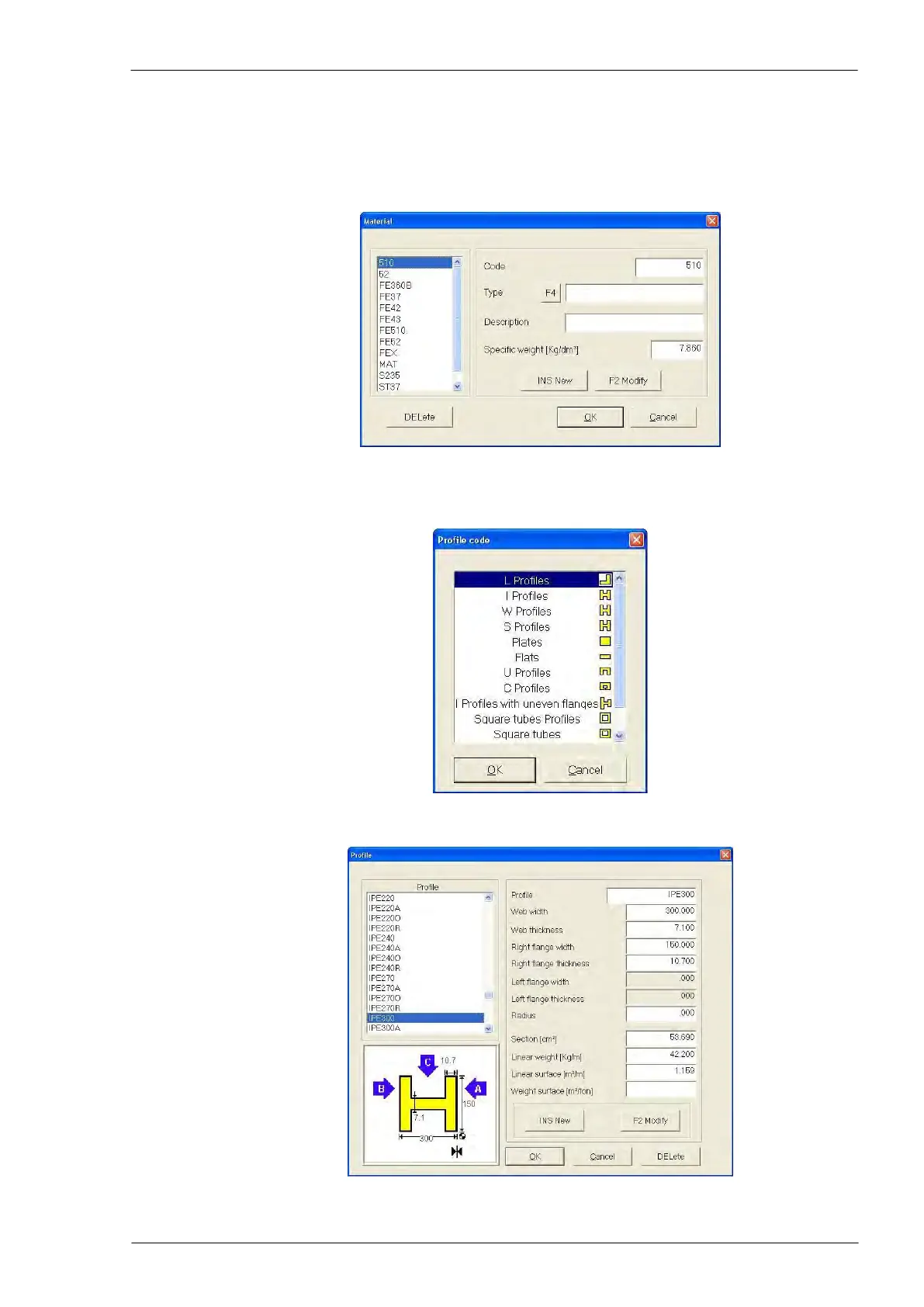
Type of material: to select a material, press F4 and choose it from the list in the selection
window. In the same window, it is possible to insert a new material or to modify an already
existing one.
N.B. this window is the same of the one described on page 41
Type of profile: to select a profile type, press F4 and choose it from the list in the selection
window.
Dimensions of profile: to select standard dimensions (or to insert/modify dimensions),
press F4 and choose it from the list in the selection window.



 To Next Page