INSTRUMENTS (AND AVIONICS) / DAC MEMORY UNIT 13-67
CHANGE C2 ICON A5 / MAINTENANCE MANUAL
2. Re-install the for 2mm internally wrenched hex screws. Torque to snug (~10 in-lb
f
). Do not over
tighten as they are easily stripped.
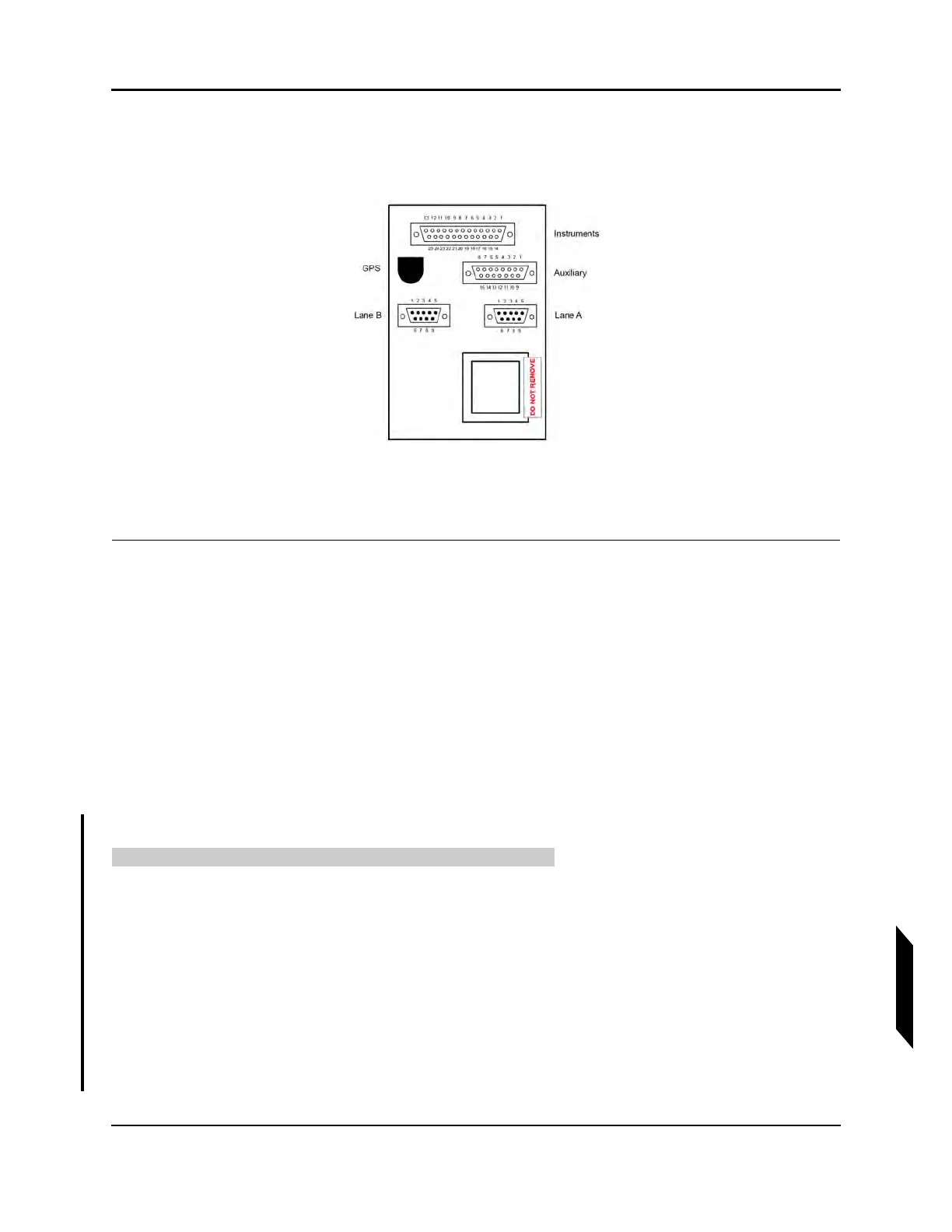
3. Install “DO NOT REMOVE” tamper-proof placard (ICA010871) as shown below.
4. Re-install left side instrument panel cover (ICA001703) by first inserting the cover’s forward
plastic pin into the left side instrument panel top receptacle. Align the ball studs on the cover with
the receptacles on the instrument panel cover and press the ball studs down into the rubber
receptacles.
VERIFICATION METHOD:
Verify security of the instrument panels and DAC installation.
RELATED INFORMATION:
"DAC Memory Unit Removal" on page 13-65
13.7.1.3 DAC Software Version
13.7.1.3.1 Verify DAC Software Version
Use this task to verify the DAC memory unit software version.
TASK INFORMATION:
Type of Maintenance
Line
Level of Certification
LSA-RM
Task Specific Training Required
No



 To Next Page