Selecting/Setting up a production phase
100 ProtoMat
®
S62
Selecting tools
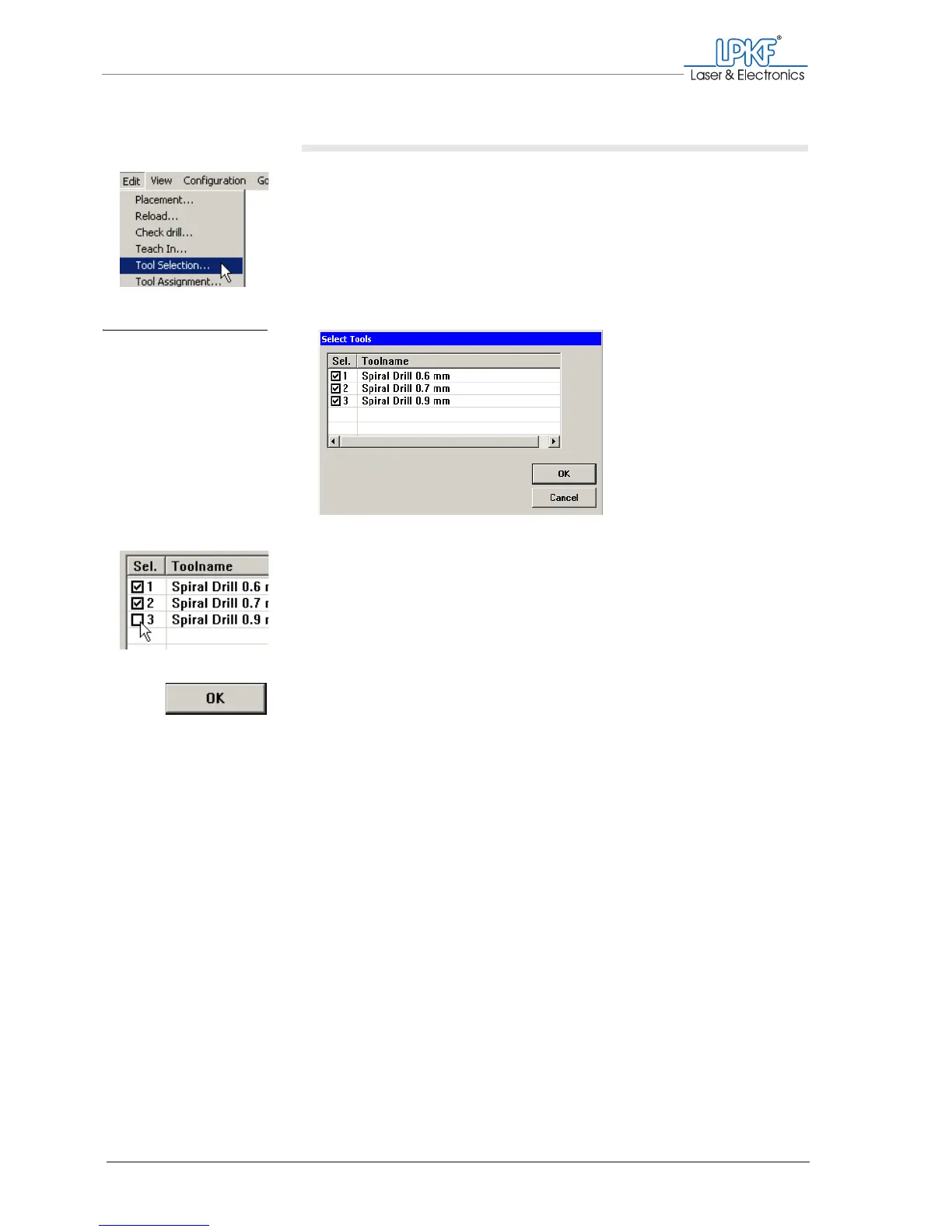
1. Click on Edit > Tool Selection....
The Select Tools window will be opened.
2. In the Sel. column, click on the check box to activate or deactivate
a tool.
Once activated, a tool is identified by a check mark in the check
box.
3. Click on OK.
The production phase will be executed with the activated tools only.
Fig. 44: Selecting tools



 To Next Page