Maintaining milling depth limiter and collet chuck
114 ProtoMat
®
S62
II. Cleaning the milling depth limiter
1. Carefully squeeze the plastic base and pull it out of the milling
depth limiter.
2. Unscrew the setting wheel from the milling depth limiter.
3. Clean all parts with a brush or a lint-free cloth.
4. Grease the thread with a thin layer of graphite grease.
5. Screw the setting wheel back onto the thread.
[]
6.2.2 Removing and cleaning the collet chuck
Conditions In order to dismount the collet chuck, the milling depth limiter must be
removed (s. page 112).
I.
Opening the collet chuck
1. Close the acoustic cabinet cover.
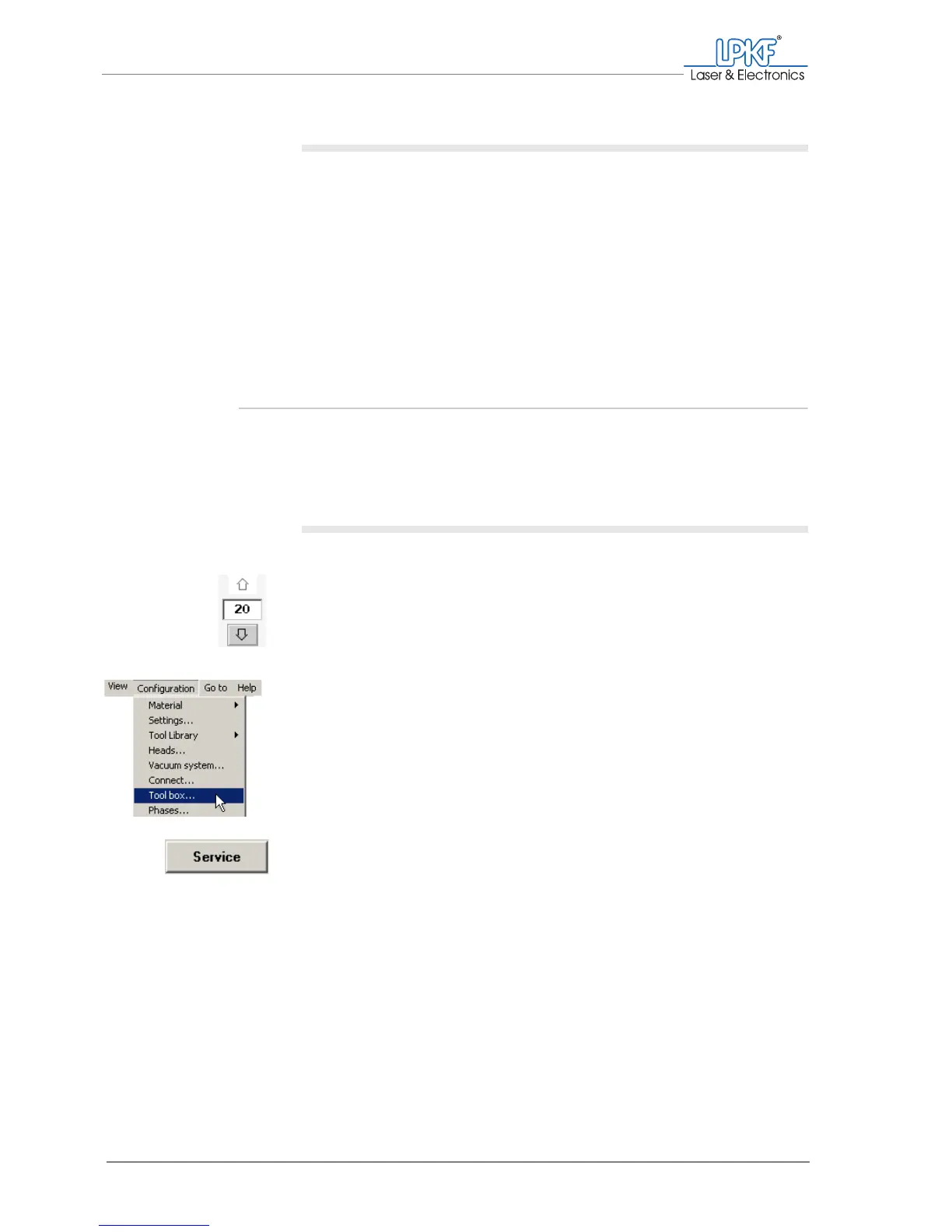
2. Move the milling/drilling head 20 mm downwards.
3. Click on Configuration > Toolbox....
The Tool box window is opened.
4. Click on Service.
The Enter service password window is opened.



 To Next Page