Manual tasks and settings
Operating Manual 7.1 Rev.: 18.06.2008 73
4.9 Drilling
For manual processing, the desired tool must be set up in BoardMaster
(Tool Positions window) and loaded in the corresponding tool holder
(see chapter 4.6.2‚ "Setting up tools", on page 67).
The available tools can be used to drill round holes up to 3 mm in diame-
ter. You will need to use the Contour Router milling tool (suitable for use
for diameters 2.4 mm or larger) if you wish to drill larger holes/slots (see
"Milling" on page 61).
Drilling a hole
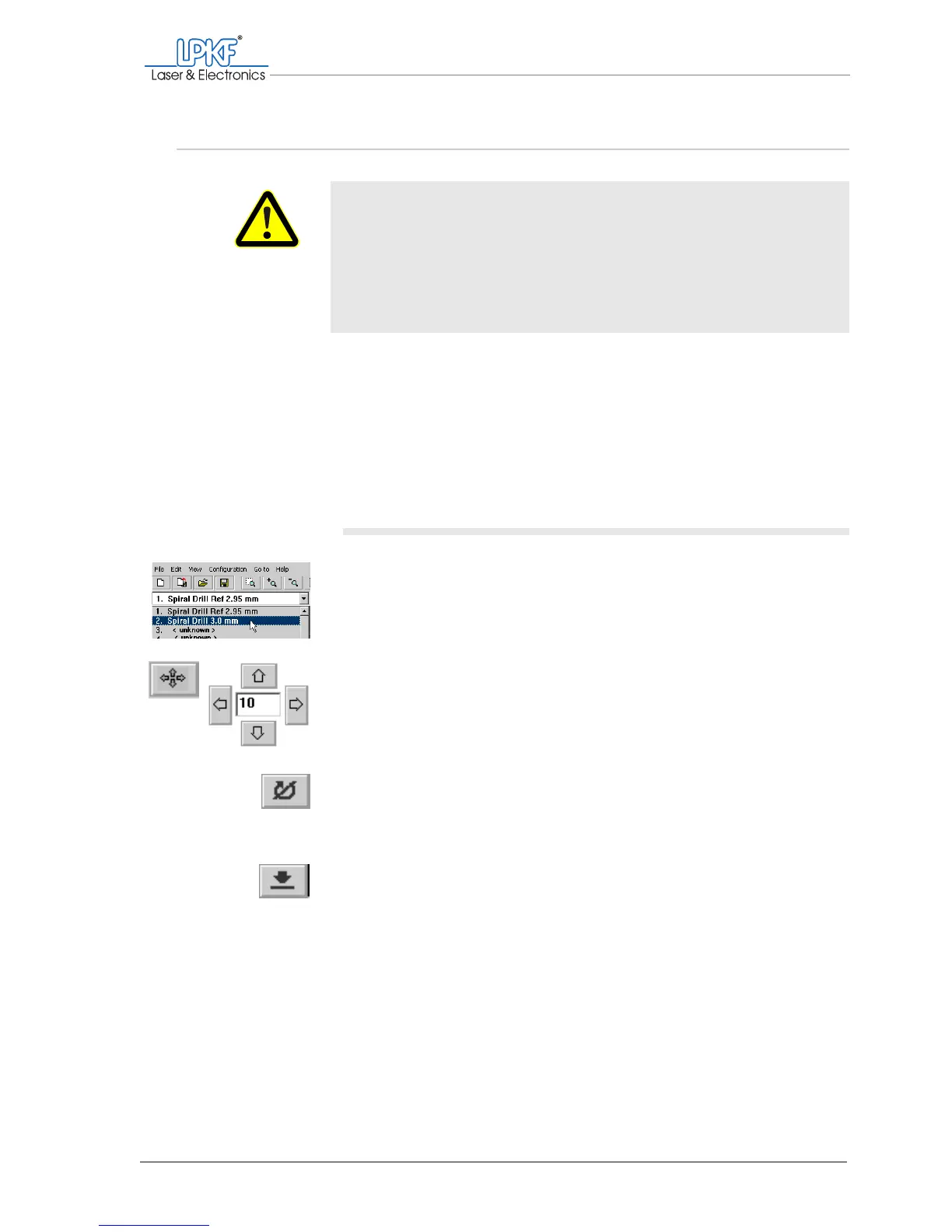
1. Select the desired drill in the tool selection list.
2. Move the milling/drilling head above the desired drilling position
with the mouse or the Move to x/y buttons.
3. Click on the Motor on button.
The milling/drilling spindle and the dust extraction (automatic mode only)
werden gestartet.
4. Click on the Lower head button.
Once the hole has been drilled, the milling/drilling head will be lifted auto-
matically.
WARNING
Health hazard!
The processing of the materials can give rise to dusts and gases
hazardous to your health.
› You must switch on the dust extraction before processing mate-
rials of any type. Extract the dust and material residues or
remove them with a brush or moistened cloth;
DO NOT blow
them out.



 To Next Page