Care and maintenance
Operating Manual 7.1 Rev.: 18.06.2008 139
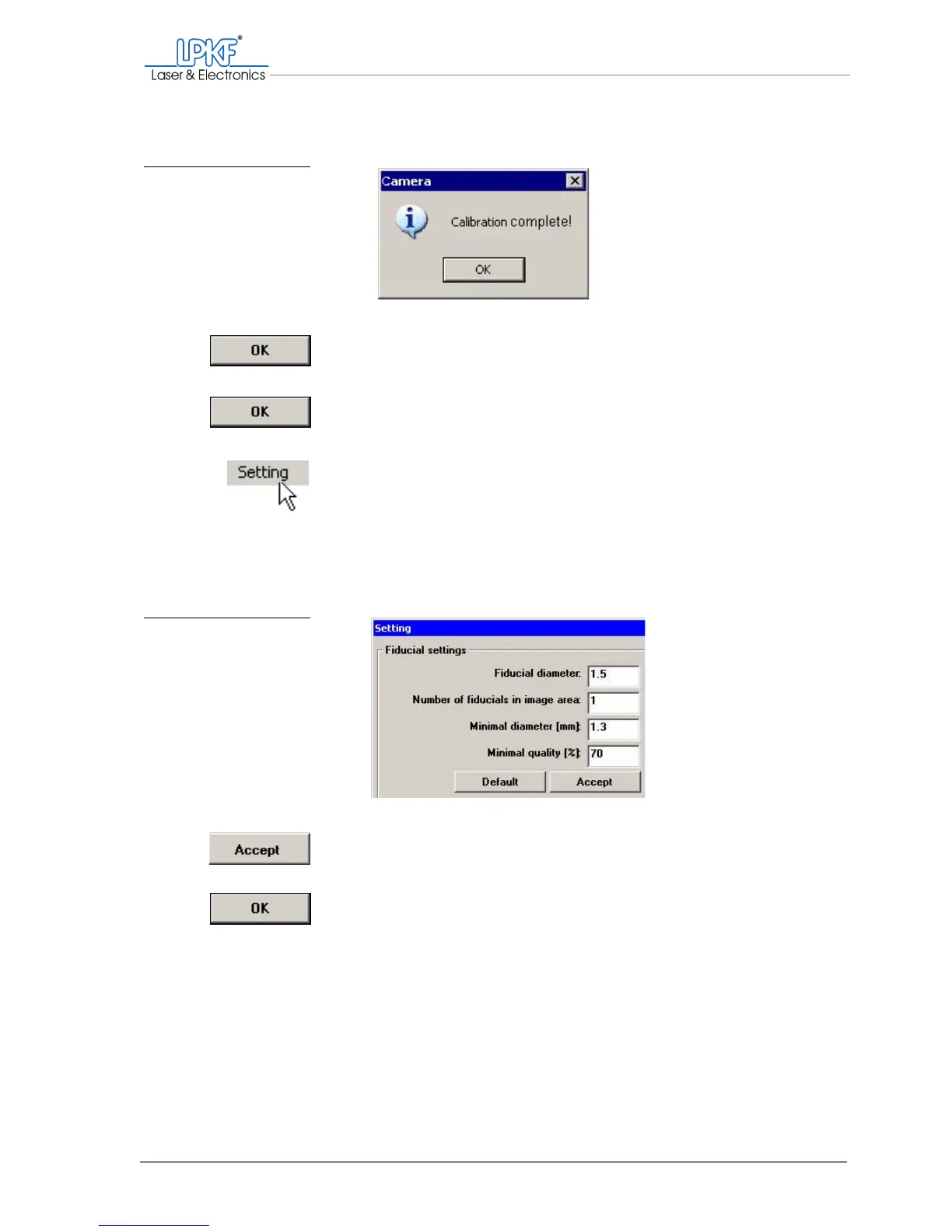
The message „Calibration complete!“ should appear.
11. Click on OK.
12. In the Setting window, click on OK to save the settings.
13. In the Camera Image window, click on Setting, to open the Set-
ting window again.
14. Enter the actual value of the diameter in the Fiducial diameter:
input box (here: 1.5 mm)
15. In the Minimal diameter [mm] input put, enter the value 1.4
(1.3 might also be necessary).
16. Click on Accept to confirm the entries.
17. Click on OK to close the Setting window.
Fig. 79: Calibration com-
plete
Fig. 80: Fiducial settings



 To Next Page