Manual tasks and settings
Operating Manual 7.1 Rev.: 18.06.2008 71
Picking up/Setting down a tool
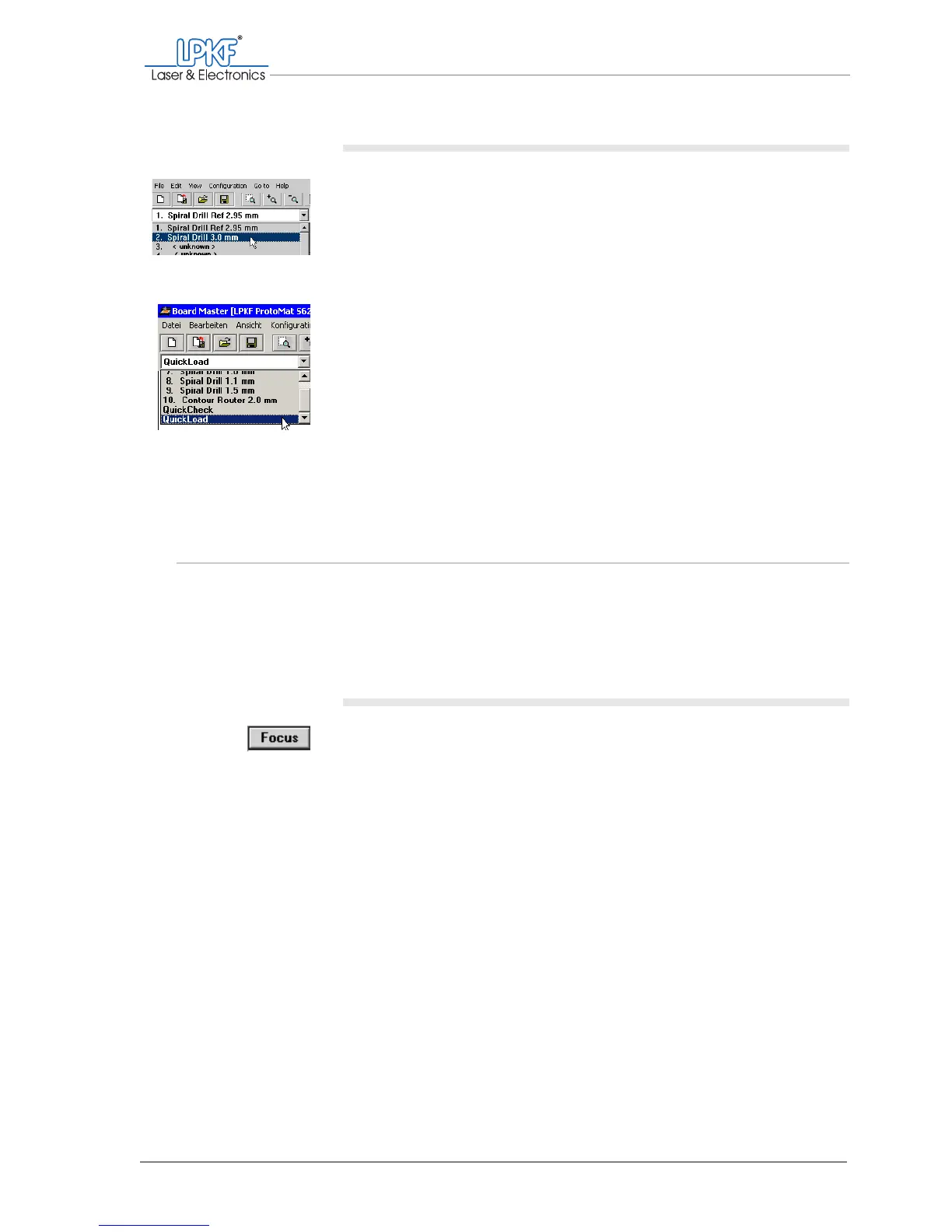
1. Select the desired tool in the tool selection list.
If there is still a tool in the milling/drilling head, it will be set down first. The
desired tool is then taken up and the milling/drilling head pauses above
the tool holder.
2. To set down a tool loaded in the milling/drilling head without taking
up a new one:
– Select the QuickLoad entry in the tool selection list.
The tool is set down in the defined tool holder.
[]
4.8 Setting the focus (VisionSystem only)
The focus is determined by the height position of the milling/drilling head.
This z value can be saved as a focus position. If the milling/drilling head
has moved vertically in the interim period, you can quickly reset the focus
position and accordingly the focus to the original value.
Setting the focus to the saved value
1. On the function bar, click on Focus.
2. If the camera image is not focussed, reset the focus position (see
"Adjusting the focus position").
[]



 To Next Page