Working sequence in automatic mode
Operating Manual 7.1 Rev.: 18.06.2008 97
The tools required for the job are displayed in the Wanted for current
job (phase) box. The preceding numbers designate the tools required for
the current phase (displayed on the function bar). The numerical value
indicates the service life required for the job in mm (milling cutter) or the
number of bores (drill).
II.
Configuring tools in the tool magazine
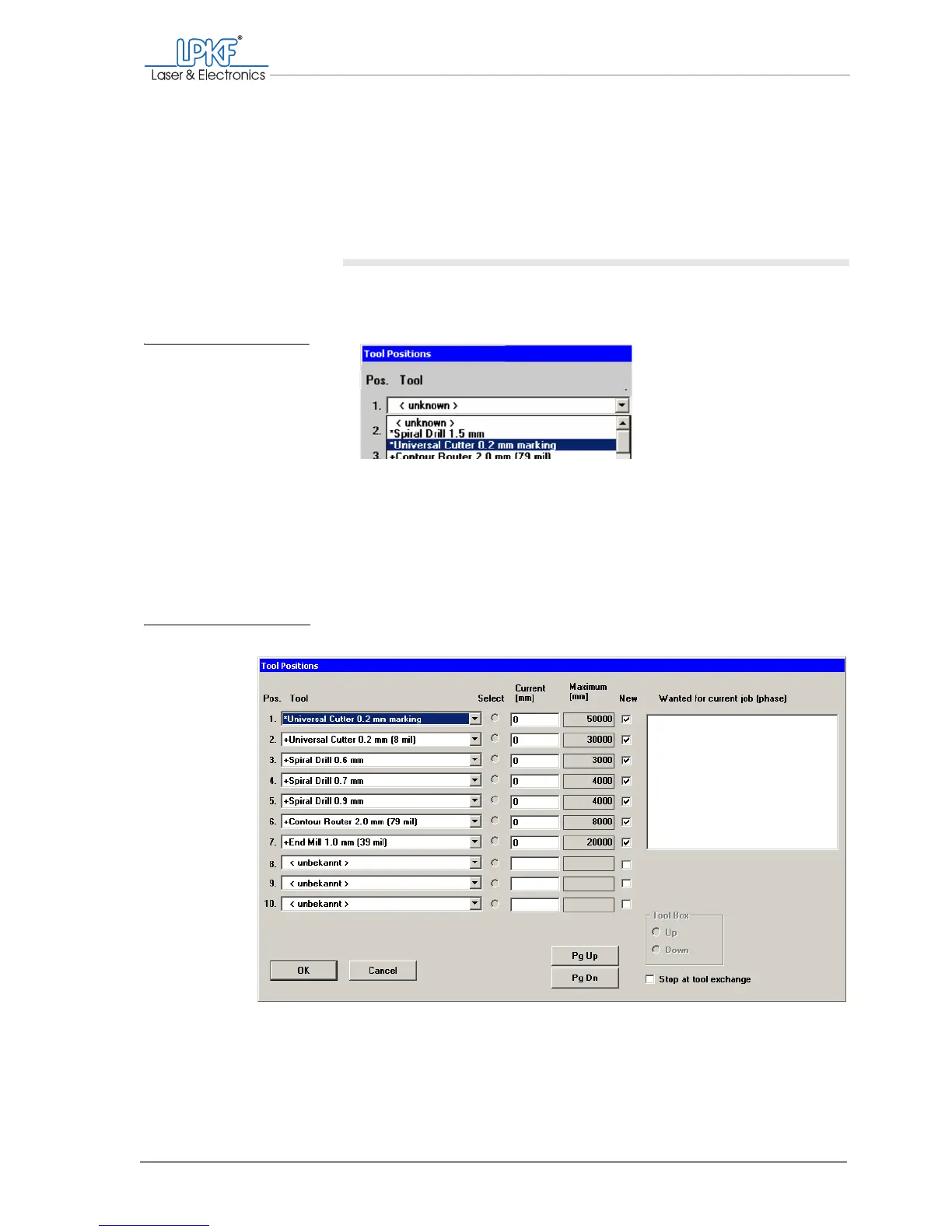
1. Select one of the required tools for each position (Pos.) from the
Tool selection list .
Note: The tools required for the currently selected production phase are
marked with an *; the tools required for other production phases are
marked with a +.
Once you have assigned a tool position to each of the required tools, the
input window could look like this:
Fig. 42: Assigning tool po-
sitions
Fig. 43: Defined tool positions



 To Next Page