Manual tasks and settings
Operating Manual 7.1 Rev.: 18.06.2008 75
Creating a milling track
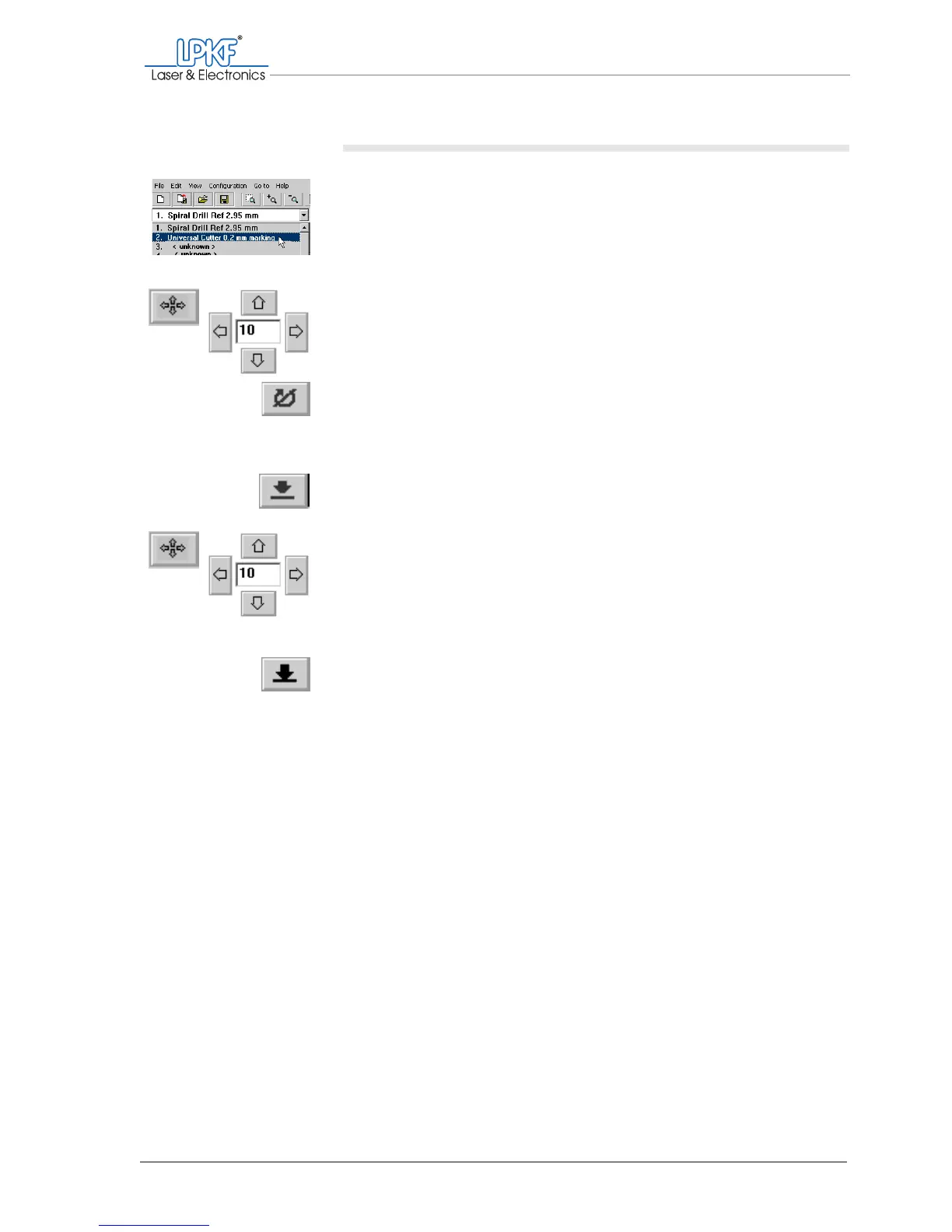
1. Select the desired mill in the tool selection list.
The mill is taken out of the tool magazine and the milling/drilling head
pauses above the tool holder.
2. Move the milling/drilling head with the mouse or the Move to x/y
buttons to the starting point of the desired milling track .
3. Click on the Motor on button.
The milling/drilling spindle and the dust extraction (automatic mode only)
will be started.
4. Click on the Lower head button.
The milling/drilling head is lowered onto the base material.
5. Move the milling/drilling head with the mouse or the Move to x/y
buttons in the desired direction and distance.
The milling track is created.
6. Click on the Lift head button.
The milling/drilling head is lifted slightly.
7. If necessary create further milling tracks as with the same tool.
or:
Click on the Motor off button.
[ ] The milling/drilling head is lifted slightly; the spindle and dust extraction
(automatic mode only) are switched off.



 To Next Page