Selecting/Setting up a production phase
102 ProtoMat
®
S62
Activating data segments by index number
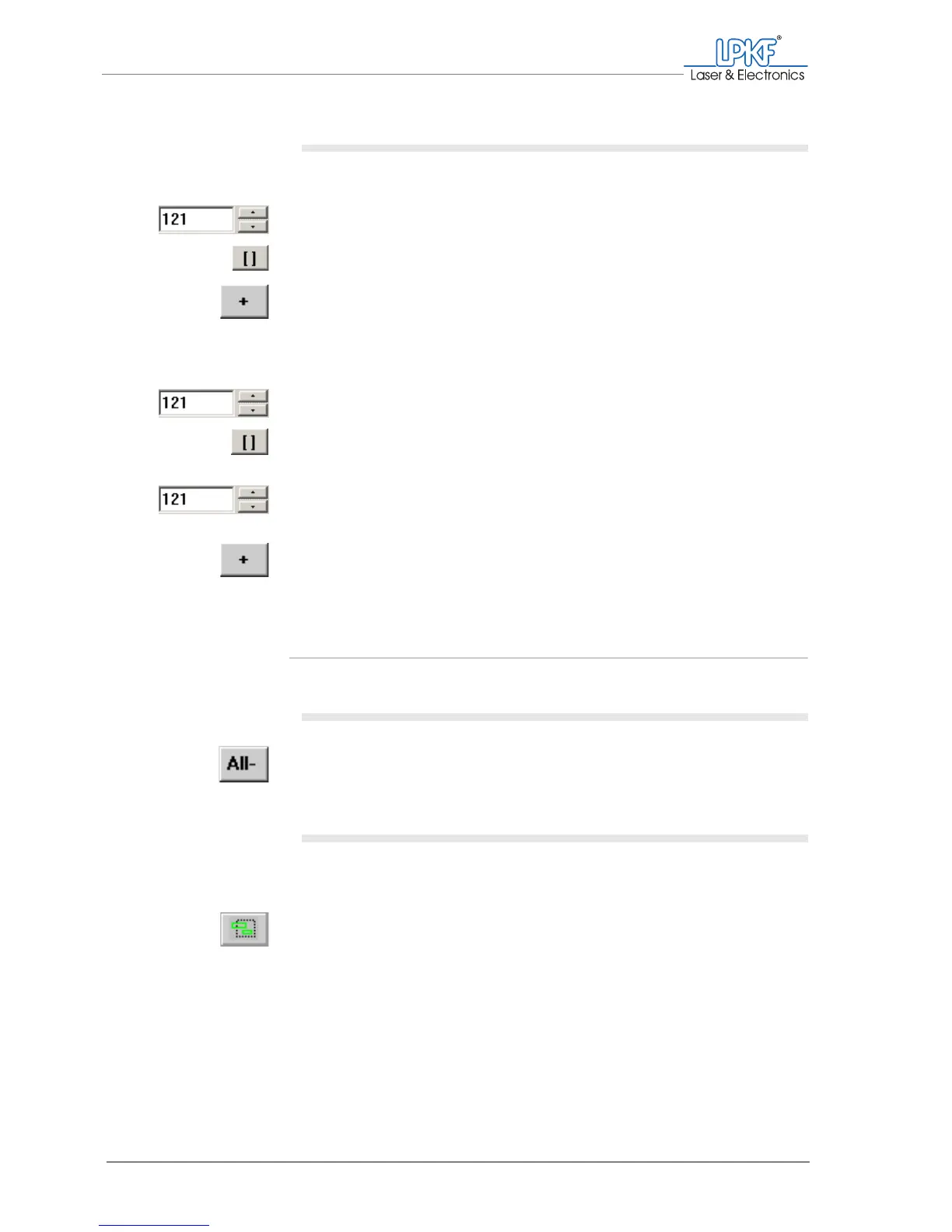
1. To activate one individual data segment:
– Enter the number of the desired data segment into the Segment
number input field.
– Click on the [] button.
– Click on the + button.
The selected data segment is activated for production.
2. To activate a range of sequential data segments:
– Enter the number of the first data segment into the Segment
number input field .
– Click on the [] button.
– Select the number of the last data segment using the arrow but-
tons.
– Click on the + button.
[ ] The selected range of data segments is activated for production.
Deactivating data
Deactivating all data
1. Click on All-.
[ ] No more data is activated.
Deactivating data areas
1. To deactivate all data segments within an area including all associ-
ated segments:
– Click on the Add lines button.
– With the left mouse button pressed draw up the area to be deacti-
vated.



 To Next Page