Switching on the system
48 ProtoMat
®
S62
I. Switching on the LPKF dust extraction (optional)
1. Switch the main switch of the LPKF dust extraction to the desired
position.
Tab. 5: Operating modes of the LPKF dust extraction:
[ ] The set operation mode will be used.
WARNING
Health hazard!
Fine dusts and gases hazardous to your health can emerge dur-
ing material processing.
› Make sure that the dust extraction for material processing is
switched on (continuous or automatic operating mode).
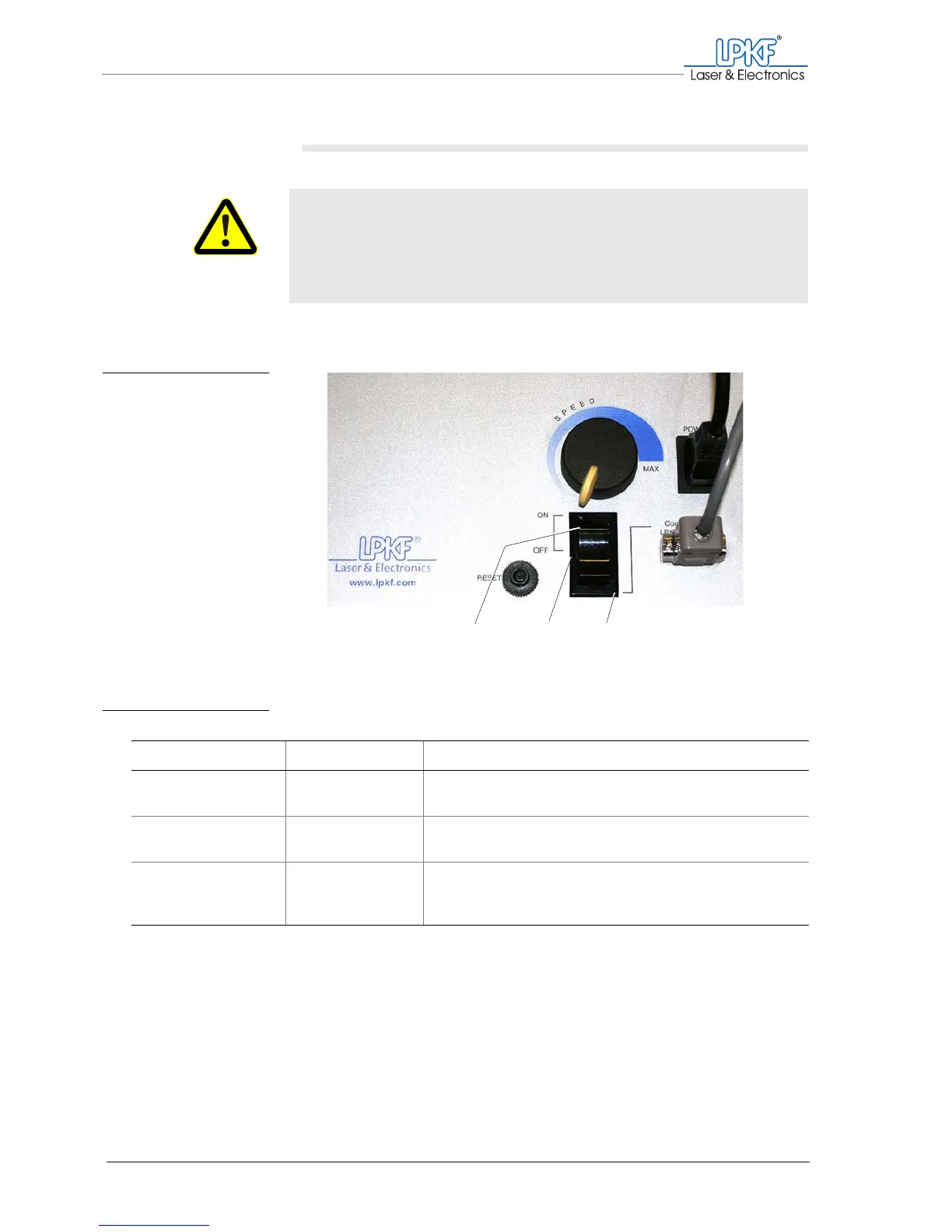
Fig. 17: Dust extraction -
operating modes
1 Continuous operating mode 2 Off 3 Automatic mode
Setting Operating mode Operation
ON Continuous operat-
ing mode
Continuous extraction,
Switching On/Off using the BoardMaster is not possible
OFF Off No extraction,
Switching On/Off using the BoardMaster is not possible
Connection to
LPKF ProtoMat
Automatic mode The extraction starts automatically with the milling/drilling
motor, manual switching On/Off using the BoardMaster is
possible.
1
23



 To Next Page