Maintaining milling depth limiter and collet chuck
112 ProtoMat
®
S62
6.2 Maintaining milling depth limiter and collet chuck
The milling depth limiter and collet chuck must be cleaned at regular
intervals after 100 operating hours and whenever necessary. These com-
ponents need to be removed for cleaning.
Required tools and materials:
• Torx wrench: T10 and T20
• Any drill or milling tool with a 3.175 mm (1/8") shaft
• Collet chuck tools
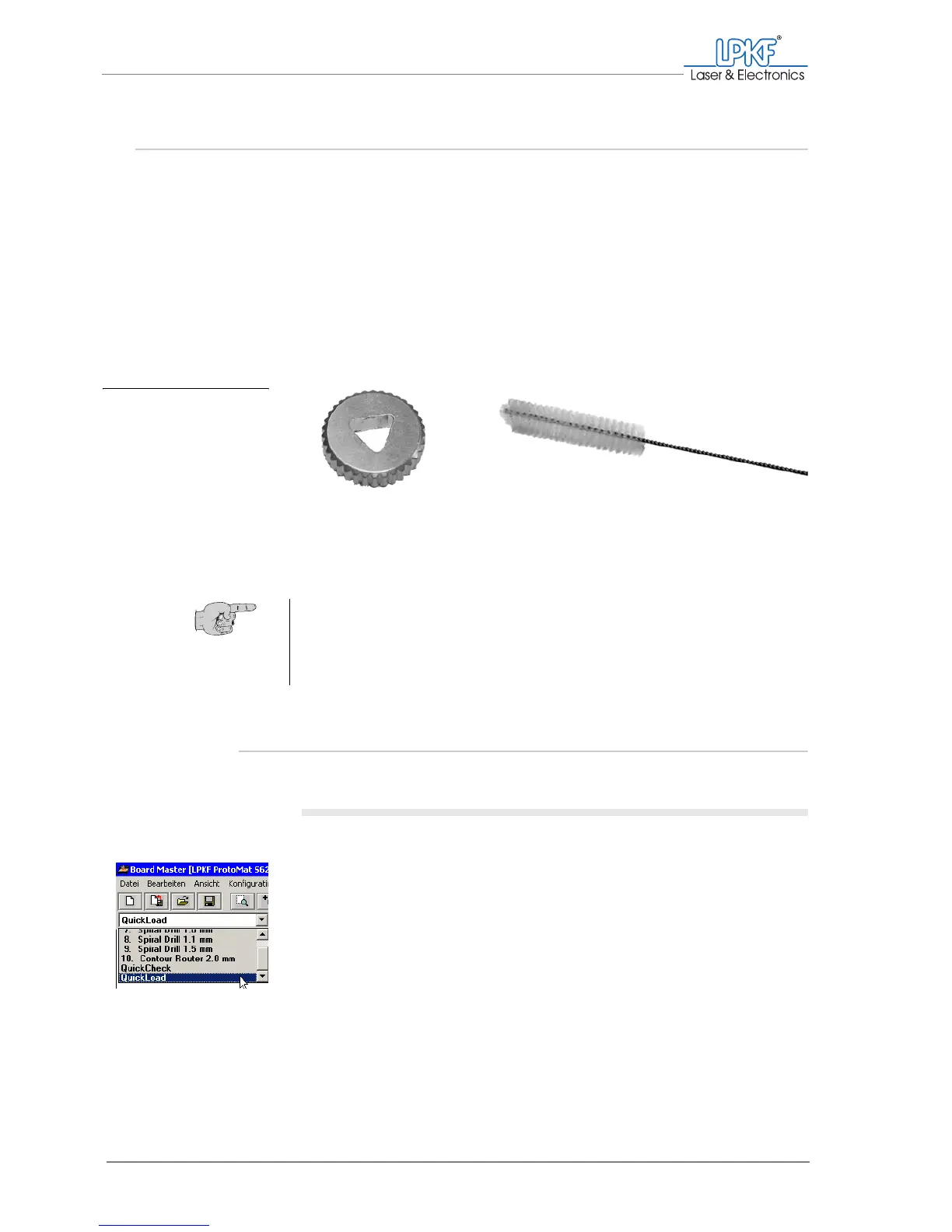
– Collet chuck wrench
– Collet chuck brush
• Brush
6.2.1 Removing and cleaning the milling depth limiter
I. Removing the milling depth limiter
1. If there is a tool in the collet chuck:
Select QuickLoad from the the tool selection list.
The tool will be set down in the tool magazine.
Fig. 50: Collet chuck tools
1 Collet chuck wrench 2 Collet chuck brush
Tip: The inside of the collet chuck can be cleaned at any time without
having to be removed. To do this, insert the collet chuck brush into the
opened collet chuck and push/turn the brush repeatedly to remove the
dust particles. (To open the collet chuck see "Opening the collet chuck"
on page 114)



 To Next Page