Switching on the system
50 ProtoMat
®
S62
IV. Starting BoardMaster
1. Double click on the BoardMaster symbol on the desktop.
Make sure that you start the current BoardMaster version.
or:
Click on Start > Programs > LPKF Laser & Electronics >
BoardMaster ...
Note: Make sure to start the BoardMaster version delivered with the
ProtoMat
®
S62 circuit board plotter.
2. If the window Connect... appears:
– Ensure the correct connection settings (see "Checking the con-
nection settings (if necessary)" on page 51).
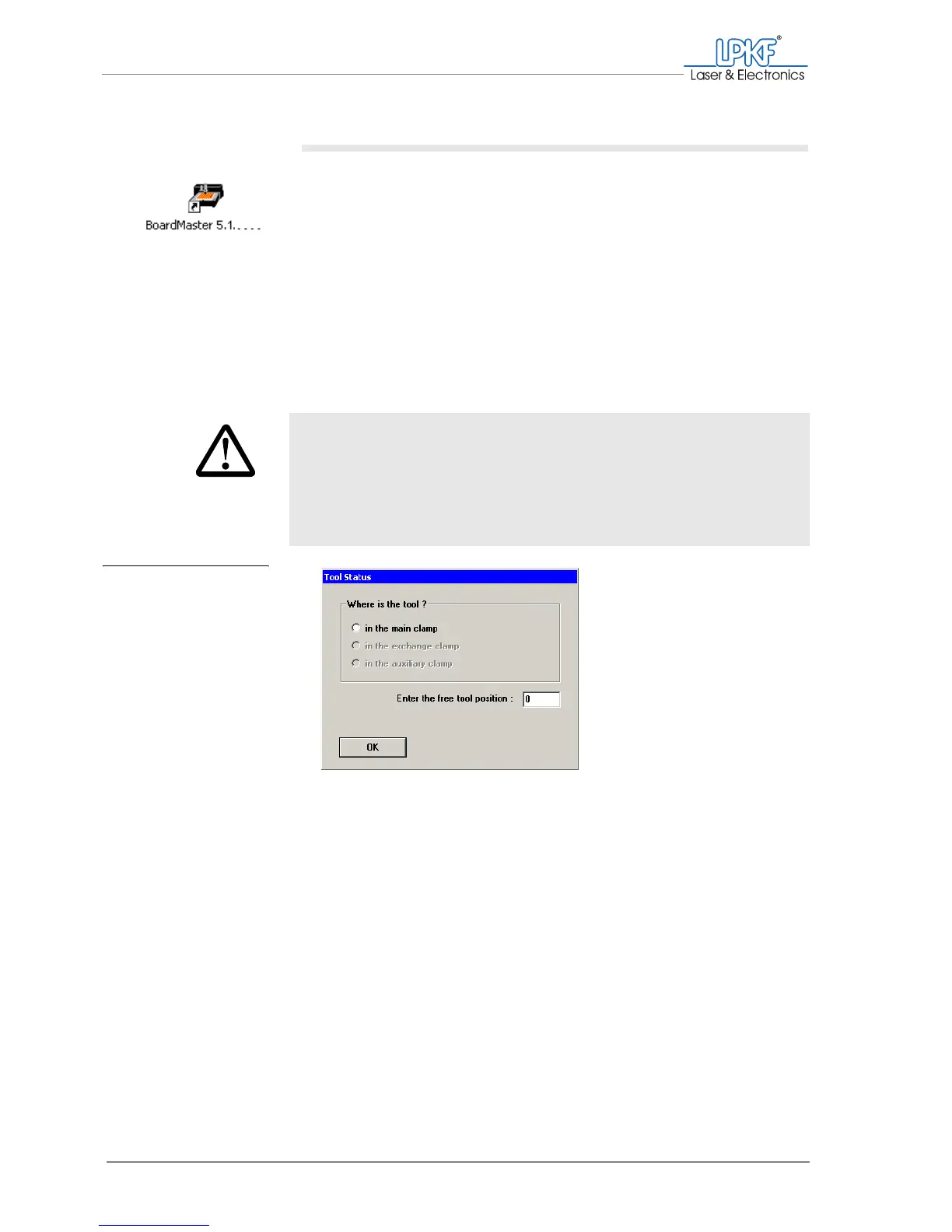
3. If there is already a tool in the circuit board plotter:
– Enter the corresponding position in the box Where is the tool ?.
– Enter the number of any free tool position in the field Enter the
free tool position:.
CAUTION
Machine damage caused by wrong operation.
The milling/drilling head, tool magazine and tools can collide
and become damaged if a wrong position is given.
› Make sure that the tool positions activated in the dialog
window correspond to those specified in the circuit board
plotter.
Fig. 18: Dialog box
Tool status



 To Next Page