Manual tasks and settings
Operating Manual 7.1 Rev.: 18.06.2008 87
II. Drilling pass holes into the sinter plate
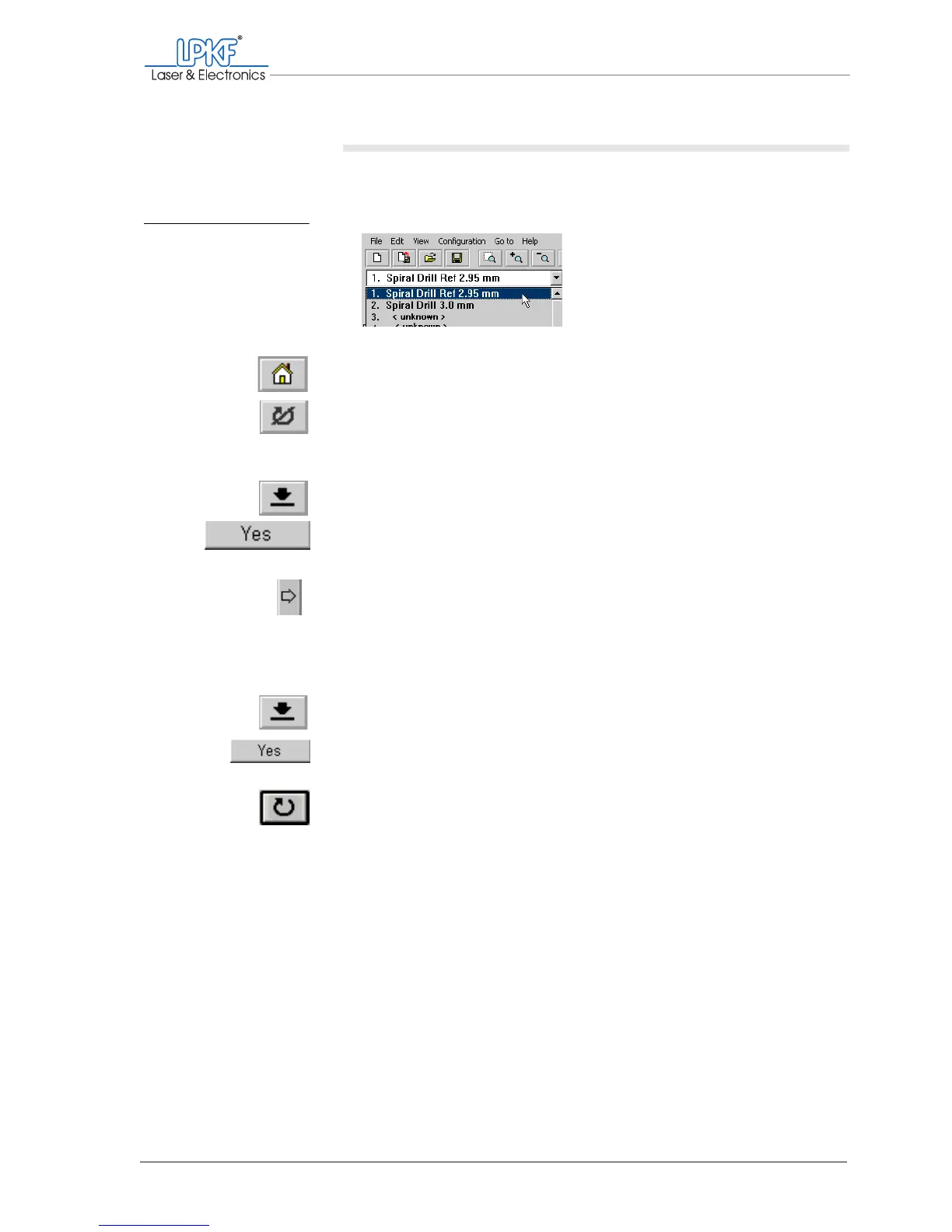
1. On the function bar, click on the tool selection list and select the
entry 2. Spiral Drill Ref 2.95 mm.
2. On the function bar, click on the Move to home button.
3. On the function bar, click on the Motor on button.
The milling/drilling spindle and the dust extraction start up.
4. On the function bar, click on the Lower head button.
5. Confirm both prompts with Yes.
The pass hole is drilled and the milling/drilling head is lifted automatically.
6. Using the Move to x+ button, move the milling/drilling head so that
it is located in the desired position above the right-hand pass hole
strip.
Take care not to move the milling/drilling head in the Y direction (if
you do this the pass hole will not be positioned in the centre of the
mirror axis).
7. On the function bar, click on the Lower head button.
8. Confirm the prompts with Yes.
The pass hole is drilled and the milling/drilling head is lifted automatically.
9. On the function bar, click on the Motor off button.
Fig. 38: Selecting pass
hole drills for pass
hole strips



 To Next Page