Creating a pass hole system (basic equipment)
78 ProtoMat
®
S62
3. Preparing the traversing table:
– Remove the drilling underlay from the traversing table.
– Pull the pass hole pins out of the red plastic strips using a collet.
– Move the plastic strips in the guide groove so that the new pass
holes can be positioned as appropriate for the size of your mate-
rial.
If no more pass holes will fit in the plastic strips:
Lift the strips out of the guide groove and insert a new pair.
Note: The pass holes should be positioned at least 5 mm from the edge of
the base material.
Now you can drill the pass holes.
II. Drilling pass holes into pass hole strips
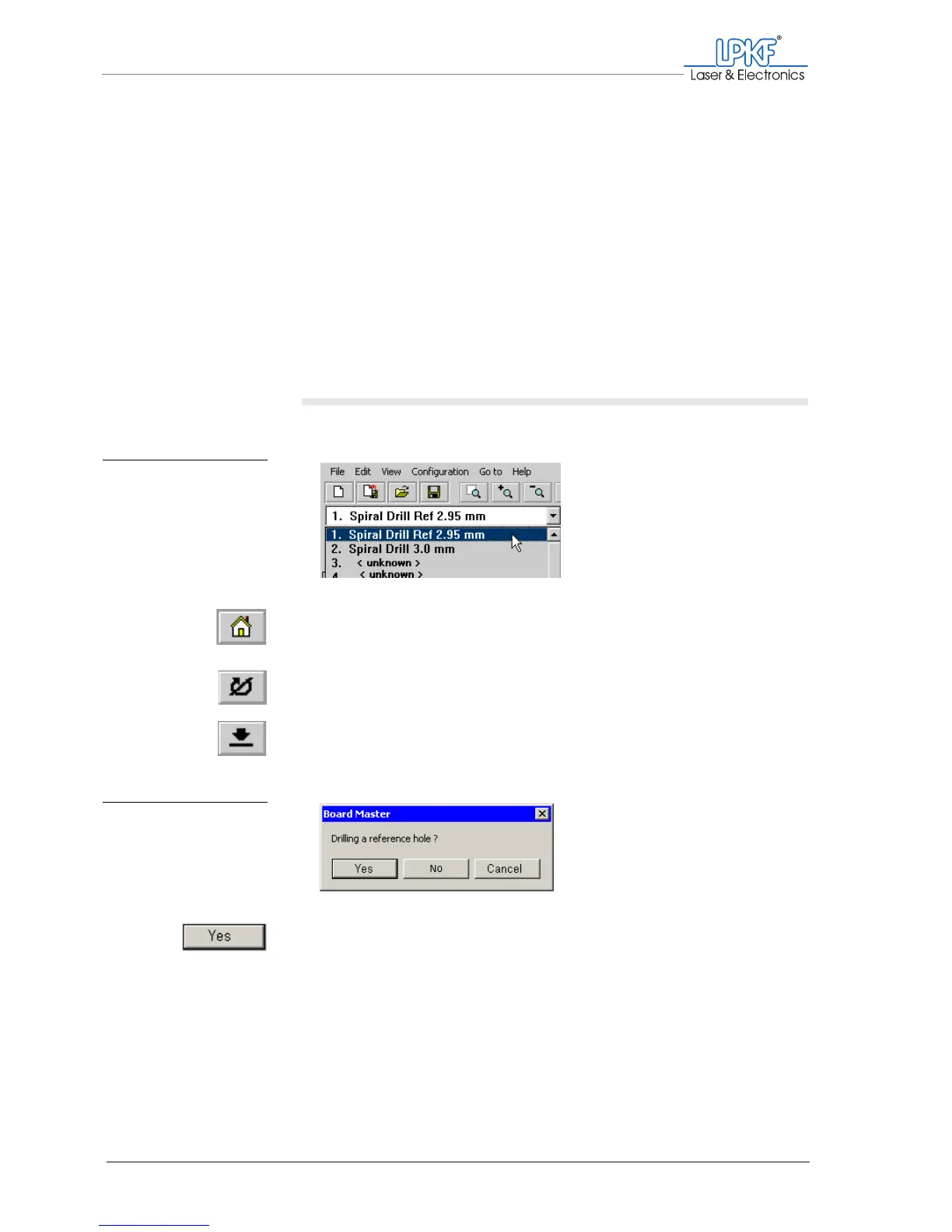
1. In the tool selection list select the Spiral Drill Ref 2.95 mm entry.
2. Click on the Move to home button.
3. Click on the Motor on button.
4. Click on the Lower head button.
A prompt asking if you wish to drill a pass hole will appear.
5. Click on Yes.
Fig. 28: Selecting pass
hole drills for pass
hole strips
Fig. 29: BoardMaster mes-
sage "Drill pass
hole?"



 To Next Page