Care and maintenance
Operating Manual 7.1 Rev.: 18.06.2008 119
6.3 Replacing fuses
The circuit board plotter is protected by two T4L 250 V fuses. To replace
the fuses, you first need to remove the side wall of the acoustic cabinet.
I.
Removing the side wall of the acoustic cabinet
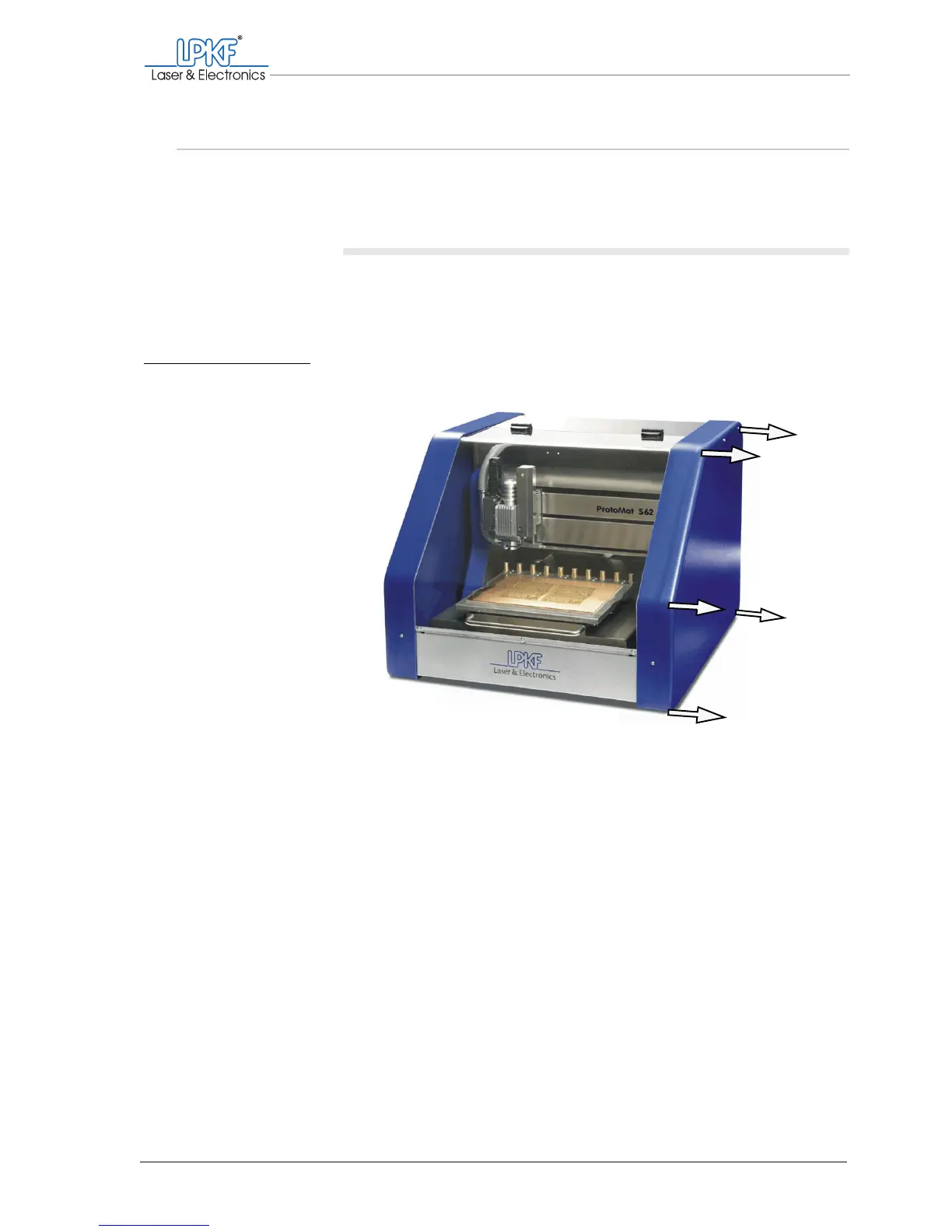
1. Remove the eight screws from the right side wall of the acoustic
cabinet.
2. Pull the side wall to the side and out of the acoustic cabinet.
The main switch and the mains cable are freely accessible.
3. Pull the mains cable out of the connecting socket.
[]
Fig. 58: Removing the side wall of the acoustic cabinet



 To Next Page