Ending production
110 ProtoMat
®
S62
2. Save the job under a new name (see "Saving a job" on page 83).
If at all possible, choose a name reflecting the current production
status, e.g. MyJobDrillingBottom.job.
[ ] The job can be saved with the current processing status and then opened
and resumed subsequently.
Aborting production
1. Click on File > Exit to exit BoardMaster.
or:
Open another job.
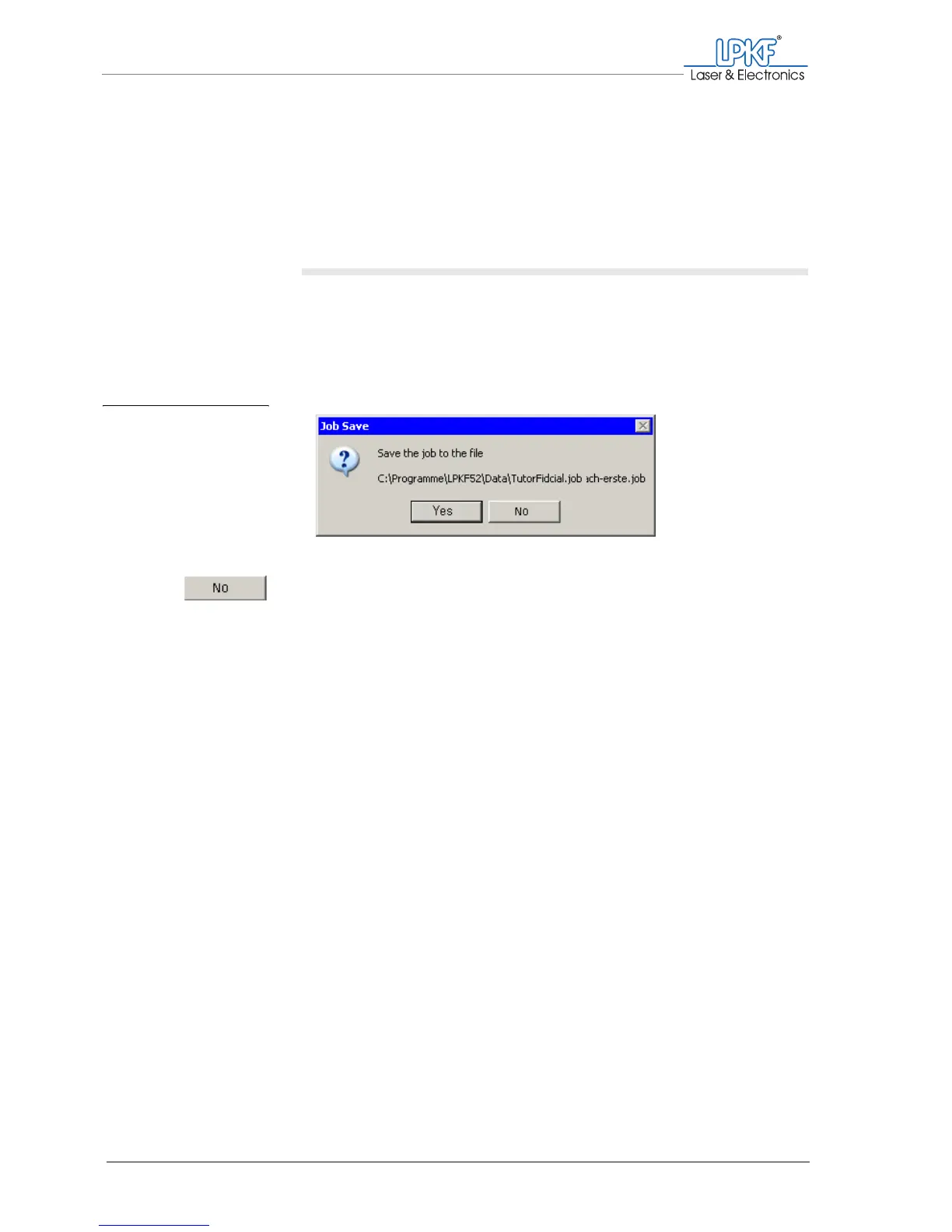
2. If the message "Save the job to the file ..." appears.
– Click on No.
Note: If you click on Yes, this job will be saved with the current production
status (in the currently active phase) and opened with the status of the
most recently processed production phase when resumed.
[ ] The production is aborted.
Fig. 49: Message when
aborting production



 To Next Page