Adjusting the camera (only with VisionSystem)
136 ProtoMat
®
S62
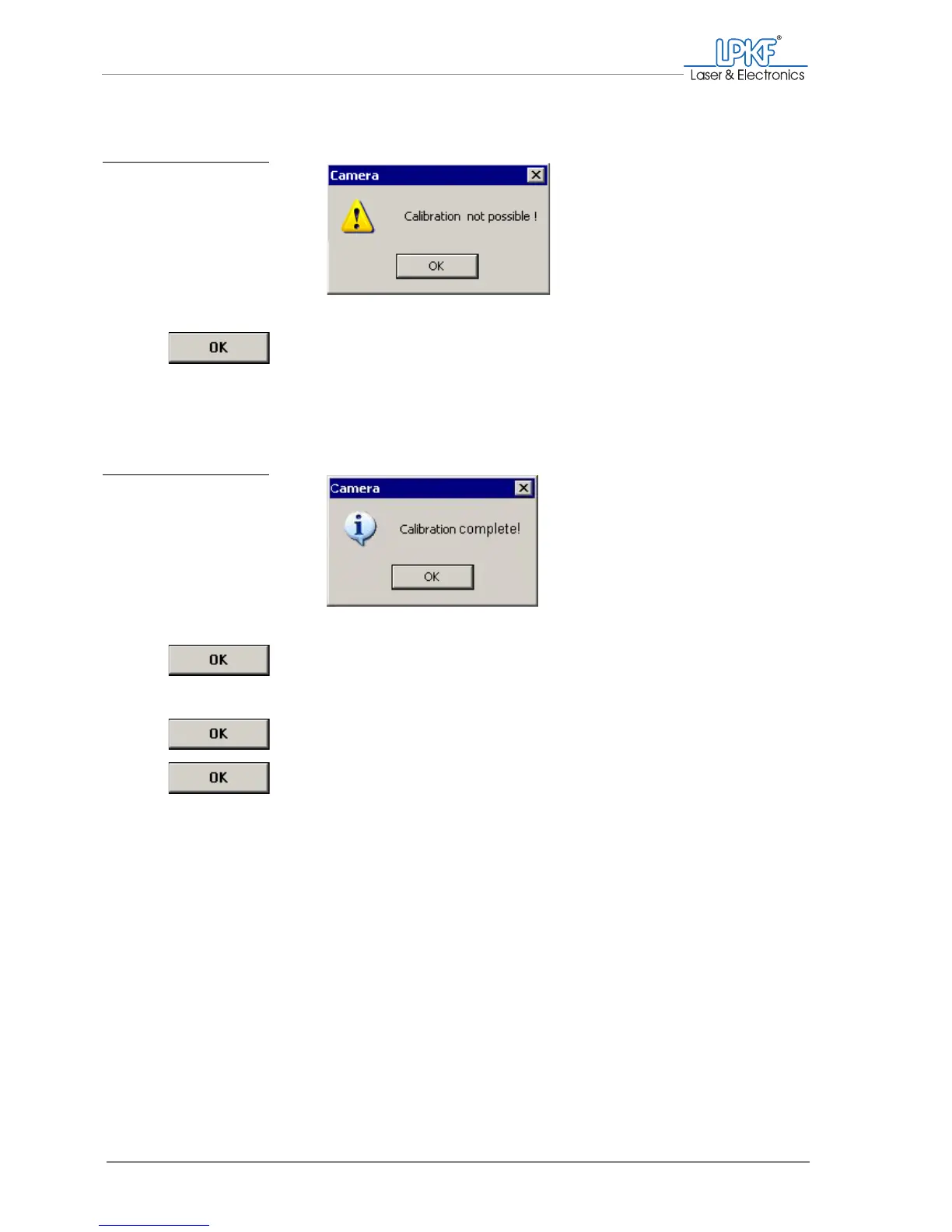
8. If the message "Calibration not possible !" appears:
– Click on OK.
– Check/correct the camera focus and the image brightness and
repeat the calibration.
9. Once the calibration has been completed successfully, the mes-
sage "Calibration successful!" appears.
10. Click on OK.
11. Click on OK to close the Calibration window.
12.
.Click on OK to close the Setting window.
[ ] Now you can determine the fiducial diameter.
Fig. 74: Calibration not pos-
sible
Fig. 75: Calibration suc-
cessful



 To Next Page