Manual tasks and settings
Operating Manual 7.1 Rev.: 18.06.2008 51
4. If there is no tool in the circuit board plotter:
– Deactivate all entries.
– Enter the value 0 in the field Enter the free tool position:.
5. Click on OK.
[ ] The ProtoMat
®
S62 is ready for operation.
V. Checking the connection settings (if necessary)
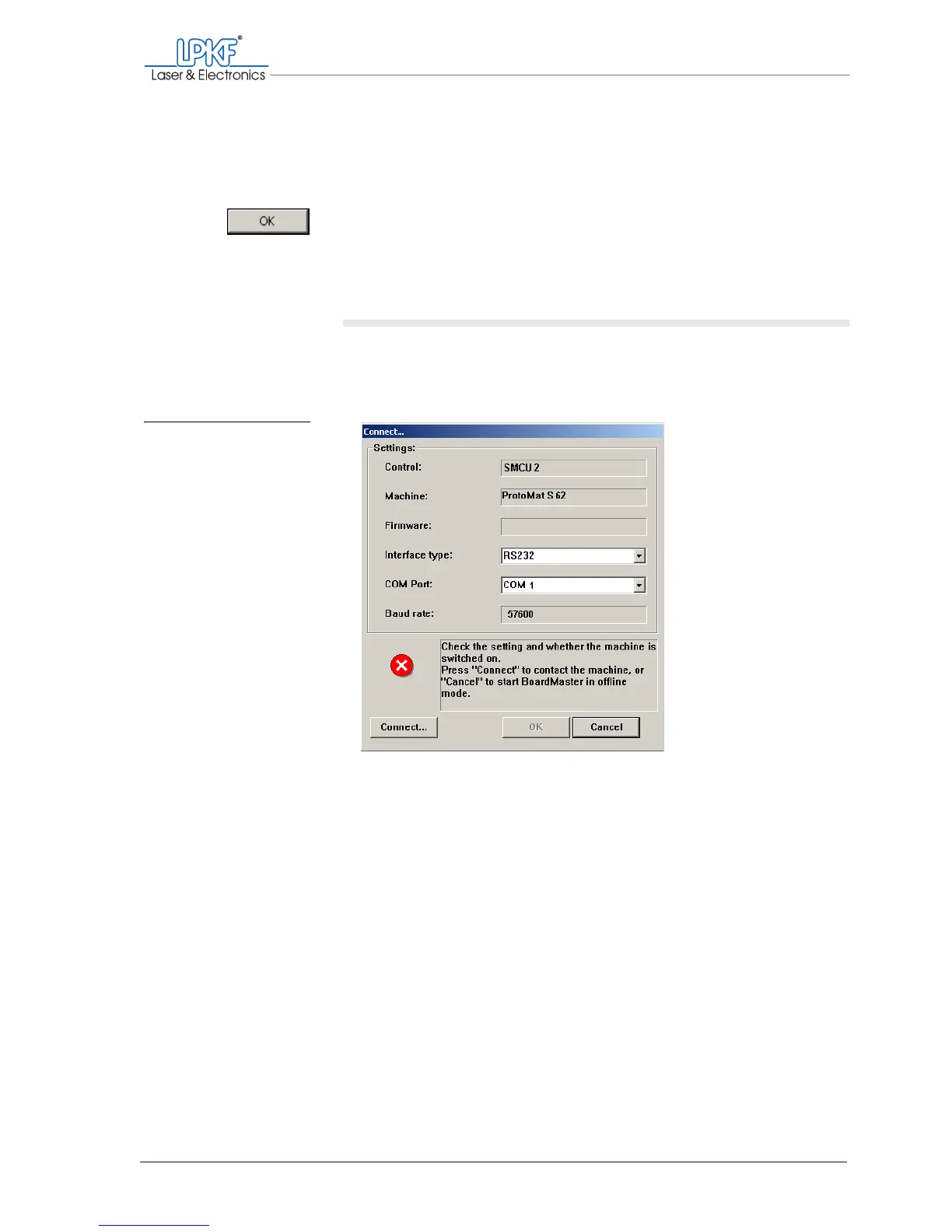
If the circuit board plotter is not recognised automatically, the input win-
dow Connect... appears. If necessary, you have to change the connec-
tion settings.
1. Make sure that the circuit board plotter is switched on and that the
milling/drilling head lighting is on.
Fig. 19: Input window Con-
nect...



 To Next Page