Setting up a job
94 ProtoMat
®
S62
Aligning/Distributing projects
To make optimum use of the base material, you can align, distribute
and duplicate projects individually.
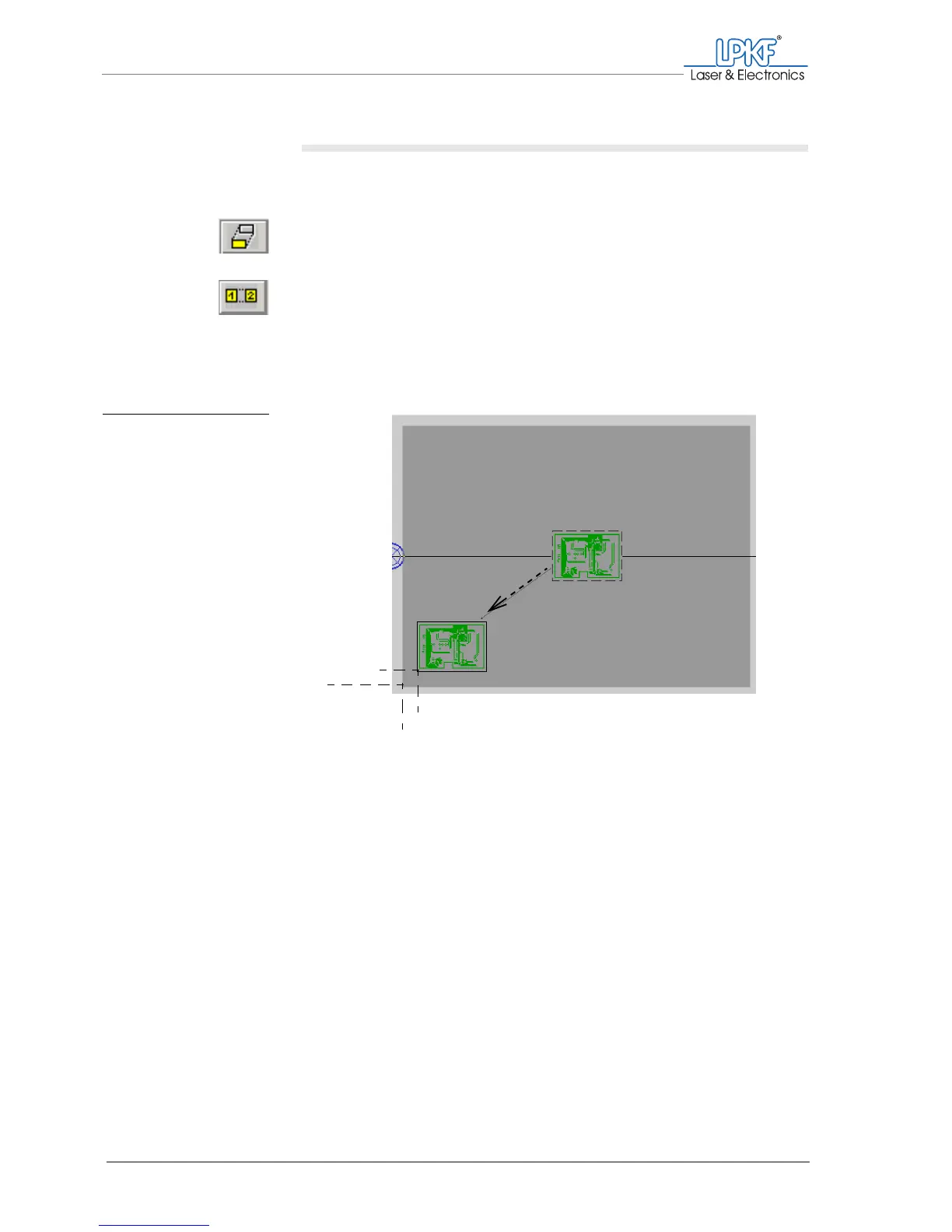
1. On the function bar, click on the Move instance button to move a
project on the work area.
or:
On the function bar, click on the Copy instance button to copy a
project and move the copy on the work area.
2. Drag the project to be moved with the left mouse button pressed to
the desired position on the work area. Make sure that the distance
between the project and the edges of the base material is at least
12 mm.
[ ] The project will be positioned where the mouse button is released.
Note: It is also possible to align a project exactly on reference points, ro-
tate and scale it and define it as a multiple panel. To do this, use the Edit >
Placement... menu item.
Fig. 40: Positioning a
project
12 mm
12 mm



 To Next Page