Setting the focus (VisionSystem only)
72 ProtoMat
®
S62
Adjusting the focus position
To set the focus position, the material to be used must be loaded.
1. Move the milling/drilling head so that the camera is positioned
above an as high-contrast area as possible, e.g. a bore, or at the
edge of a milling.
You might need to place a thin printed sheet of paper on the mate-
rial to be processed to serve as a contrast background.
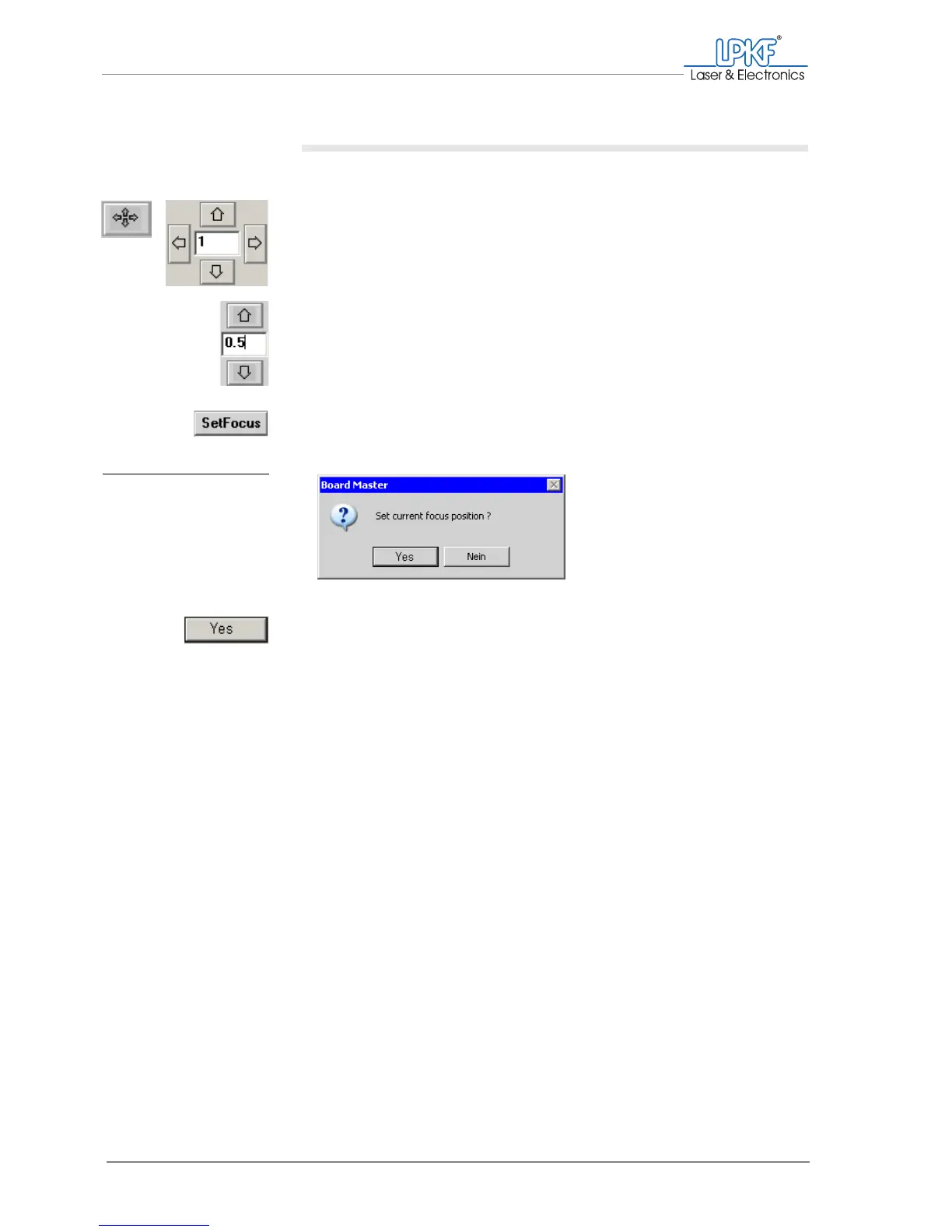
2. Use the arrow buttons (Move to z+/z-) to move the milling/drilling
head vertically and focus the camera image.
For fine-tuning, enter a value of 0.05 or less in the input box
between the arrow buttons.
The camera image is focussed.
3. On the function bar, click on SetFocus.
The "Set current focus position ?" window appears.
4. Click on Yes.
[ ] The vertical position of the milling/drilling head is saved as the focus posi-
tion.
Fig. 27: Adjusting the focus
position



 To Next Page