Configuring the tool holder position
124 ProtoMat
®
S62
III. Testing the tool holder position
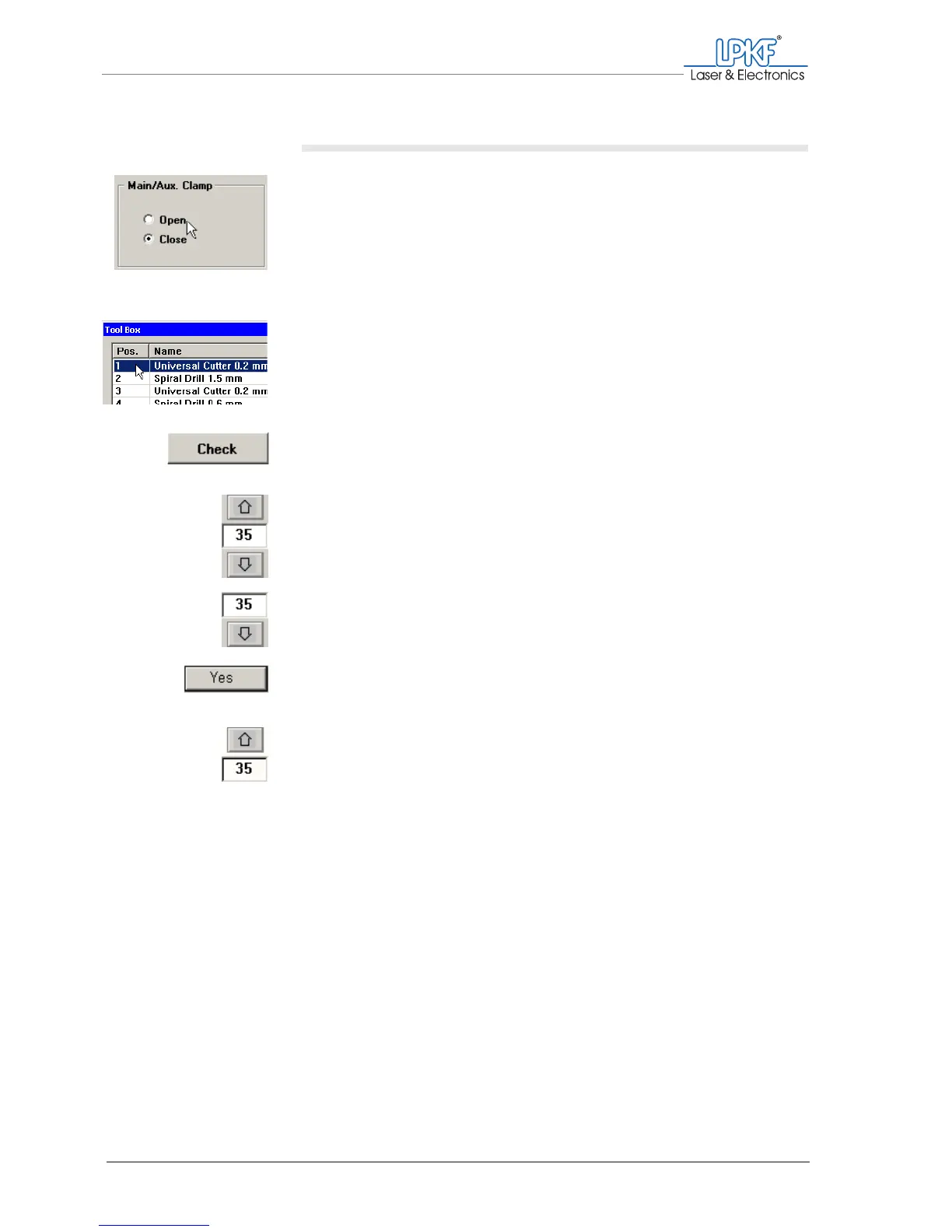
1. In the Main/Aux. Clamp field, click on Open.
The collet chuck opens.
2. In the Pos. column of the tool list, click on the tool position to be
checked.
3. Click on Check.
The milling/drilling head moves to the selected tool position.
4. IOn the function bar, enter the value
35
into the Move to Z input
box .
5. Click on Move to z-.
6. If the message "Infeed to the movement limit?" appears:
Click on Yes.
The milling/drilling head is lowered.
7. Click on Move to z+ to lift the milling/drilling head.
The position is correct and the test can be completed if the milling/drilling
head is lifted and lowered without tool contact.
[ ] The tool holder position must be corrected if the milling/drilling head col-
lides with the tool when it is lowered, or if it takes the tool out of the tool
holder when it is lifted (s. page 125).



 To Next Page