Positioning the milling/drilling head
58 ProtoMat
®
S62
When entering numerical values, decimal places must be separated by a
point (not a comma).
4.4 Positioning the milling/drilling head
The milling/drilling head can be positioned at will above the traversing
table. Thereby also the traversing table will be moved. The co-ordination
of both traversing directions is controlled by BoardMaster. In the follow-
ing, this procedure will be denoted as "moving the milling/drilling head".
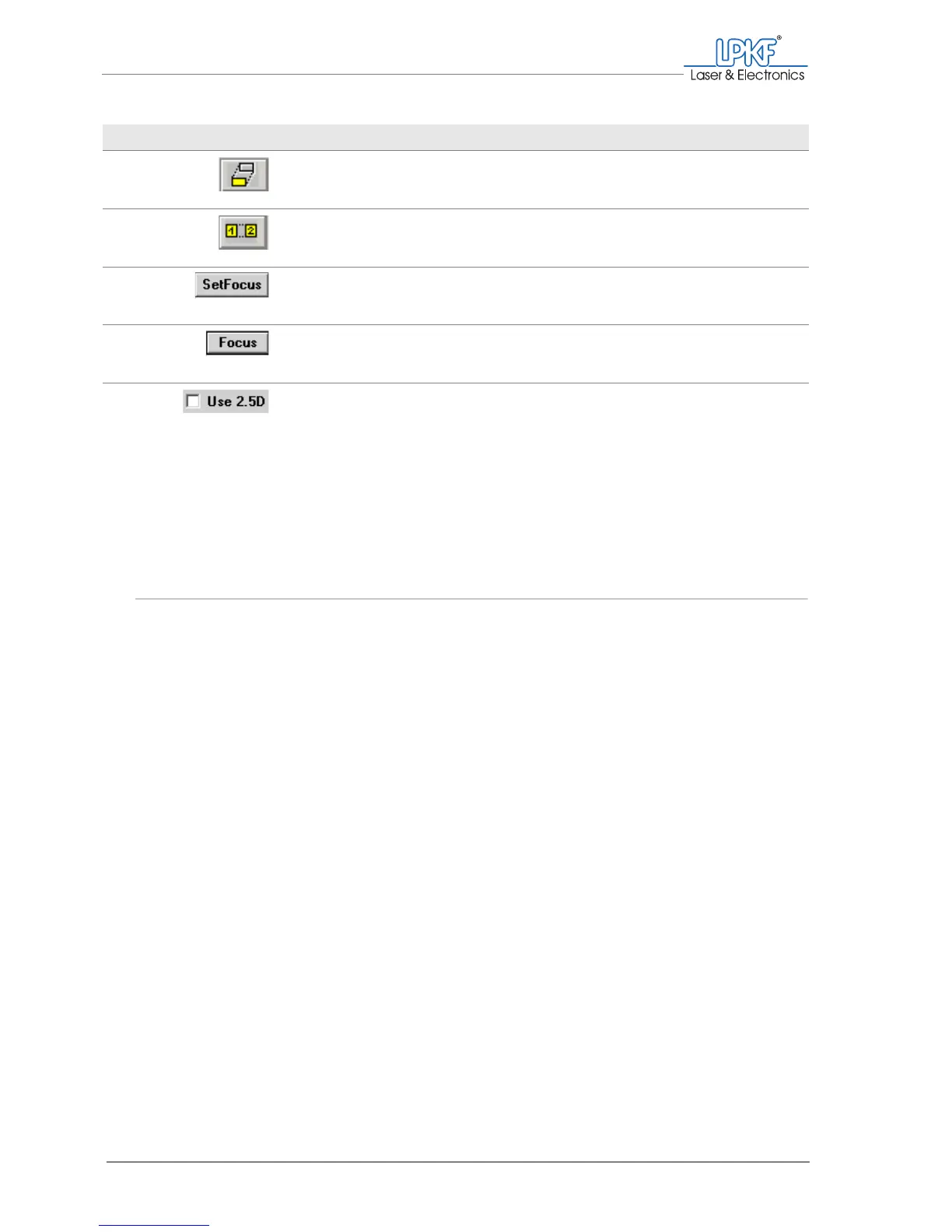
Move project Move a project on the work area with the mouse.
Copy project Copy a project and position the copy on the work
area with the mouse.
SetFocus Save the vertical position of the milling/drilling
head as the focus position.
Focus Move the milling/drilling head vertically to the
saved focus position.
Use 2.5 D A check mark appears to indicate that
2.5 D mode has been activated (as a status dis-
play only; the mode must be activated in the
Phases window).
Designation Function, note



 To Next Page