Manual tasks and settings
Operating Manual 7.1 Rev.: 18.06.2008 57
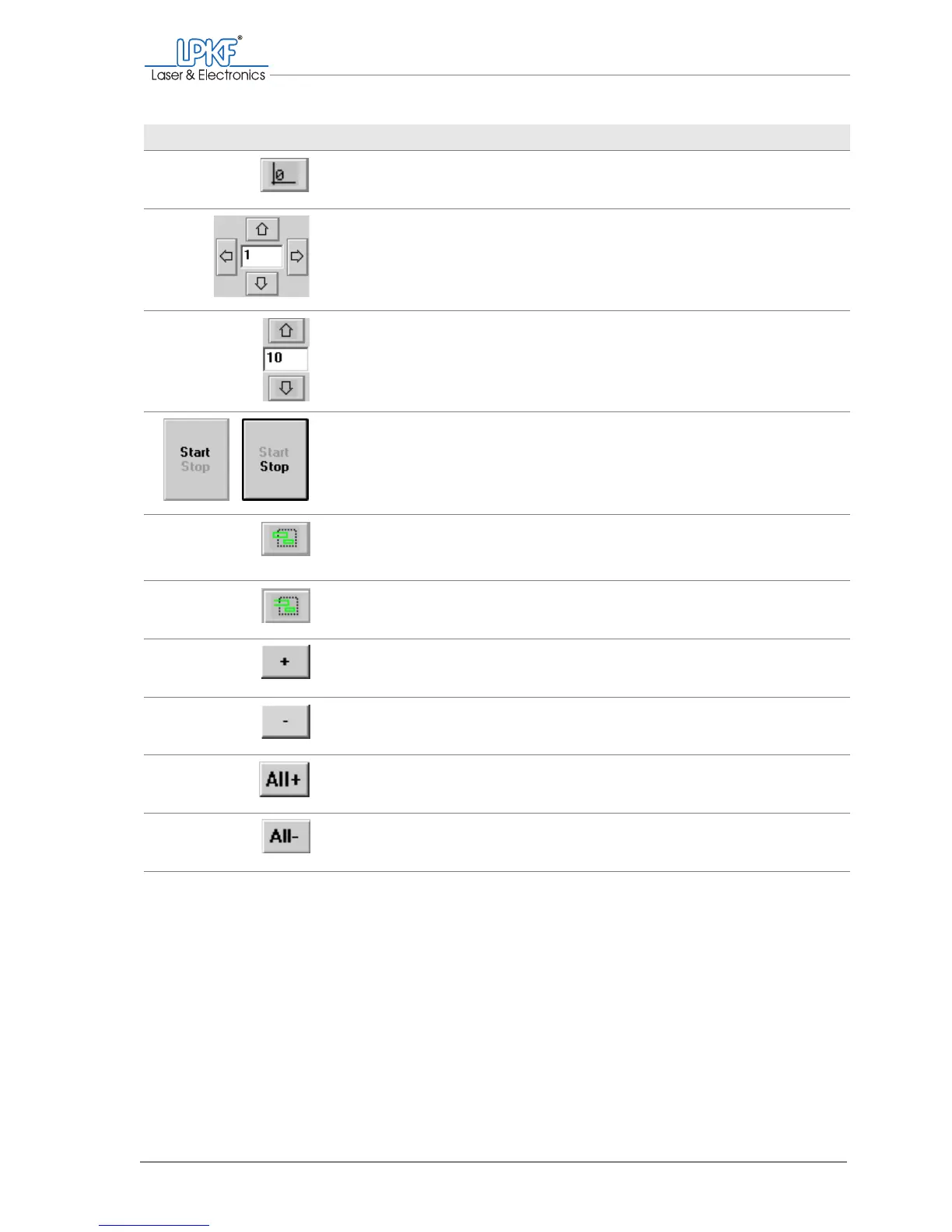
Move to zero Move the milling/drilling head to the zero posi-
tion.
Move to y+
Move to x-
Move to x+
Move to y-
Move the milling/drilling head horizontally.
Enter the increment in mm in the input box.
Move to z+
Move to z-
Move the milling/drilling head vertically.
Enter the increment in mm in the input box.
Start/Stop Start/stop the current production phase.
Add lines Add all (line) segments connected with the selec-
tion area.
Add segments Add all (line) segments within the selection area.
+ Activate selected elements for production.
- Deactivate selected elements
All+ Activate all elements for the current production
phase
All- Cancel the activation of all elements
Designation Function, note



 To Next Page