Loading
68 ProtoMat
®
S62
You can select one tool in each of the tool selection lists under Tool (2).
Each selection list contains all available tools.
Note: The most recently selected tools always appear as the default selections.
If you have already loaded a job, the required tools will be marked * or + in the
selection lists.
II. Assigning tool positions
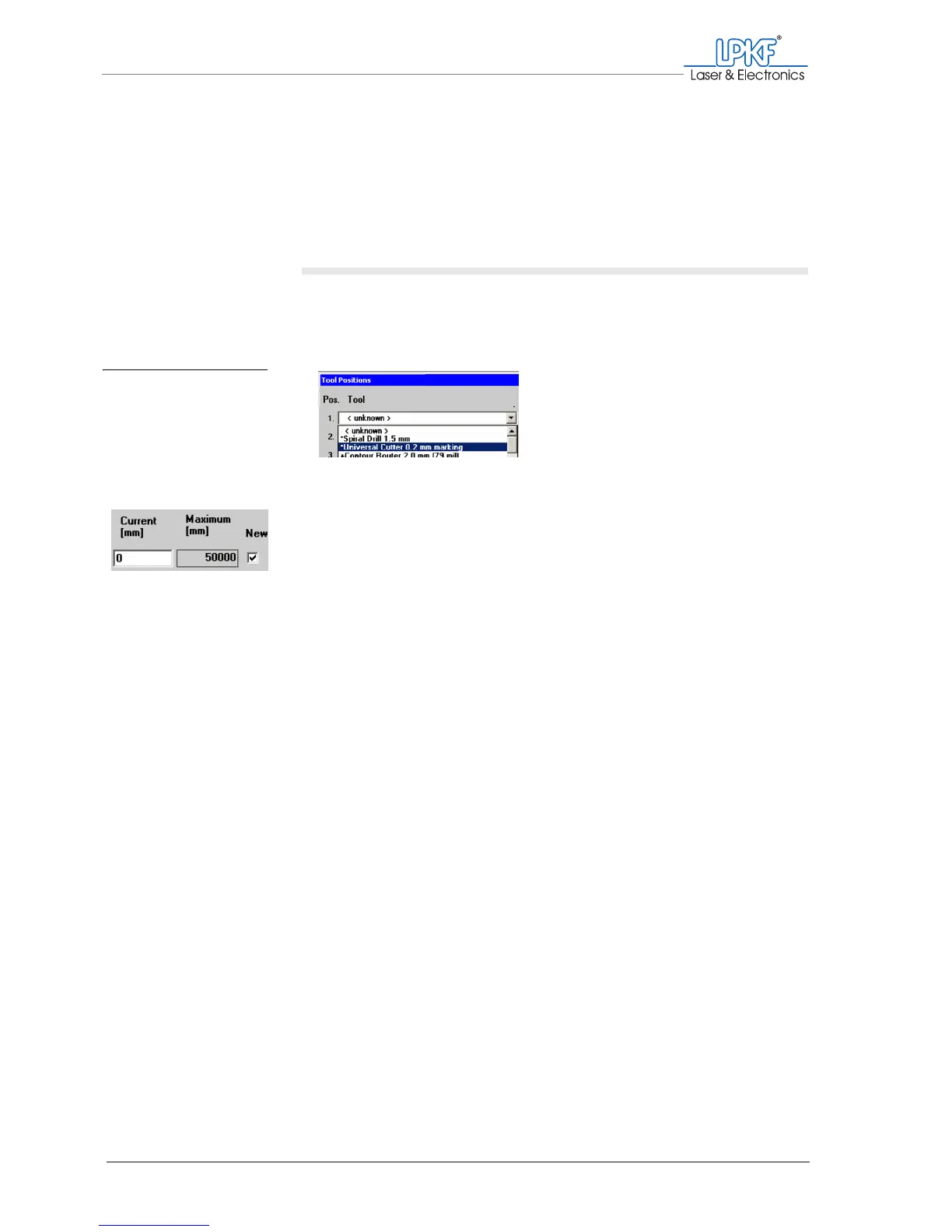
1. In the selction list Tool for Pos. 1 select one of the required tools
(e.g. the Universal Cutter 0.2 mm marking) for centre-punching
the drill holes).
2. If you want to use a new or unused tool:
Activate the checkbox in the New column.
3. Select the other tools you need from the following selection lists.
Once you have assigned a tool position for each of the required tools, the
input window could look like this:
Fig. 25: Assigning tool po-
sitions



 To Next Page