Working sequence in automatic mode
Operating Manual 7.1 Rev.: 18.06.2008 95
Saving a job
If you have have set up an already existing job, you can save it under a
different name or the current version can be overwritten.
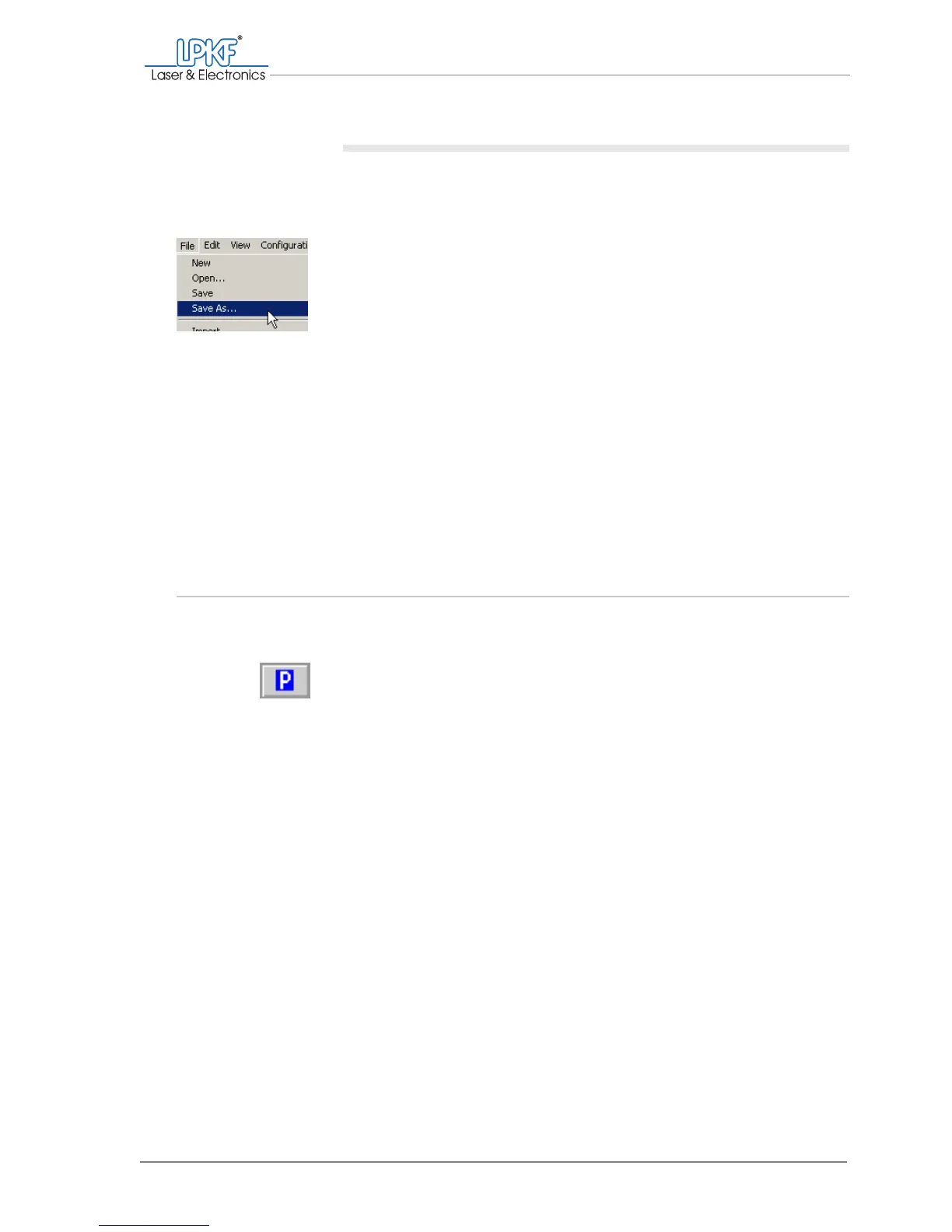
1. To save the job under a new name:
Click on File > Save as....
The Save as window will open.
2. Enter a meaningful name for the job in the File name box.
3. Click on Save.
[ ] The job will be saved under the desired name.
4. To save the job under the current name and discard the previous
version:
Click on File > Save.
[ ] The changed job will be saved under the previous name.
5.4 Setting up the tools
BoardMaster assists you in setting up the tools by displaying the tools
required for production in the Tool Positions window.
Before loading the tool magazine, make sure that the milling/drilling head
is in the pause position.
Note: The entries listed below correspond to the standard production of a single-
sided or double-sided printed circuit board with galvanic through-hole plating
(1-2layer.phs).



 To Next Page