Manual tasks and settings
Operating Manual 7.1 Rev.: 18.06.2008 49
II. Setting the suction force (optional)
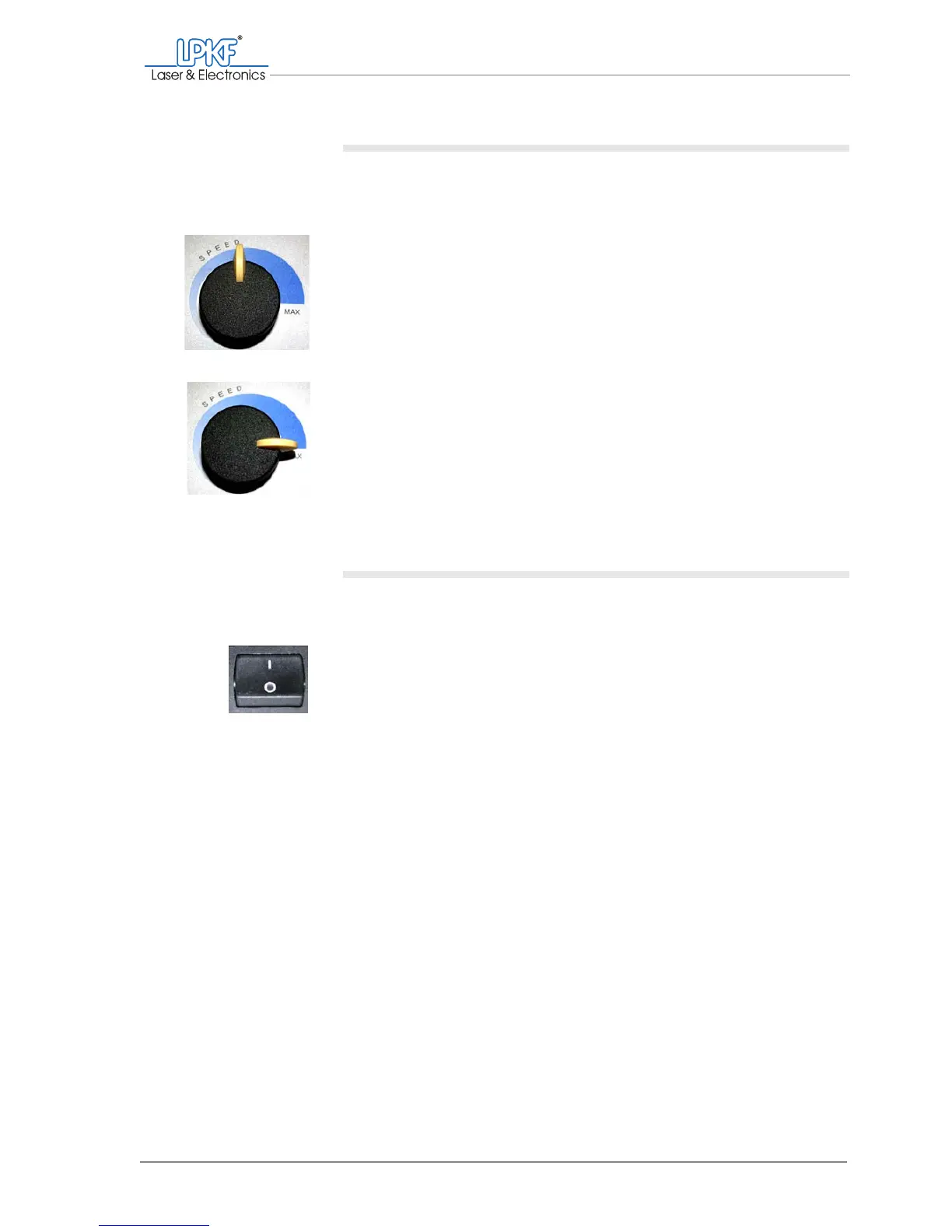
1. Turn the Speed controller to select the desired suction force. For
the optimum operation with low noise pollution we recommend the
following settings:
– Basic equipment (without vacuum table):
Turn the Speed controller to the medium range.
– For operation with vacuum table (optional):
Turn the Speed controller to the position Max.
[ ] The dust extraction is ready for operation.
III. Switching on the circuit board plotter
1. Make sure that there are no objects on the traversing/vacuum table
of the circuit board plotter.
2. Switch the main switch of the ProtoMat
®
S62 to the position I.
Note: The main switch is located on the right side of the circuit board plot-
ter (if necessary, inside of the acoustic cabinet).
The lighting of the milling/drilling head is on.
3. Close the the acoustic cabinet cover.
Note: With opened cover the data communication to the computer is inter-
rupted and the circuit board plotter can not be controlled by BoardMaster.
[ ] The circuit board plotter is switched on.



 To Next Page